


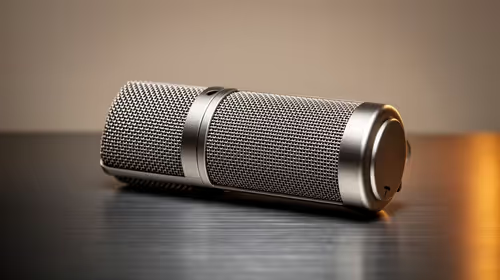
Supercardioid vs Cardioid Microphone: Which Picks Up Less Noise
Supercardioid vs Cardioid microphone: Find which pattern picks up less background noise and when to choose each. ✅ Clear guidance for streamers, podcasters, and live sound.
Read morebest monitor for gaming and office work — Checklist: 1) Compare refresh & color; 2) Prioritize ergonomics; 3) Balance price vs features. 🎮💼 Quick guide with top picks and setup tips for dual-purpose monitors.
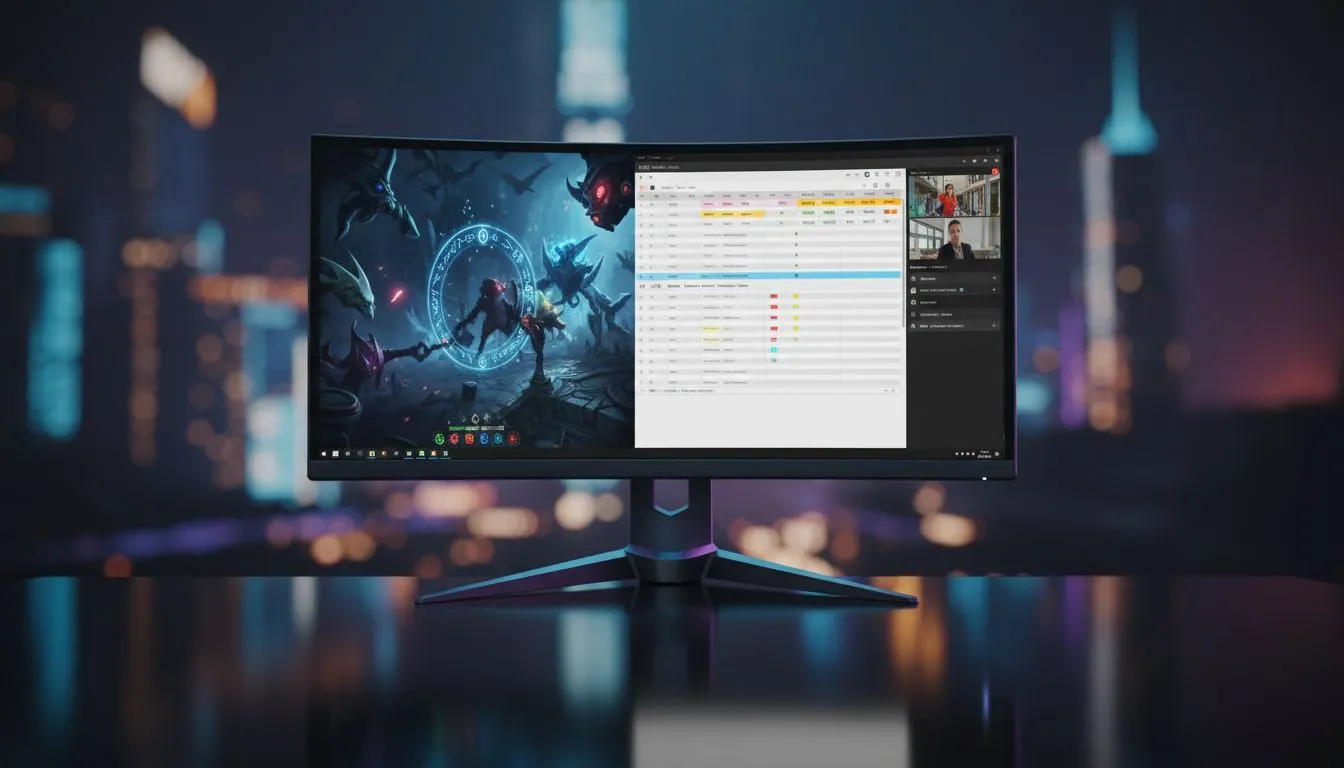
Finding the best monitor for gaming and office work used to be a compromise. You either had dull colours or slow response times. Today, South African professionals and gamers can have both. Whether you are crunching numbers in a Sandton office or clutching a 1v4 in Valorant, the right display is your most important tool. It needs to be versatile... and it needs to be easy on the eyes. 🚀
For those who spend eight hours a day in Excel followed by a night of gaming, IPS panel types are the gold standard. These screens offer superior colour reproduction and wide viewing angles. This ensures your spreadsheets look crisp and your open-world RPGs look vibrant. You can browse our full range of PC monitors to see how modern tech has bridged the gap between work and play.
On Windows, use the PowerToys FancyZones utility to create custom snap layouts for your windows. It's a lifesaver for managing multiple apps on a high-resolution monitor, letting you organise your email client, browser, and Slack windows perfectly for a streamlined workflow.
Screen tearing is a nightmare for both gaming and video editing. That is where sync technology comes in. If you use a Radeon card, look for FreeSync (AMD) support. NVIDIA users should prioritise G-Sync (NVIDIA) to keep motion fluid. Many modern displays now feature Adaptive Sync which works across various hardware setups... making it a safe bet for any dual-purpose rig. ✨
The shape of your screen affects your focus. Many professionals prefer flat screens for architectural work or design because they offer straight lines without distortion. However, if you want an immersive experience that wraps around your field of view, curved monitors are excellent for reducing eye strain during long sessions. 🔧
Choosing the best monitor for gaming and office work often comes down to personal preference... but with prices starting well under R5,000 for high-quality units, there has never been a better time to upgrade your home office.
Ready to Find Your Perfect Match? Finding the best monitor for gaming and office work is about balancing performance and comfort. For maximum power, choice, and value in South Africa, our curated selection is hard to beat. Explore our massive range of monitor specials and find the perfect machine to conquer your world.
A 27-inch IPS monitor with 75–144Hz, low response time, and accurate color works best. See 'best 27 inch monitor for work and gaming' for model recommendations.
Not always. 75–120Hz offers smooth casual gaming and great productivity. 144Hz benefits competitive play—check '144hz monitor for office and gaming' options.
Yes. An ultrawide monitor for productivity and gaming boosts multitasking and immersion, but confirm GPU support and desk space first.
Balance both: choose IPS for color and 75–144Hz for smoothness. Read 'IPS vs VA for work and gaming' to pick based on photo work versus competitive play.
Yes. Look for an affordable monitor for gaming and productivity with IPS, 75–100Hz, and an adjustable stand—often the best budget dual-purpose monitor.
27 inches is a sweet spot—ample workspace without overwhelming distance. Check 'best 27 inch monitor for work and gaming' lists for top picks.
Very. An ergonomic monitor for productivity and gaming reduces strain—height, tilt, swivel, and VESA mount support matter more than raw specs.
Supercardioid vs Cardioid microphone: Find which pattern picks up less background noise and when to choose each. ✅ Clear guidance for streamers, podcasters, and live sound.
Read more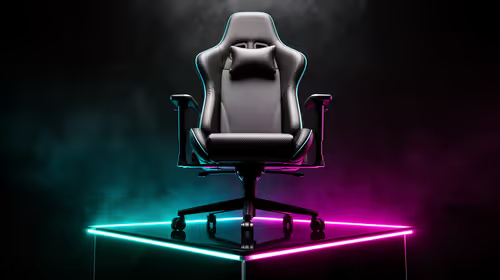
Mid-range gaming chair options can match comfort and support for most players—learn when you should splurge and when a mid-range gaming chair will work. Save money and protect posture. 🎮💺
Read more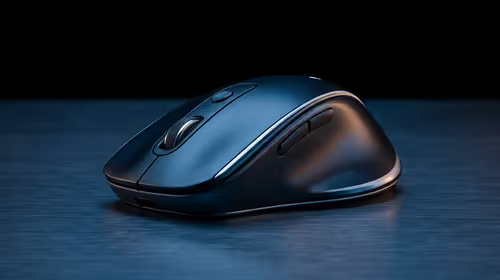
- Identify best mouse recoil control keyword; - Build targeted long-tail phrases; - Create SEO elements and picks 🎯🖱️ Best mouse recoil control vertical sensitivity tips to cut recoil, refine aim, and pick the right FPS mouse.
Read more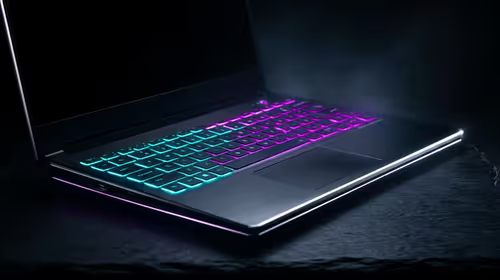
Used gaming laptop checklist — • Confirm performance • Inspect build & thermals • Verify battery & connectivity. Use quick checks to ensure a second-hand laptop runs PUBG smoothly and avoid bad buys. 🕹️🔍
Read more
Best UPS for Gaming South Africa: Stop power cuts from kicking you out of PUBG ranked—compare runtimes, transfer times and budget picks to stay online ⚡🎮
Read more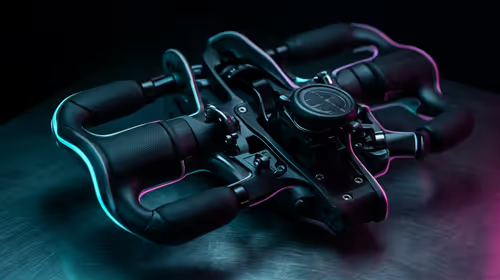
Checklist: 1) Choose flight yoke system by rotation & desk fit; 2) Compare throttle controls; 3) Confirm mounting space. Flight yoke system buyers' guide to pick the best fit for your sim ✈️🖥️
Read more
Wondering if a TKL wireless mechanical keyboard is worth it for everyday productivity? We break down latency, battery life, comfort, and workflow gains for real work. ⚡⌨️

Maximise battery life on a fanless 15-inch laptop using efficiency core architecture. Cut idle drain, tune power profiles, and improve thermals for longer runtime. 🔋⚙️

Learn how to reduce desk clutter with a TKL wireless keyboard using fewer cables, smart placement, and tidy essentials. Get a faster, calmer workspace with better ergonomics. ✅🧼

RGB keyboard lighting too distracting? Learn how to manage backlight modes, set brightness, and reduce distraction for focus and productivity 😌🖱️

Are themed gaming keyboards worth the extra cost? Compare build quality, switch options, features, and resale value to find the best fit for your setup 🎮⌨️

Full-Size vs Tenkeyless mechanical keyboards for gaming: find out if a smaller layout truly improves aim, speed, and comfort. We break down layout, desk space, latency-feel, and keybinds 🎮⌨️

Dedicated media rollers vs function key shortcuts: learn which setup gives you better workflow control, faster media access, and fewer mistakes. 🖱️🎧

Best Mechanical Switch Type for Gaming: Clicky vs Linear vs Tactile. Find your feel, speed, and noise balance with practical guidance for FPS, MOBA, and productivity 😄🎮

Direct mouse answer: Mouse not keeping up with your work? Everything that matters about dual-mode 2.4GHz + BT 5.0: DPI behaviour, channel switching, battery curves and per-app button mapping. Covers when 2.4GHz USB wins (low-latency desk) and when BT 5.0 wins (laptop, d

Plain wireless mouse guide: Mouse not keeping up with your work? Everything that matters about wireless productivity mouse: DPI behaviour, channel switching, battery curves and per-app button mapping. Includes DPI tuning tips, channel switch shortcuts, and ZAR-aware fea

Real productivity numbers: Set up your wireless mouse in this order: everything that matters about wireless productivity mouse: DPI behaviour, channel switching, battery curves and per-app button mapping. Includes DPI tuning tips, channel switch shortcuts, and ZAR-aware

Pen not feeling like paper? Stylus lag and skipping usually trace to old drivers, dirty nibs, or display refresh mismatches, not the pen itself. Covers pressure curve tuning, tilt thresholds, nib swap timing, and SA pricing brackets.