


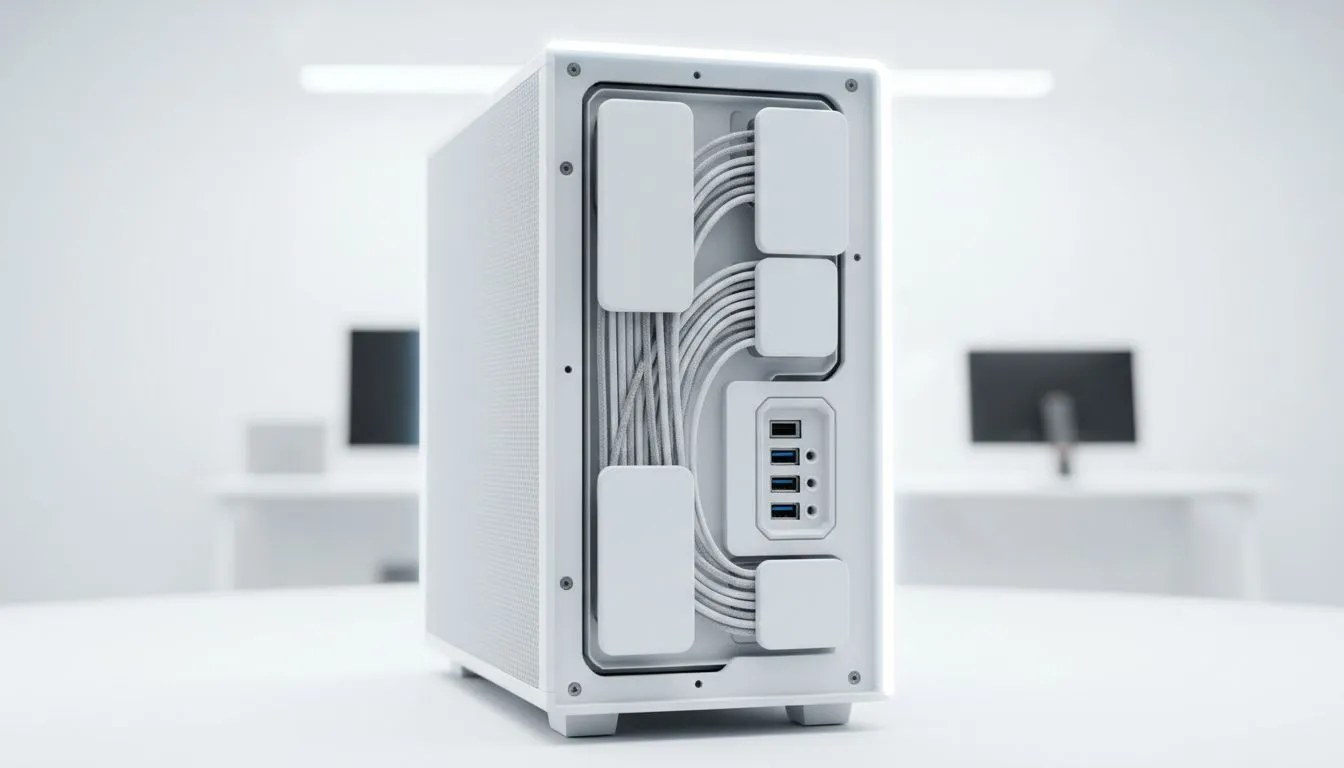
Tired of that rat's nest of cables choking your PC's airflow and ruining your rig’s aesthetic? We’ve all been there. A clean build looks incredible, but it's also crucial for optimal cooling and easier upgrades. The good news? Achieving flawless cable management is easier than ever. The secret isn't just about skill… it's about choosing one of the best PC cases for cable management from the start, especially with new "back-connect" designs hitting the scene. ✨
Why Great Cable Management is More Than Just Looks
A spaghetti junction of cables behind your motherboard isn't just ugly; it's a performance killer. When cables obstruct airflow, your fans have to work harder, leading to higher temperatures and more noise. A tidy setup allows cool air to flow freely over your CPU, GPU, and other critical components, potentially extending their lifespan and boosting performance.
Proper cable management also makes your life infinitely easier when it's time to upgrade or troubleshoot. Need to swap out a RAM stick or add a new SSD? A well-managed case means you can do it in minutes, not hours.
The "Back-Connect" Revolution: A Cleaner Future
One of the most exciting developments for PC builders is the rise of back-connect motherboards and cases. Think of motherboard standards like ASUS BTF (Back To the Future) or MSI Project Zero. These clever designs move most of the power and data connectors (like the huge 24-pin motherboard power, CPU power, and fan headers) to the back of the motherboard.
This means they plug in from behind the motherboard tray, making them completely invisible from the front. The result? An unbelievably clean, almost cable-free look that was once only possible with extreme custom modding. To take advantage of this, you need a compatible chassis with cutouts in the right places. It's a peek into the future of PC building, and it makes finding the best PC cases for cable management a whole new game.
Finding the Best PC Case for Your Build
Whether you're planning a cutting-edge back-connect build or a traditional setup, the principles of a good case remain the same: ample space behind the motherboard tray, plenty of tie-down points, and smart routing channels.
Premium Features vs. Smart Value
You don't always have to spend a fortune to get a great result. High-end brands like Fractal Design are renowned for their builder-friendly layouts, premium materials, and thoughtful cable routing options. They often include built-in velcro straps and deep channels that make tidying up a simple pleasure. 🔧
On the other hand, many builders want that killer gaming aesthetic without the premium price tag. Thankfully, innovators like Gamdias offer stylish gaming cases that blend bold looks with smart internal designs. Many of these cases offer features like PSU shrouds and generous rear clearance, which are key to hiding cables effectively. It proves that a PC case for clean cable management is accessible at any budget.
Cable Taming Toolkit ⚡
Don't just rely on the case! A good set of velcro cable ties is reusable and much more forgiving than single-use zip ties. For routing fan or RGB cables, small adhesive cable clips are fantastic for guiding wires along the case's metal frame, keeping them perfectly hidden and secure.
Budget-Friendly Champions
Getting a clean build on a tight budget is a classic South African challenge, and it's totally achievable. The key is looking for modern designs that prioritise smart layouts over exotic materials. You'll be surprised at how many features you can get without emptying your wallet. For example, you can find fantastic Gamdias cases under R1500 that provide more than enough room and tie-down points for a build that looks a million bucks.
Ultimately, the best choice depends on your components, your budget, and your personal style. From minimalist boxes to full-on RGB showcases, Evetech's full range of computer cases has the perfect foundation for your next masterpiece. 🚀
Ready to Build a Cleaner, Cooler PC? A tidy rig is more than just looks; it's about performance and pride. With the right case, cable management becomes a breeze, not a battle. Explore our massive range of PC Components and find the perfect chassis to start your masterpiece.









