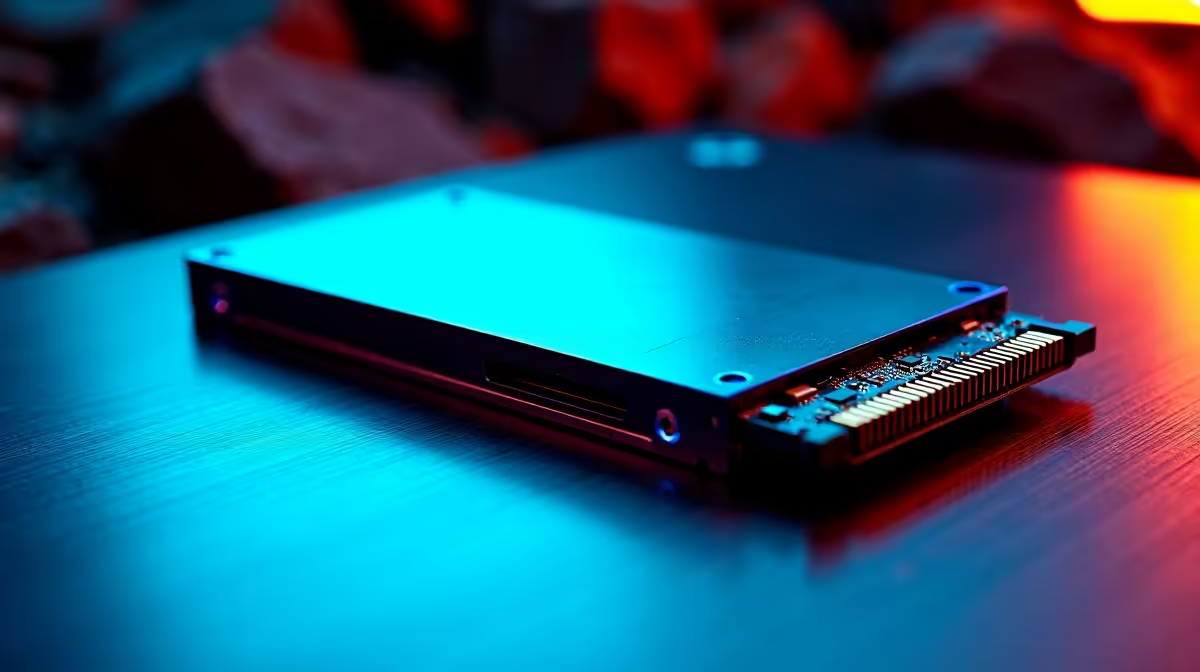
Ready to pull off the biggest heist the Outer Rim has ever seen? ✨ Star Wars Outlaws is warping in, and its massive, seamless worlds demand a PC that can keep up. Don't let a slow, clunky hard drive leave you stuck on a loading screen while the Empire closes in. To guarantee your getaway is always instant, you need the right hardware. This guide breaks down the best SSD for Star Wars Outlaws so you can explore the galaxy without a single stutter.
Why a Fast SSD is Non-Negotiable for Outlaws
Let's be honest… modern open-world games are demanding. They constantly stream huge amounts of data—textures, character models, entire sections of the map—from your storage drive to your RAM and GPU. A traditional hard drive just can't keep pace, leading to frustrating texture pop-in, jarring stutters, and loading times that pull you right out of the action.
For a game like Star Wars Outlaws, where you can go from a high-speed chase on your speeder straight into a bustling city, a speedy SSD is crucial. It ensures the world loads around you smoothly and instantly, keeping you fully immersed in your scoundrel fantasy. Upgrading is one of the most noticeable improvements you can make to your gaming rig, and there's a huge variety of solid-state drives available to fit any setup.
Choosing the Best SSD for Star Wars Outlaws: Key Specs
Finding the perfect drive isn't just about picking the biggest number. You need to know what specs actually matter for a seamless gaming experience.
NVMe: The Only Choice for Modern Gaming
If you're building or upgrading a gaming PC in 2024, an NVMe (Non-Volatile Memory Express) M.2 SSD is the only way to go. These drives look like a small stick of RAM and plug directly into your motherboard, leaving older, slower SATA SSDs in the dust. The direct PCIe connection offers massively superior read and write speeds, which translates directly to faster game loading and asset streaming. If you want the best performance for Star Wars Outlaws, browse the latest NVMe SSDs to see the difference for yourself.
Speed & Capacity
For gaming, read speed is king. This number (measured in MB/s) determines how quickly the game can load assets. A modern PCIe 4.0 NVMe drive offers speeds that make even the biggest worlds load in a flash.
When it comes to capacity, game sizes are only getting bigger. We recommend a minimum of 1TB to comfortably fit Star Wars Outlaws, your operating system, and a few other favourite titles. A 2TB drive is the new sweet spot, giving you plenty of breathing room for future releases.
Check Your Motherboard! 🔧
Before you buy a new NVMe SSD, double-check your motherboard's specifications. Make sure you have a free M.2 slot and confirm which PCIe generation it supports (e.g., PCIe 3.0, 4.0, or 5.0). While a faster Gen 4 drive will work in a Gen 3 slot, it will run at the slower Gen 3 speeds, so matching them is best for optimal performance!
Our Top SSD Tiers for Your Outer Rim Adventures 🚀
Not every scoundrel has a mountain of credits. Here’s a breakdown of the best SSD options for any budget, ensuring you get a great Star Wars Outlaws SSD experience without having to sell your ship.
The Scoundrel's Starter (Budget Pick)
You don't need to spend a fortune to get a massive performance boost. An entry-level PCIe 4.0 or even a high-quality PCIe 3.0 NVMe drive will still be a monumental leap over any hard drive or SATA SSD. These drives offer fantastic value for money and are perfect for gamers looking for a cost-effective upgrade. Keep an eye on the best SSD deals in South Africa to snag a top-tier drive for a bargain.
The Guild Leader's Choice (Mid-Range Sweet Spot)
This is where most gamers should be looking. A mid-range PCIe 4.0 NVMe SSD offers the perfect balance of blistering speed and affordable pricing in ZAR. With read speeds often exceeding 5,000MB/s, these drives will handle anything Star Wars Outlaws can throw at them, ensuring your adventures are smooth, fast, and incredibly immersive.
Can You Use an External SSD?
While you can technically run games from an external drive, we wouldn't recommend it for a primary title like Outlaws. An external SSD is fantastic for storing your game library or transferring files, but even with a fast USB-C connection, it won't match the raw performance of an internal NVMe drive. For the best, most stable experience, installing the game on an internal drive is the way to go.
Ultimately, a fast SSD isn't just a component; it's an investment in your gaming experience. It cuts down waiting and keeps you in the action, which is exactly where you want to be when you're exploring the galaxy. Make sure your rig is ready by checking out Evetech's full range of SSDs.
Ready to Make the Kessel Run in Record Time?
A fast SSD is the key to unlocking a seamless, stutter-free adventure in Star Wars Outlaws. Don't let loading screens ruin your heist. Explore our massive range of SSDs and find the perfect drive to launch your PC into hyperspace.