So, you're getting ready to drop some serious ZAR on the beastly NVIDIA RTX 5090. We get it. You're chasing unparalleled frame rates and visuals so crisp they'll make you weep. But hold up… have you thought about your storage? Sticking a GPU that powerful in a rig with a slow SSD is like putting old, worn-out tyres on a Formula 1 car. You're heading for a massive performance bottleneck. 🚀
Why Your SSD is Crucial for the RTX 5090
Let's cut to the chase. A storage bottleneck happens when your graphics card is ready to render the next scene, but it's stuck waiting for your drive to load the game assets—textures, models, and environments. With the RTX 5090's immense power, this waiting game will be more noticeable than ever, leading to stuttering, pop-in, and frustratingly long loading screens.
Modern gaming technologies like Microsoft's DirectStorage API make this connection even more critical. DirectStorage allows the GPU to pull game data directly from your SSD, bypassing the CPU. This massively speeds things up, but only if your drive is fast enough to keep up. Choosing one of the best SSDs for your RTX 5090 isn't just a recommendation; it's essential to unlock the full potential of your investment.
Key Specs for the Best RTX 5090 SSD
Navigating the world of SSDs can feel complex, but for a high-end build, you only need to focus on a few key things.
NVMe Gen5: The Gold Standard ⚡
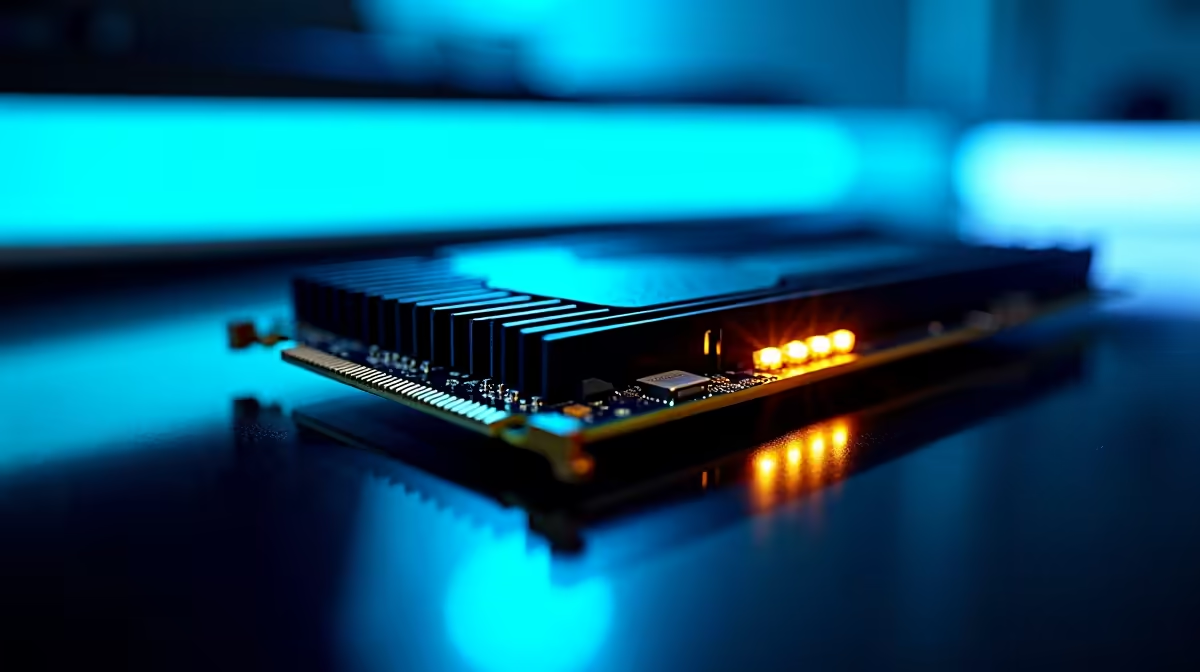
For a top-tier card like the 5090, a PCIe Gen5 NVMe SSD is the ultimate partner. These drives offer breathtaking sequential read and write speeds, often exceeding 12,000MB/s. This translates to near-instantaneous game loading and asset streaming. While a top-end Gen4 drive is still incredibly fast, Gen5 is the future-proof choice that ensures your storage won't hold you back for years to come. Explore our range of cutting-edge NVMe SSDs to see the latest in speed technology.
Heatsink Check! 🔧
PCIe Gen5 SSDs run hot under load. Sustained high temperatures can cause them to 'throttle' or slow down to protect themselves. Always ensure your Gen5 drive is installed with a heatsink. Most enthusiast motherboards include one, and many SSDs come with their own. Don't skip this step!
Capacity: Don't Skimp on Space
Games aren't getting any smaller. Titles like Baldur's Gate 3 and the latest Call of Duty can easily demand over 150GB of space each. For a primary gaming drive paired with an RTX 5090, we recommend a minimum of 2TB. If you're a serious gamer who hates uninstalling titles, a 4TB drive is a worthy investment for peace of mind. You can browse our wide range of solid state drives to find the perfect capacity for your library.
Beyond Gaming: What About Other Drives?
Your main gaming drive is the priority, but don't forget about your other storage needs. Having a separate, dedicated drive for your operating system is a great practice. And for backups, media, or that massive backlog of games you'll definitely play one day, consider using fast external SSDs. They offer incredible convenience and speed for transferring large files without cluttering your main drive.
Finding the Right Drive for Your Budget
The absolute best SSDs for an RTX 5090 build are undoubtedly the latest Gen5 models. They offer performance that perfectly complements the GPU's power. However, a high-quality PCIe Gen4 drive from a reputable brand still delivers phenomenal gaming performance and can be a smarter buy if you're looking to balance your budget. The key is to avoid older SATA SSDs for your main gaming drive. Keep an eye on specials to get the most bang for your buck; you can always check out the latest SSD deals right here at Evetech. ✨
Ready to Eliminate Bottlenecks?
Your RTX 5090 deserves a storage solution that can keep up. Don't let a slow drive sabotage your gaming experience. Explore our massive range of high-speed SSDs and find the perfect drive to unleash the true power of your next-gen build.