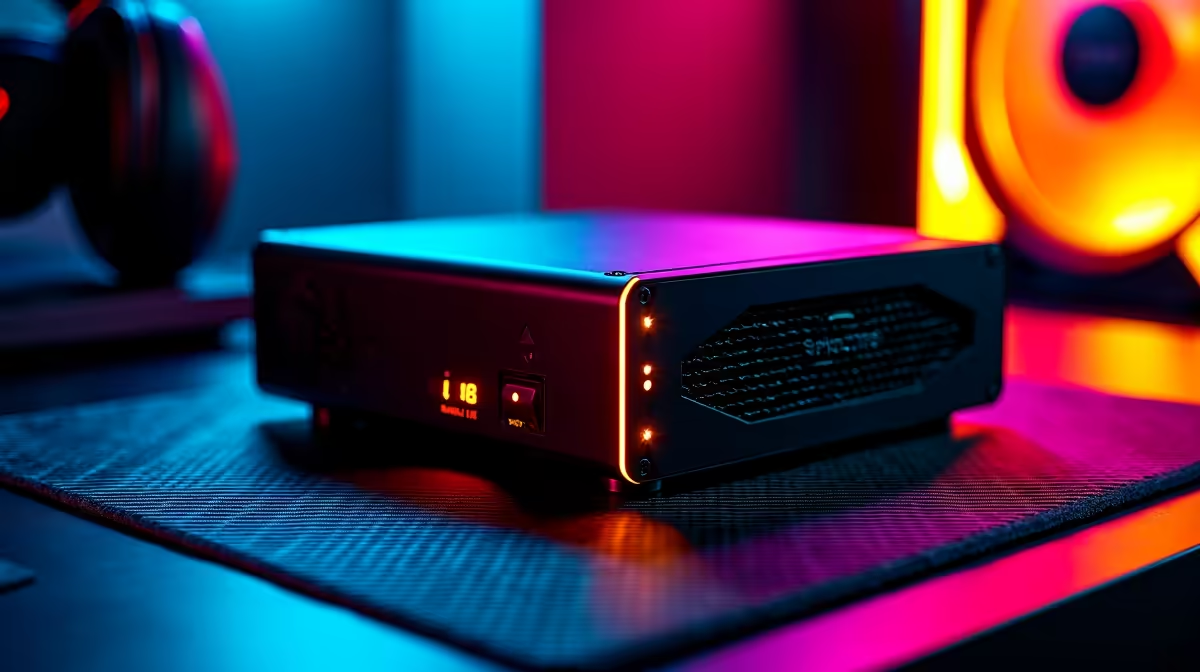
You’re in the final circle, clutch moment, one enemy left. Then… silence. The screen goes black. Eskom has struck again. For South African gamers, this isn't just an annoyance; it's a constant threat to your rank, your hardware, and your sanity. Investing in the best UPS for your gaming PC in South Africa isn't a luxury... it's essential gear. This guide will help you find the perfect power protector. ⚡
Power Protection and Reliability
Power surges, dips (brownouts), and line noise can slowly degrade or instantly destroy sensitive electronics. Your PC's power supply is the gatekeeper, but it can only handle so much. A UPS (Uninterruptible Power Supply) acts as a dedicated bodyguard for your entire setup.
Think of it as an insurance policy. A sudden surge can fry your motherboard, while a brownout can corrupt your OS files or, even worse, the save file you've poured 100+ hours into. A good UPS conditions the power, smoothing out these dangerous fluctuations and providing a clean, stable current to your components.
Decoding the Jargon: What to Look for in a Gaming UPS
Shopping for a UPS can feel like learning a new language. Let's break down the key specs so you can choose with confidence.
VA vs. Watts: The Power Rating
You'll see two numbers: Volt-Amperes (VA) and Watts (W). The Watt rating is the most important one—it tells you the maximum actual power the UPS can supply. Your goal is to have a UPS with a Watt rating that is higher than your PC's total power draw at full load.
A simple rule of thumb is to check your Power Supply Unit's (PSU) wattage. If you have a 750W PSU, a UPS rated for at least 500W (often around 900-1000VA) is a safe starting point for a typical gaming load.
Quick UPS Sizing Tip 🔧
To find your PC's max power draw, use an online calculator or check reviews for your specific GPU and CPU. Add about 20-25% to that number for a safety buffer. For example, if your system draws 400W under load, look for a UPS with a Watt rating of at least 500W. This ensures it won't be overloaded during intense gameplay.
Line-Interactive vs. Online UPS
For gaming PCs, a Line-Interactive UPS is the sweet spot. It has a built-in voltage regulator that corrects for minor power fluctuations without switching to battery power, saving battery life for a real blackout. An Online UPS is more advanced (and expensive), constantly running power through its battery, but it's overkill for most home gaming setups.
Our Top Picks: The Best UPS for Gaming PCs in SA for 2026
While specific models change, finding the best UPS for a gaming PC in SA involves matching the unit to your rig's needs. Here are the categories to look for:
The Entry-Level Guardian (650VA - 1000VA)
Perfect for budget-to-mid-range gaming PCs. This will give you enough time—typically 3 to 7 minutes—to safely save your game, exit, and shut down your PC properly when the power cuts. It’s the essential, no-frills protection every gamer should have.
The Squadron Leader (1200VA - 2000VA)
This is the all-rounder for most serious gamers. If you're running a modern graphics card and CPU, this category provides a healthier runtime and can often support your monitor and router too. It offers a great balance of price, performance, and peace of mind. ✨
The Juggernaut (2000VA+ Pure Sine Wave)
Got a beastly rig with a top-tier GPU and a high-wattage PSU? You need a Juggernaut. These high-capacity units provide a "Pure Sine Wave" output, which is the cleanest power available and is recommended for sensitive, high-end power supplies. This is the ultimate protection for a premium gaming investment.
Don't Forget Your Network! Protecting Your Connection
What good is a running PC if your internet is dead? A power cut kills your entire connection. That's why smart gamers plug their networking gear into the UPS too. A stable online experience depends on your whole chain of hardware, from your PC's network adapters to your primary fibre routers.
Whether you rely on robust wireless networking or the stability of a wired networking setup, keeping it powered is crucial. This includes any network switches or wireless range extenders you use. Protecting your main wireless routers ensures you can at least message your squad to let them know an unexpected outage got you.
The PSU & UPS Partnership: A Critical Link
Your PC's power supply unit is the heart of your rig. A quality unit, like a dependable Corsair power supply, is your first defence against dirty power. But even the best PSU can't fight a total blackout. Pairing it with the right UPS creates a formidable team. 🚀
High-performance PSUs, especially a clean-cabling Full Modular model, often have features like Active PFC that work best with a Pure Sine Wave UPS. This ensures maximum efficiency, compatibility, and longevity for your most critical component.
Ready to Choose Your Next Gaming Pc?
Don't let power cuts dictate your K/D ratio. A solid UPS is the ultimate upgrade for any serious South African gamer. Explore our wide range of UPS solutions and find the perfect shield for your gaming rig today.