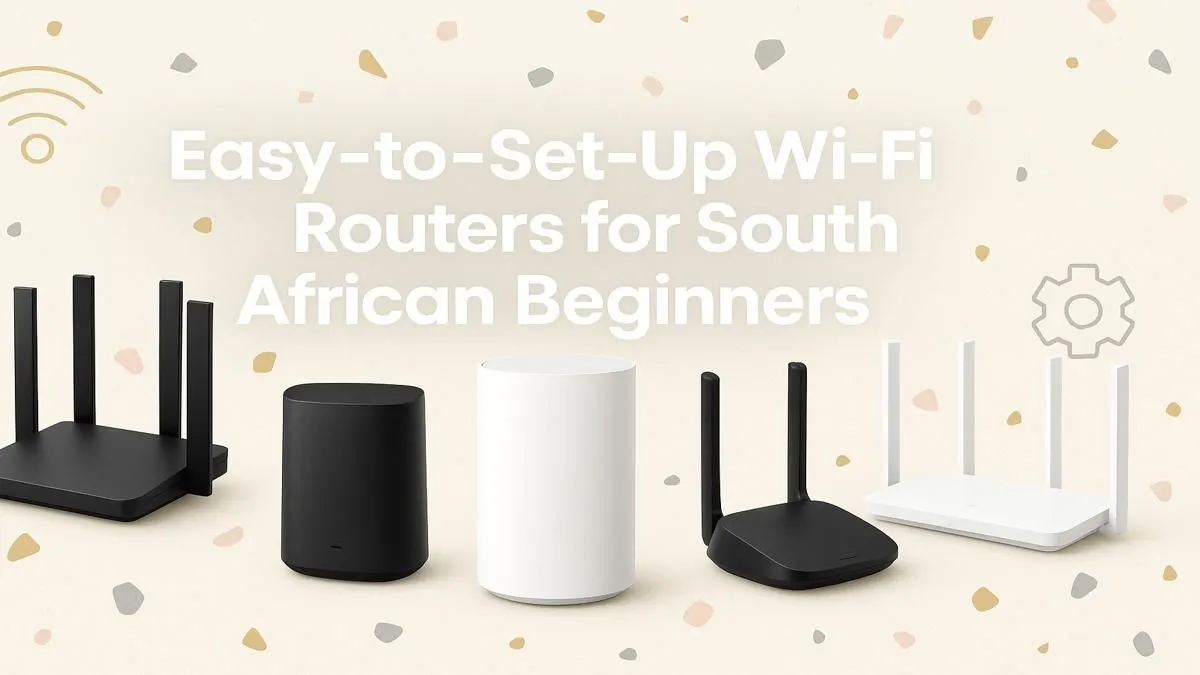
Is your Wi-Fi connection more of a suggestion than a reality? For South African gamers and anyone working from home, a dodgy connection is a recipe for disaster. Lag spikes, buffering streams, and dropped calls can ruin your day. But finding the best Wi-Fi routers for beginners in South Africa doesn't have to be a mission. You don't need an IT degree... just a little guidance to get you connected reliably. Let's get you sorted.
Choosing the Best Wi-Fi Routers for Beginners in South Africa
First things first: what should you even be looking for? The world of networking is full of acronyms and jargon, but for a beginner, it boils down to a few key things. The goal is to find a reliable router that covers your home, handles all your devices, and doesn't require constant fiddling. A solid choice will form the heart of your whole home wireless networking setup for years to come.
Wi-Fi 5 vs. Wi-Fi 6: What's the Difference?
You'll see these terms everywhere. Think of them as different generations of Wi-Fi technology.
- Wi-Fi 5 (802.11ac): This is the trusty standard that's been around for a while. It's affordable, fast enough for most HD streaming and online gaming, and a fantastic value-for-money choice for smaller households. If you have just a few devices, a Wi-Fi 5 router is a perfectly good starting point.
- Wi-Fi 6 (802.11ax): This is the newer, smarter standard. Its biggest advantage isn't just raw speed... it's how efficiently it handles multiple devices at once. If you live in a busy home with smart TVs, phones, laptops, and consoles all competing for bandwidth, Wi-Fi 6 is brilliant at reducing congestion and keeping everyone's connection stable. It's the more future-proof option.
For most people starting out, a good dual-band Wi-Fi 5 router offers the best balance of price and performance in South Africa.
Key Features Every Beginner Wi-Fi Router Needs
Don't get lost in the specs. Focus on these three features to find the best router for your needs.
- Dual-Band Capability: This is non-negotiable. Dual-band routers broadcast two separate networks: a 2.4GHz and a 5GHz band. The 2.4GHz band has longer range but is slower and more crowded. The 5GHz band is much faster with less interference, perfect for gaming and 4K streaming. A good router lets you connect your high-priority devices (like your gaming PC or console) to the 5GHz band for the best performance. ⚡
- Easy Setup & Management: The best beginner Wi-Fi routers often come with a smartphone app. This lets you set up the network, change the password, and see who's connected without ever having to log into a confusing web portal. Look for brands known for user-friendly apps.
- Enough Physical Ports: Check the back of the router! Ensure it has enough Gigabit Ethernet (LAN) ports for your wired devices. For the most stable connection, you should always connect your PC or console directly to the router with a cable if possible.
Ready to see what's available? You can browse our full range of wireless routers to compare models and find one that fits your budget.
Router Placement Pro Tip 🚀
Don't hide your router in a cupboard or behind the TV! For the best signal, place it in a central, elevated location in your home. Keep it away from thick concrete walls, large metal objects, and your microwave, as these can all interfere with the Wi-Fi signal. A little bit of planning makes a massive difference.
What if the Signal Still Doesn't Reach?
Sometimes, even the best router can't blast a signal through every wall in a large or double-storey house. If you have dead spots where the Wi-Fi disappears, you have two great options.
- Range Extenders: If one specific room (like the braai room or a bedroom far from the router) has a weak signal, a wireless range extender is an easy and affordable fix. It picks up the existing signal and rebroadcasts it, extending its reach.
- Wireless Adapters: What if the problem isn't the signal, but your device? An older desktop PC might not have built-in Wi-Fi. The solution is simple: a simple USB wireless adapter plugs into your PC and gets it connected in seconds. 🔧
A Note on Fibre Connections
If you're lucky enough to have fibre internet, your provider likely gave you a basic router. While these work, they are often not optimised for high-performance gaming or handling lots of devices. Upgrading your router is one of the single best ways to get the most out of your fast fibre line. Look for specialised fibre routers with Wi-Fi 6 and strong processors to ensure you're not creating a bottleneck.
Choosing your first router is a big step toward a better online experience. By focusing on these basics, you can confidently pick a device that will crush lag and keep you connected.
Ready to Banish Lag for Good?
A stable connection is the foundation of modern gaming and productivity. Stop fighting with bad Wi-Fi. Explore our massive range of wireless routers and find the perfect match to conquer your digital world.