


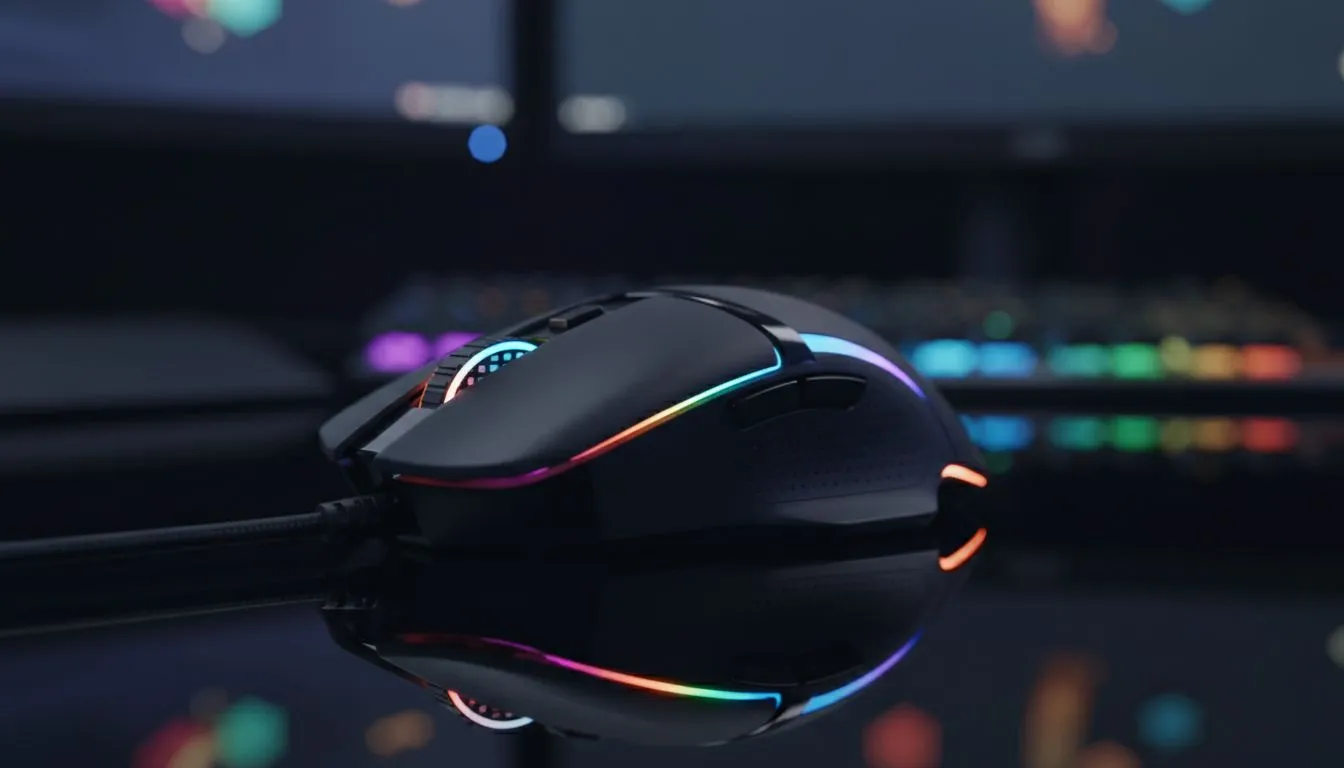
Elevate Your Battlestation: Customise RGB Lighting Gaming Mouse Aesthetics
Your gaming setup is a sanctuary... a place where performance meets personal style. Whether you are climbing the ranks in Valorant or exploring open worlds, the atmosphere matters. To truly Customise RGB Lighting Gaming Mouse settings is the final step in creating a cohesive look. It is about more than just flashing lights... it is about immersion and local pride in your high-end rig.
When browsing for a new gaming mouse, you will notice that lighting is no longer just an afterthought. Modern sensors and switches are standard... but the ability to sync colours across your desk is what defines a modern "battlestation."
Finding the Perfect Connection
If you want to keep your desk clean and free from clutter, you should definitely buy wireless mouse hardware. Today's wireless tech is just as fast as its wired counterparts. However, many South African pros still prefer to buy wired mouse models for that peace of mind and zero-latency connection during intense gaming sessions. ⚡
Expert Tips to Match Your Setup 🔧
Finding the right balance between price and performance is easier than ever. You can find the best gaming mouse deals right here in SA, with options starting as low as R499. To finish the look, don't forget to buy mouse accessories like RGB mousepads that can sync with your mouse for a unified light show.
RGB Sync Pro Tip ⚡
Most top-tier brands allow you to save lighting profiles directly to the mouse's onboard memory. This is vital for South African gamers who attend LAN events... it means your custom colours and DPI settings stay the same even when you plug into a different PC without installing any software.
Create a Unified Colour Theme
To make your setup look professional, try to limit your palette to two or three primary colours. For example, a "Cyberpunk" theme using neon pink and cyan looks incredible against a dark desk. By using the manufacturer's software, you can ensure your mouse pulse matches your RAM and GPU perfectly. ✨
Ready to Find Your Perfect Match? A great setup starts with the right tools. Whether you need the precision of a wired sensor or the freedom of wireless, we have the gear to help you dominate. Explore our full range of gaming mouse deals and find the perfect machine to conquer your world.











