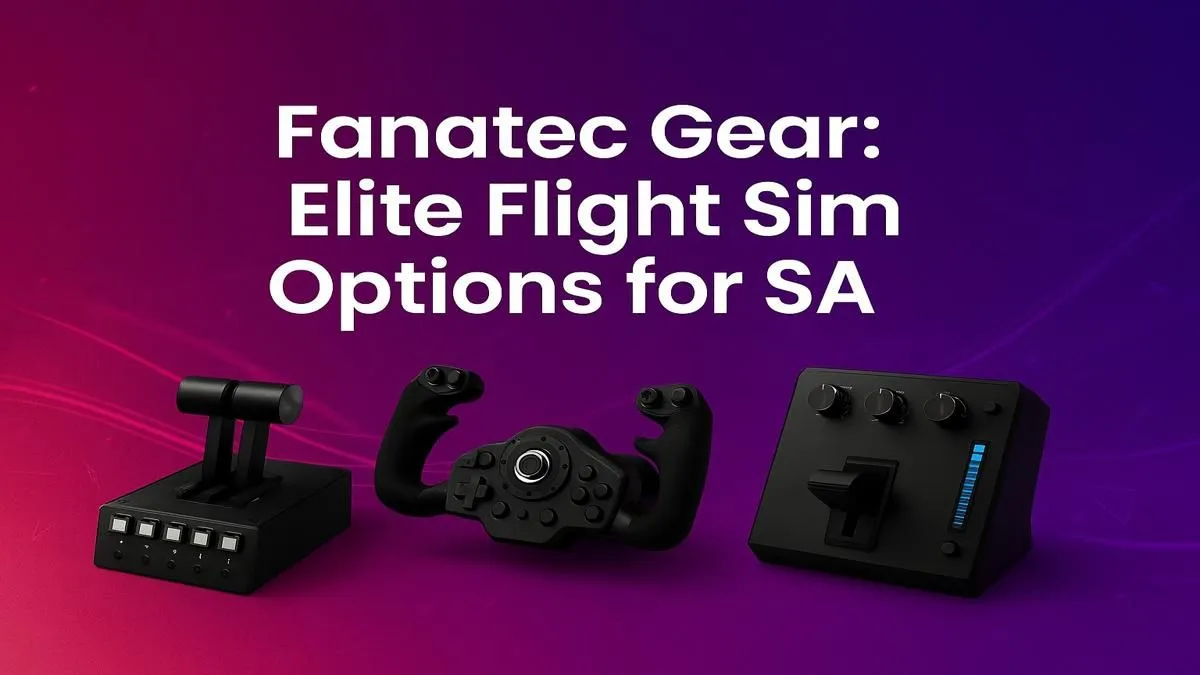
Ready to trade your controller for a cockpit that feels real? For South African aviation enthusiasts, the dream isn't just to play a game… it's to feel the rumble of the landing gear and the subtle feedback of the yoke. If you're searching for Fanatec flight sim gear in South Africa, you're aiming for the pinnacle of realism. This guide will help you assemble an elite setup that transforms your desk into a flight deck. ✈️
Why Premium Gear Matters for Flight Simulation
When you're lining up a tricky approach into Cape Town International in bad weather, you need hardware you can trust. This is where brands like Fanatec shine. Their reputation is built on precision German engineering, using high-quality materials like metal instead of plastic, which translates to incredible durability and tactile feedback.
While the world of high-end simulation hardware is vast, the core principle is simple: your gear should connect you to the aircraft, not remind you that you're sitting at a computer. Investing in a quality setup is the single biggest step toward true immersion.
Building Your Ultimate Flight Sim Cockpit in South Africa
Assembling the perfect rig is a journey. Let's break down the essential components you'll need to source for your Fanatec flight sim experience or a comparable elite setup right here in SA.
The Core Controls: Yoke, Stick, and Pedals
Your primary controls are your direct link to the virtual aircraft. A good yoke or stick should have smooth, precise movement, while rudder pedals are essential for coordinated turns, taxiing, and handling crosswinds. While sourcing specific Fanatec components can be a mission, you can find incredible high-quality alternatives from brands like Thrustmaster that offer the fidelity and build quality serious simmers demand.
Visual Immersion: Choosing Your Window to the World
What good is a responsive yoke if you're looking at the world through a keyhole? For true situational awareness, you need a wide field of view. An immersive curved monitor is a fantastic choice, as it wraps the scenery around you, enhancing your peripheral vision and making it easier to spot landmarks or other traffic. Alternatively, many pro simmers explore multi-monitor setups to dedicate screens to instruments, outside views, and maps. ✨
Control Calibration Pro Tip 🔧
In Microsoft Flight Simulator or X-Plane, don't just plug and play! Go into your control settings and adjust the sensitivity and dead zone for your yoke, stick, and rudder pedals. Reducing sensitivity can create a smoother, more realistic feel for larger aircraft, preventing jerky movements. A small dead zone helps eliminate unwanted inputs from a resting controller.
The Engine Room: The PC Powering Your Skies
Your elite flight sim setup demands a PC that can keep up. Modern simulators like MSFS 2020 are notoriously demanding, especially with high-resolution textures and complex scenery add-ons. A powerful CPU and a top-tier graphics card are non-negotiable for maintaining smooth frame rates. To take the guesswork out of it, our purpose-built Microsoft Flight Simulator gaming PCs are optimised to handle the workload right out of the box.
Beyond the Basics: Cockpit Comfort is Key
Long-haul flights from O.R. Tambo to Durban require more than just skill… they require comfort. Don't let a bad chair ruin your multi-hour session. Ergonomics are crucial. Investing in a proper gaming chair provides the lumbar and neck support you need to stay focused and comfortable from takeoff to touchdown. It's the final piece of your immersive cockpit puzzle.
Ready to Take Flight?
Building the ultimate flight simulator is a journey, and Evetech is your co-pilot. From the core controls to the powerhouse PC, we have the components you need to create a truly immersive experience. Explore our massive range of gaming peripherals and build the cockpit of your dreams.