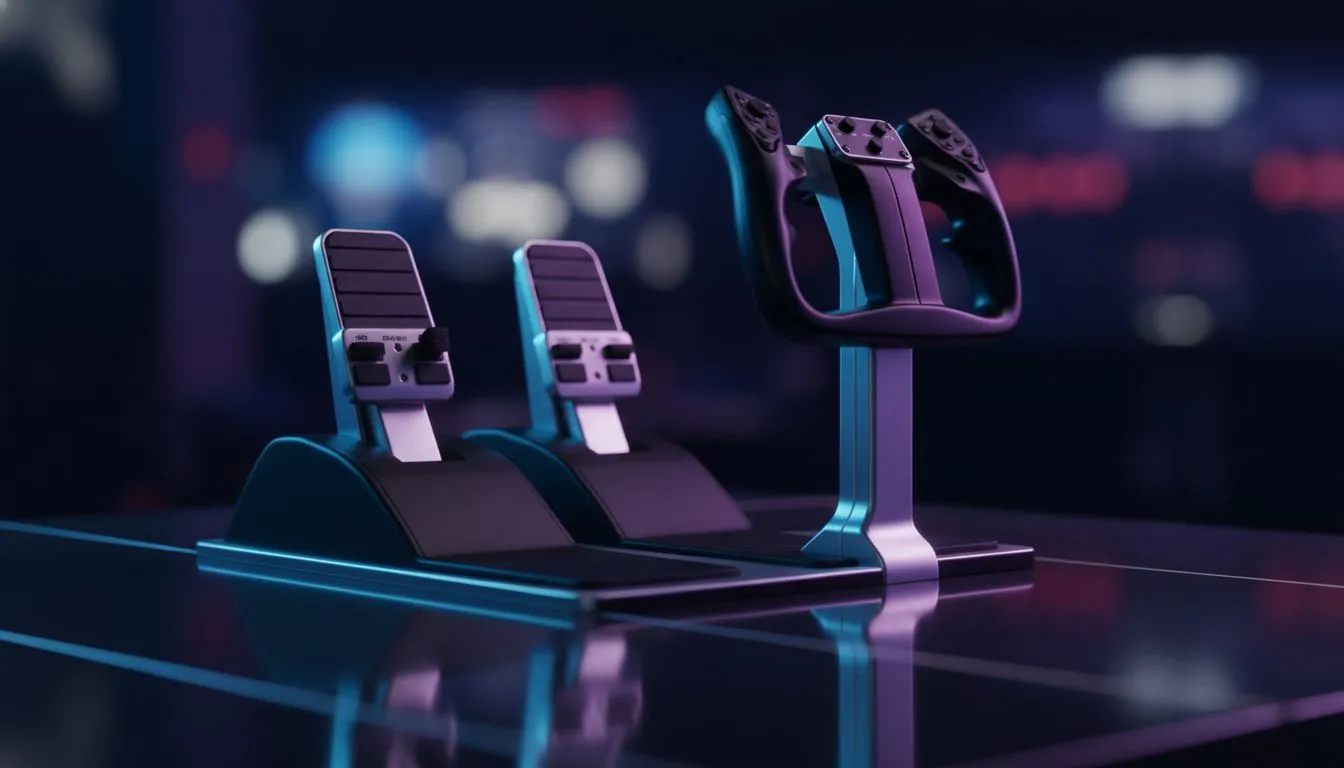
So, you’ve mastered the takeoff from Cape Town International, but that crosswind landing keeps pushing you off the runway? If you are still twisting a joystick to steer, you are missing a massive piece of the puzzle. Welcome to our Flight Sim Rudder Pedals Guide: Yokes & Setup 2025. Here is how to take your cockpit realism to the next level without crashing your budget... or your virtual Cessna.
Why You Need Pedals for Realism ✈️
In a real aircraft, your hands control the pitch and roll, but your feet control the yaw. That is the left-to-right movement of the nose. Relying on a "twist-grip" joystick just doesn't offer the same muscle memory or precision.
To get that true-to-life experience, you need to separate these controls. Start by looking at dedicated gaming controllers and HOTAS systems that allow you to unbind the rudder from the stick. Once you introduce foot pedals, you gain independent control over your toe brakes and the rudder. This makes taxiing on the tarmac and crabbing into a strong South Easter wind significantly easier.
The Visuals and Performance Factor
Building a sim rig isn't just about the yoke. You need to see where you are going. Immersion relies heavily on your field of view. Ideally, you want ultrawide or multi-monitor setups using high-refresh PC monitors to cover your peripheral vision.
However, rendering photorealistic scenery—like the complex mesh of Table Mountain or the dense urban sprawl of Joburg—requires serious data streaming. If your simulator stutters on approach, it kills the vibe immediately. Ensure you have fast solid state drives to load those heavy textures instantly.
Cockpit Ergonomics and Peripherals 🎮
Once you have your pedals under the desk and your yoke clamped down, you need to organise the rest of your cockpit. You will still need to click switches, adjust radios, and manage the GPS. A precise gaming mouse is essential for interacting with the virtual cockpit buttons that you haven't mapped to physical switches yet.
Speaking of mapping, simulators like MSFS 2024 require dozens of keybinds. You don't necessarily need a R5,000 board for this; even the buy cheapest gaming keyboard in south africa works perfectly as a button box for landing gear, flaps, and ATC shortcuts.
Calibration Pro Tip 🔧
When setting up new rudder pedals, always set a small 'deadzone' of about 5% in the centre axis via your simulator settings. This prevents accidental inputs from resting your feet on the pedals during long-haul cruise flights.
Audio and Communications
Simming is often a social experience, especially if you fly on networks like VATSIM or IVAO. You need to hear the engine RPM and the air traffic controller clearly. Invest in quality headphone headsets with decent isolation to block out your PC fans.
Equally important is your voice. When you are requesting clearance to land, you don't want to sound like you are in a wind tunnel. Standalone microphones often provide better clarity than headset mics, ensuring the tower understands your intentions every time.
Sharing Your Flight Path 🚀
Finally, the flight sim community in South Africa is growing rapidly. If you plan on broadcasting your epic long-hauls or tutorial flights, you need the right gear to look professional. Check out our streaming essentials to find capture cards and lighting that make your cockpit cam look crisp.
Ready for Takeoff?
Building the ultimate flight simulator takes the right balance of performance and peripherals. Whether you need a high-speed SSD for scenery or a new HOTAS for precision flying, we have the gear to get you airborne. Explore our flight sim ready hardware and captain your rig with confidence.