That split-second stutter... the one that costs you the win in a tense Warzone firefight. We’ve all been there. In the highly competitive world of South African gaming, every millisecond counts, and nothing kills your K/D ratio faster than screen tearing and input lag. That’s why understanding NVIDIA's G-Sync technology isn't just for tech heads; it's about gaining a real, tangible advantage. Let's explore why G-Sync monitors in South Africa are the ultimate weapon against lag.
What is G-Sync and Why Does It Matter?
For years, gamers had two bad options to deal with mismatched frame rates between their GPU and monitor. You could turn V-Sync OFF and endure ugly screen tearing, or turn it ON and suffer through noticeable input lag and stutter. Neither is ideal.
NVIDIA G-Sync fixes this by using a dedicated hardware module inside the monitor. This module allows the display's refresh rate to perfectly synchronise with the frame rate of your GeForce GPU, in real-time. The result? 🚀 An incredibly smooth, tear-free visual experience. Whether your game is running at 144 FPS or dips to 80 FPS, the monitor adapts instantly. It's a fundamental improvement you can see and feel across all the latest PC monitors.
How G-Sync Crushes Low Input Lag
Input lag is the delay between you clicking your mouse and seeing the action happen on-screen. Traditional V-Sync forces the GPU to wait for the monitor, which creates this delay. G-Sync eliminates that waiting game. By synchronising frames dynamically, it ensures the newest possible frame is displayed with minimal delay, making your actions feel instantaneous.
There are different tiers of the technology, from "G-Sync Compatible" (validated by NVIDIA to offer a good baseline VRR experience) to "G-Sync Ultimate" (featuring advanced HDR and the lowest possible latency). Understanding which is right for you is key to exploring our complete range of gaming monitors.
Pro Tip: Enable G-Sync Correctly 🔧
Just plugging in your monitor isn't enough! Open the NVIDIA Control Panel, navigate to 'Set up G-SYNC' on the left, tick 'Enable G-SYNC, G-SYNC Compatible', and choose 'Enable for full screen mode'. For the lowest input lag, also go to 'Manage 3D Settings', find 'Vertical sync', and set it to 'On'. This combination delivers the smoothest experience.
Choosing the Right G-Sync Monitor in South Africa
Finding the perfect G-Sync display depends on your gaming priorities and budget. Are you an esports fanatic chasing every frame, or a single-player enthusiast craving visual splendour?
Refresh Rate vs. Resolution
For competitive titles like Valorant or CS2, a high refresh rate (144Hz, 240Hz, or even higher) is non-negotiable for achieving that buttery-smooth gameplay and low input lag. For story-driven games like Cyberpunk 2077 or Alan Wake 2, the breathtaking detail of stunning 4K monitors might be more appealing. G-Sync ensures both experiences are tear-free.
Panel Type and Immersion
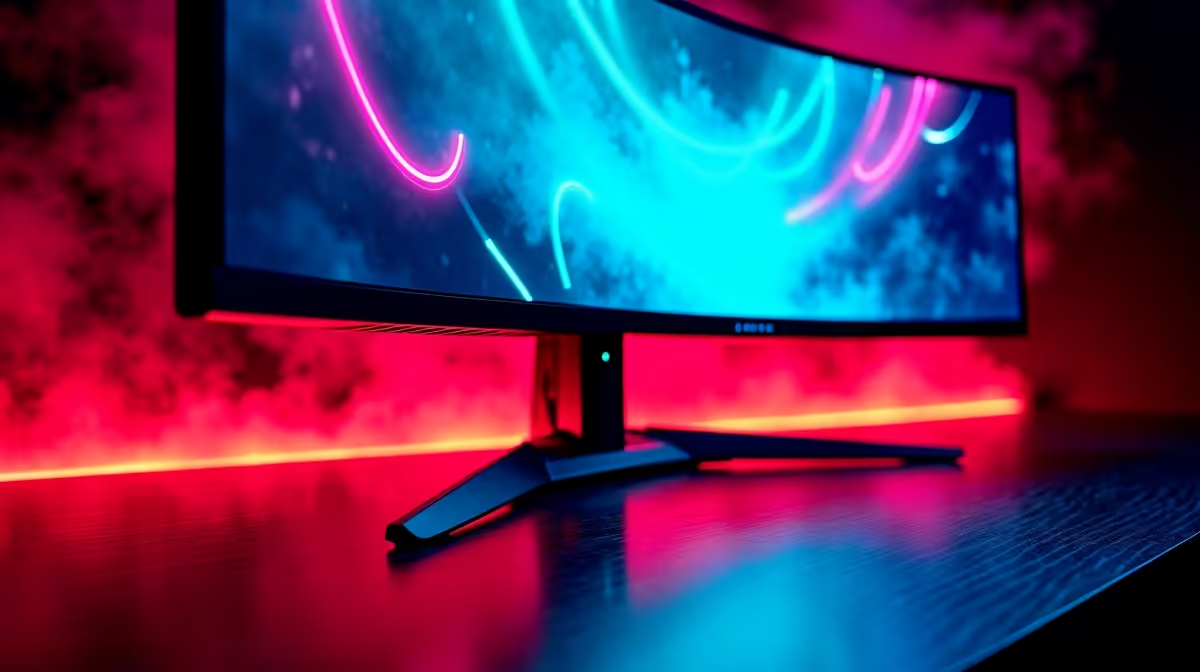
IPS panels offer the best colour accuracy, VA panels provide deep blacks, and TN panels boast the absolute fastest response times. For maximum immersion, many gamers in South Africa are opting for immersive curved monitors that wrap the action around you. Whatever your preference, you don't have to break the bank; you can always check out the best PC monitor deals to find great value.
Completing Your Ultimate Gaming Setup ✨
Your monitor is the window to your gaming world, but it's part of a bigger picture. A powerful GPU is needed to drive high frame rates, and a comfortable setup is crucial for long sessions. Once you've chosen your primary display, think about the extras. Do you attend local LAN events? Having one of the latest portable monitors for LANs can be a huge convenience.
Don't forget ergonomics. A good monitor arm not only frees up desk space but also allows you to position your screen at the perfect height and angle to prevent neck strain. Investing in the right essential monitor accessories ensures you can game comfortably for hours.
Ready to Eliminate Lag for Good?
A G-Sync monitor is more than an upgrade; it's a competitive advantage. Stop letting screen tear and input lag dictate your performance. Explore our massive range of gaming monitors and find the perfect display to dominate the server.