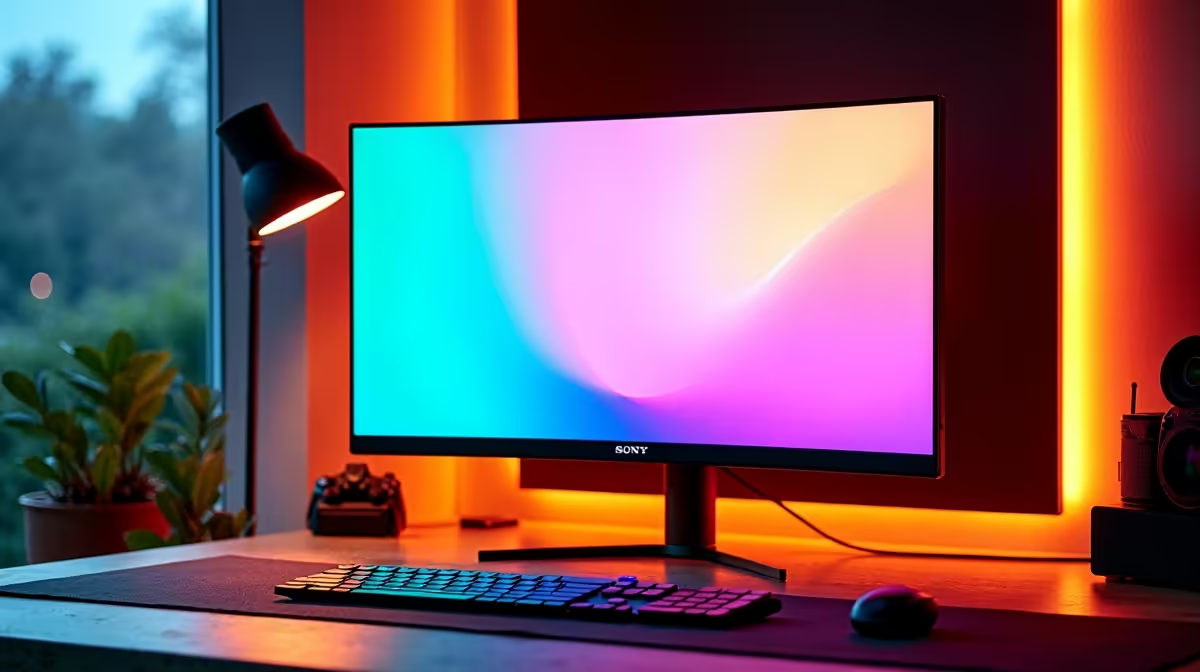
You've found a lekker deal on a 27-inch monitor, but there's a catch… it's 1080p. In 2025, is that still a smart buy for your PC setup, or are you setting yourself up for a pixelated mess? For many South African gamers, the answer is surprisingly complex. Let's break down whether a 1080p 27-inch monitor is the budget hero you need or a compromise you'll regret.
The Big Question: Pixel Density Explained
Before we dive in, we need to talk about PPI, or Pixels Per Inch. This number tells you how sharp your screen will look. More pixels packed into a smaller space means a crisper, clearer image. A standard 24-inch 1080p monitor has a PPI of about 92. When you stretch that same 1920x1080 resolution across a larger 27-inch screen, the PPI drops to around 81.
Is that a massive drop? On paper, yes. You're more likely to see individual pixels, especially if you sit close. But it's not the whole story. The right panel and features can make a huge difference, and you'll find a massive variety across all the PC monitors available in South Africa.
Is a 1080p 27-Inch Monitor Good for Gaming?
For many gamers, the answer is a resounding yes. Here's why.
The Performance Advantage 🚀
The single biggest reason to stick with 1080p is performance. It's far less demanding on your graphics card than 1440p or 4K. This means your mid-range GPU can push much higher frame rates, which is crucial for competitive titles like Valorant, CS2, or Apex Legends. A smoother experience at 144Hz or higher often beats a prettier picture at 60Hz. Paired with modern features like Adaptive Sync, you get buttery-smooth gameplay without screen tearing.
The Immersion Trade-off
Where a 1080p 27-inch monitor can fall short is in visually rich, single-player games. In titles like Cyberpunk 2077 or Alan Wake 2, the lower pixel density can make the world feel less detailed. If you're chasing ultimate visual fidelity, you might find the image a bit soft. However, for a budget build, the performance gains are often worth this trade-off.
Viewing Distance Hack ⚡
The "pixelated" look of a 1080p 27-inch monitor is highly dependent on how far you sit from it. If your desk setup allows you to sit about a meter away, the pixels will blend together nicely. If you're right on top of your screen, you'll notice them more. Adjust your chair before you spend your cash!
What About for Work and Everyday Use?
For general productivity like browsing the web or watching videos, a 27-inch 1080p screen is perfectly fine. The large size is great for multitasking. However, if your work involves a lot of text, like coding or writing, the lower PPI can cause letters to look less sharp and more "blocky," potentially leading to eye strain over long periods. In these cases, a monitor from a brand like HP, known for excellent text clarity, can be a great option.
Finding the Sweet Spot: Key Features for Your Budget Build
If you decide a 1080p 27-inch monitor is right for your budget, don't just grab the cheapest one. Look for these features to maximise your Rands:
- High Refresh Rate: Aim for 120Hz or higher for a responsive feel in games and even just moving your mouse on the desktop.
- Sync Technology: This is non-negotiable for gamers. Ensure your monitor supports the tech your GPU uses, whether it's a FreeSync (AMD) model or one that's validated for G-Sync (NVIDIA).
- Panel Type: IPS panels offer the best colours and viewing angles, while VA panels provide deeper blacks and better contrast.
- Reputable Brands: Gaming-focused brands like AOC often pack in features for a great price, while newcomers like Dahua are shaking up the market with incredible value offerings.
The Verdict: Who Should Buy a 1080p 27-Inch Monitor?
So, is 1080p good for a 27-inch monitor in 2025? Absolutely, for the right person.
You should seriously consider it if:
- You're a competitive gamer who values high frame rates above all else.
- You're on a tight budget and want the biggest screen for your buck.
- You have a mid-range graphics card (like an RTX 3060/4060 or RX 6600/7600) and want to maximise its performance.
- Your desk setup allows you to sit a comfortable distance from the screen.
It's a smart, performance-oriented compromise that keeps you in the game without breaking the bank.
Ready to Upgrade Your View?
The perfect monitor is about balancing performance, size, and price for your specific needs. From high-refresh rate heroes to crisp 4K displays, we've got the screen for you. Explore our latest monitor specials and find the perfect display to conquer your world.