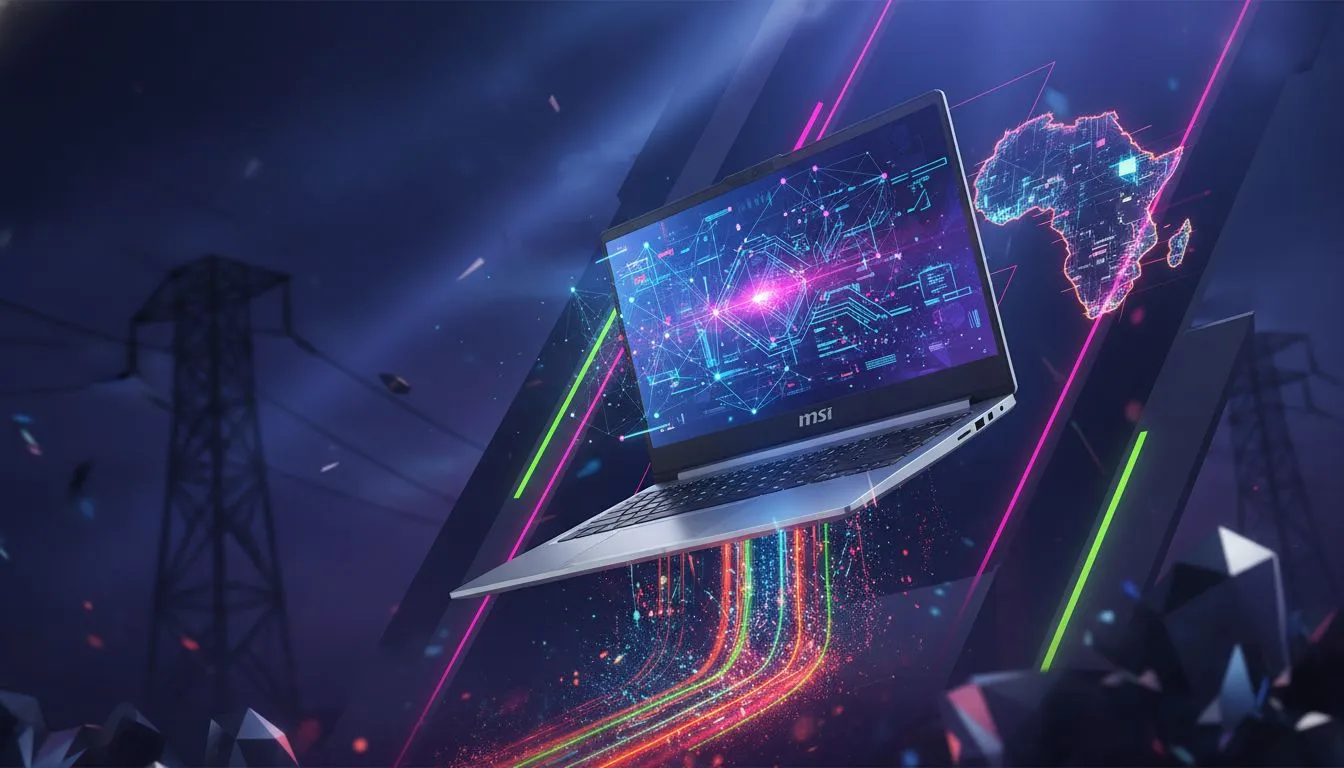
Stage 4 hits. Your assignment is due, the Wi-Fi is down, and your old laptop's battery just surrendered. It’s a familiar nightmare for South African students. But what if your tech could outsmart the power cuts? The MSI Modern 14 isn’t just a sleek notebook; it's one of the most practical MSI Modern 14 backup-power solution available, engineered to keep you productive and connected when Eskom can't. Let's dive into why.
Practical Reliability Considerations
When the power goes out, your laptop becomes your lifeline. The MSI Modern 14 is built for this reality, focusing on three core areas that matter most to students: battery life, portability, and reliable performance. It’s a masterclass in balancing power with efficiency, making it an ideal companion for navigating campus life and unpredictable power schedules.
All-Day Battery Endurance 🔋
The single most critical feature for any student laptop during an unexpected outage is battery life. The Modern 14 series is optimised for longevity, often providing enough power to get you through two or even three 2-hour an unexpected outage on a single charge. This means you can finish your research in the library, attend an online lecture, and type up your notes without frantically searching for a working plug point.
Feather-Light Portability for Campus Life
Weighing in at just 1.4kg, the MSI Modern 14 is incredibly easy to carry around. You can slip it into your backpack and barely notice it’s there. This portability is a huge advantage. When an unexpected outage occurs your res, you can quickly relocate to a friend’s place, a coffee shop, or a campus study area that still has power. It’s this freedom that makes it one of the best MSI Modern 14 backup-power solution for students on the move. Whether you need the raw processing power of powerful Intel laptops or the multi-threaded efficiency of versatile AMD laptops, there's a Modern 14 configuration built for your workflow.
Battery-Saving Pro Tip ⚡
Activate Windows 11's 'Battery Saver' mode as soon as an unexpected outage starts. It automatically lowers screen brightness and limits background app activity, squeezing out every last drop of power. You can set it to turn on automatically when your battery hits a certain percentage, like 40%, so you never have to think about it.
Practical Strategies for Uninterrupted Study
Owning a great laptop is only half the battle. The MSI Modern 14 makes this easy.
Before the power cuts, get into the habit of downloading lecture notes, research papers, and videos. Use offline-capable apps like Microsoft Word, Excel, or VLC Media Player. This simple prep means you can continue working seamlessly, even without an internet connection. When you do need to get online, the laptop's efficient Wi-Fi 6 technology pairs perfectly with a mobile hotspot, sipping power gently while giving you a stable connection for crucial uploads. ✨
Finding Your Perfect Study & Gaming Partner
The MSI Modern 14 is a phenomenal tool for academic success, especially in South Africa. Its blend of battery life, performance, and portability makes it a top recommendation. However, every student is different. If your downtime involves competitive gaming or your coursework requires heavy-duty video editing, you might need a machine with a dedicated graphics card. For those who need more horsepower, exploring some of the best gaming laptop deals could uncover a machine that perfectly balances work and play.
The key is to match the hardware to your unique needs. Think about your primary use case—is it writing essays, coding, graphic design, or gaming?—and let that guide your choice.
Ready to Build a More Reliable Setup?
The right laptop turns an unexpected outage from a crisis into a minor inconvenience. The MSI Modern 14 is a fantastic choice, but your perfect match is waiting. Explore our massive range of laptop specials and find the perfect machine to conquer your studies.