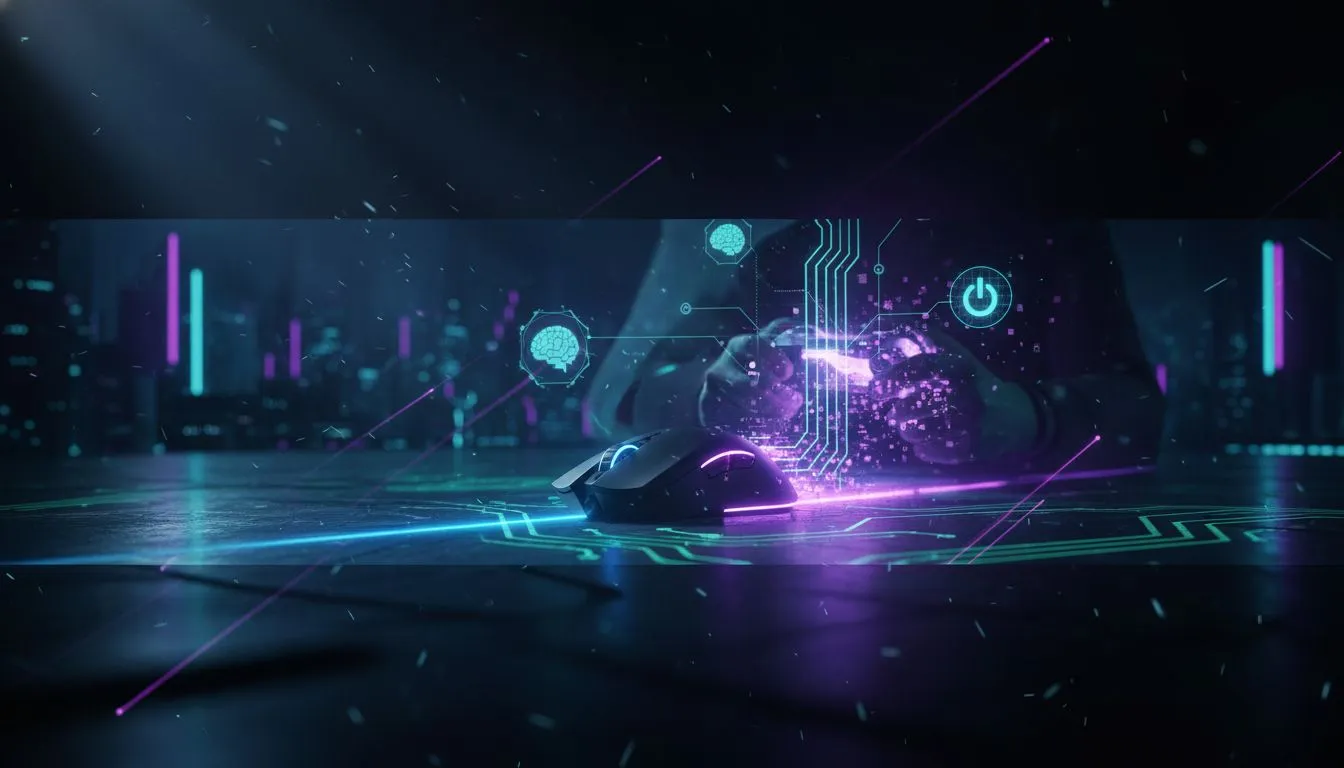
The lights go out. Again. Your UPS is beeping, but your game is still on. The only problem? You can't see your mouse, your drink, or the edge of your desk in the sudden pitch black. It’s a uniquely South African frustration. But what if your gear could fight back? That’s where the brilliant Razer Cobra underglow turns from a cosmetic feature into a surprisingly practical tool for surviving Stage 6. 💡
More Than Just Looks: The Razer Cobra Underglow Advantage
Let's be honest, most RGB is for show. It looks fantastic, syncs with your game, and adds personality to your setup. But the Razer Cobra underglow is different. Instead of just lighting up the logo or scroll wheel, it features a stunning, gradient Chroma RGB strip that wraps around the entire base of the mouse.
It’s not bright enough to be distracting, but it’s more than enough to help you:
- See your immediate play area: Keep track of your mouse's position without guessing.
- Avoid knocking things over: That pool of light illuminates your drink or snacks.
- Maintain orientation: It provides a constant, soft light source on your desk, preventing total disorientation when the power cuts mid-match.
This clever design makes the Razer Cobra's underglow one of the most useful RGB implementations we’ve seen for local conditions.
Navigating the Dark: A Practical Gaming Scenario
Picture this: you're in a tense final circle in Apex Legends. Your screen is fine, thanks to your UPS, but your room is instantly dark. You need to quickly reposition your hand on the keyboard, but you can't see the keys. Your standard HP mouse is just a black shape on a black mousepad.
With the Razer Cobra, a smooth, colourful glow illuminates your immediate desk space. You can see your keyboard, grab your mouse confidently, and get back in the fight without fumbling. It’s a small detail that makes a massive difference when every second counts. While Razer nails this feature, other brands like Logitech also offer fantastic gaming mice with their own unique lighting systems worth exploring. ✨
Practical Reliability Tip
Beyond just your mouse, invest in a small, rechargeable LED desk lamp. You can get them for under R200. Keep it plugged into your UPS-powered multi-plug. When the power dies, you have an instant, stable light source for your whole desk without needing to find your phone or a torch.
Performance Beyond the Glow
Of course, a fancy light is useless if the mouse can't perform. Thankfully, the Razer Cobra is a beast in its own right. It’s a lightweight, symmetrical mouse built for speed and precision, inheriting its shape from the legendary Viper Mini. It boasts Razer's Gen-3 Optical Switches for insane durability and response times.
The sensor performance is exactly what you'd expect for competitive play, falling into that popular 4000 – 12000 DPI range that most gamers prefer. And if you're looking for vibrant RGB on a tighter budget, a Marvo gaming mouse can also light up your desk without breaking the bank. Ultimately, the Razer Cobra underglow is the cherry on top of an already excellent piece of kit. 🚀
Ready to Light Up Your Game?
The Razer Cobra's clever underglow is a perfect example of design that solves real-world problems for South African gamers. From this to a wide array of high-performance gear, the perfect mouse is waiting. Explore our massive range of gaming mice and find the one that won't leave you in the dark.