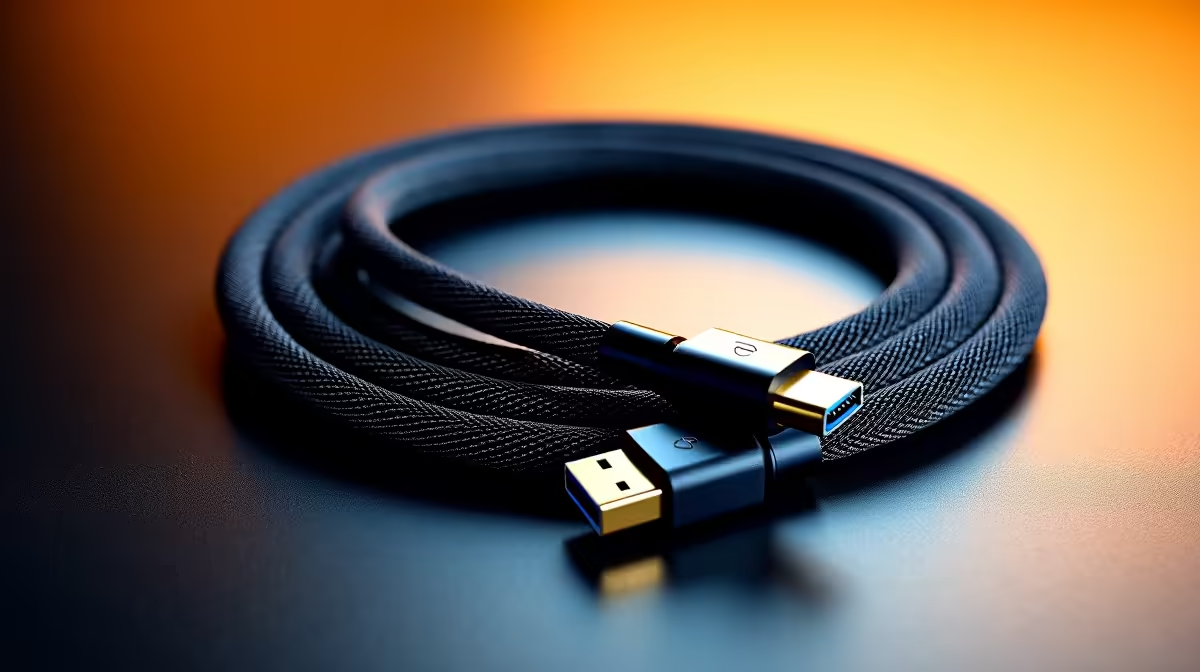
Top Cables – A Real Buyer’s Guide
Cables are the silent workhorses of any tech setup—until they fail. Suddenly your screen flickers, your charger stutters, or your external drive stops syncing. Whether you're a South African gamer, content creator, or remote worker, the right cable can mean the difference between flawless performance and endless frustration. So let’s unpack the top cables that deliver real value—no fluff, just verified performance and smart buys. ⚡🔧
What Makes a Cable “Top”?
It’s not just about the brand name or colour. Great cables are defined by the specs that matter most to your devices:
- Data speed (e.g. USB 3.2 Gen 2 = 10Gbps)
- Wattage support for charging (at least 60W for laptops)
- Display standards (HDMI 2.1 or DisplayPort 1.4+)
- Durability—braided, reinforced ends, and strong sheathing
You don’t need to break the bank, either. Plenty of reliable cables under R399 offer premium performance for daily needs.
Must-Have Cable Types in SA Homes
USB-C to USB-C (PD Rated)
Perfect for charging laptops, tablets, and phones. Look for PD certification (Power Delivery) to safely handle fast charging. If you’re plugging into 65W or 100W bricks, make sure your cable can keep up.
HDMI 2.1
Gamers with PS5, Xbox Series X, or 120Hz+ monitors—this is your ticket to smooth visuals. It handles 4K at 120Hz or even 8K at 60Hz.
DisplayPort 1.4
Still the top pick for high-refresh-rate PC monitors. Delivers 1440p or 4K with refresh rates up to 240Hz—ideal for esports fans and streamers.
USB-A to USB-C
A transitional must-have. Many accessories and older laptops still use USB-A. These cables help bridge the gap between old tech and new gear.
You’ll also find versatile multi-purpose cables over R400 that combine charging, video, and fast data into one durable cord.
Check Before You Plug
A 100W charger is pointless if your cable only supports 30W. Always match cable wattage with your charger and device!
Use Cases: What You Need Based on Your Setup
For Gamers
You need bandwidth and refresh rate support. Avoid no-name HDMI cables—they often lack proper shielding or version certification. Stick to DisplayPort or HDMI 2.1 for serious rigs.
For Students
One fast USB-C cable can charge your phone, sync your tablet, and run your second screen. Lightweight, universal, and hassle-free.
For Home Offices
Stable video calls and fast peripheral access start with the right USB or HDMI cables. Avoid mix-and-match chaos—choose standardised lengths and colour-code where possible.
For Creators
Camera gear, 4K preview monitors, portable SSDs… creators demand multi-device stability. Invest in braided, high-throughput cables wi