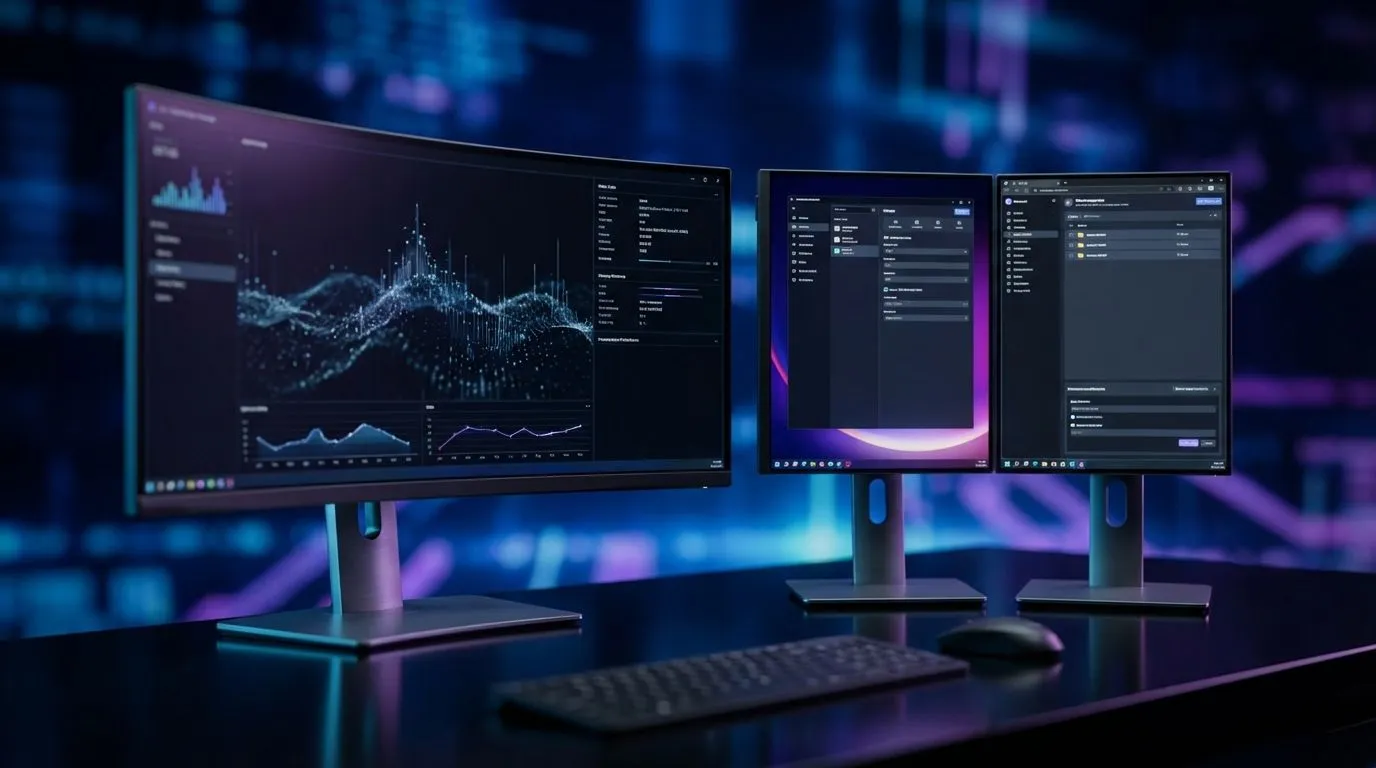
Staring at your screen, you know it's time for an upgrade. But the big question looms over every South African PC builder: do you go for a sweeping, immersive ultrawide, or the classic, multitasking power of a dual monitor setup? It's the ultimate desk real estate battle. Choosing the best setup for your gaming rig or workstation in 2026 isn't just about screen size; it's about workflow, immersion, and getting the most bang for your buck. Let's settle the ultrawide vs dual monitors debate.
The All-in-One Immersion: Why Go Ultrawide? 🚀
An ultrawide monitor is pure, uninterrupted visual bliss. Imagine playing Cyberpunk 2077 or Starfield with your peripheral vision completely filled by the game world... no distracting bezel in the middle. This seamless experience is the number one reason gamers choose an ultrawide setup. The cinematic 21:9 or 32:9 aspect ratio offers a significant field-of-view advantage in many titles, letting you spot enemies on the flanks sooner.
This benefit extends beyond gaming. For content creators, a single ultrawide provides a massive, unbroken timeline for video editing or music production. Many modern ultrawides are beautifully curved screens, which helps reduce distortion at the edges and makes the experience feel more natural. Paired with a high-quality IPS panel, you get stunning colour accuracy and wide viewing angles, essential for creative work.
Double the Fun: The Classic Dual Monitor Setup 🔧
The dual monitor setup is the tried-and-true workhorse for a reason: unparalleled multitasking flexibility. This configuration is the gold standard for streamers, programmers, and anyone who needs to juggle multiple full-screen applications simultaneously. You can have your game running on your primary monitor while Discord, OBS, or a guide is open on the second. There’s no need to Alt-Tab out of the action.
Financially, a dual monitor setup can be more approachable. You can start with one great monitor and add a second one later. This modularity also means you can mix and match—perhaps a high-refresh-rate gaming monitor paired with a colour-accurate 4K screen for creative work. While often composed of traditional flat screens, you have the freedom to combine different sizes and resolutions to build your perfect command centre from a huge selection of PC monitors.
Productivity Pro Tip ⚡
On Windows, use the PowerToys FancyZones utility to create custom snap layouts for your windows. It's a lifesaver for managing multiple apps on an ultrawide monitor, letting you organise your timeline, preview window, and asset folders perfectly for video editing.
Ultrawide vs Dual Monitors for Gaming: The Showdown 🎮
When it comes to pure gaming performance, the choice gets tougher. An ultrawide offers that incredible immersion, but you'll need a powerful graphics card to drive all those extra pixels, especially at high settings. Also, not every game supports ultrawide resolutions perfectly, sometimes resulting in black bars or a stretched UI.
A dual monitor setup, by contrast, runs the game on a single, standard-resolution screen, making it less demanding on your GPU. The second screen has a minimal performance impact, perfect for displaying system stats or chat windows.
Regardless of your choice, some features are non-negotiable for a smooth experience in 2026.
- High Refresh Rates: For competitive titles like Valorant or Apex Legends, a high refresh rate monitor (170Hz – 240Hz) is essential for fluid motion and faster reaction times.
- Adaptive Sync: This technology eliminates screen tearing by synchronising your monitor's refresh rate with your GPU's frame output. Whether you have a NVIDIA or AMD card, there's a solution for you, from G-Sync (NVIDIA) and FreeSync (AMD) to the open Adaptive Sync standard.
So, What's the Best Monitor Setup for a South African PC Build? ✨
After weighing the pros and cons, the best setup for 2026 truly depends on you. There's no single right answer, only the right answer for your specific needs and budget.
Choose an Ultrawide Monitor if:
- Immersion is your top priority. You want to be fully absorbed in your games and movies.
- You work with long timelines. Video editors, coders, and music producers will love the unbroken horizontal space.
- You have a powerful GPU ready to push the extra pixels.
- You prefer a clean, minimalist desk setup.
Choose a Dual Monitor Setup if:
- You are a heavy multitasker. You're a streamer, student, or professional who constantly switches between applications.
- You value flexibility and modularity. You want to mix and match screens or upgrade over time.
- You play a mix of competitive and cinematic games. You can dedicate one screen for high-refresh-rate gaming and another for general use.
- You're building on a more controlled budget.
Ultimately, the ultrawide vs dual monitors debate is a great problem to have. It means we have incredible options to build the PC setup of our dreams.
Ready to Find Your Perfect View?
The ultrawide vs dual monitor debate comes down to your personal style. Whether you crave cinematic immersion or multitasking mastery, the right screen is waiting. Explore our massive range of PC monitors and find the perfect display to conquer your world.