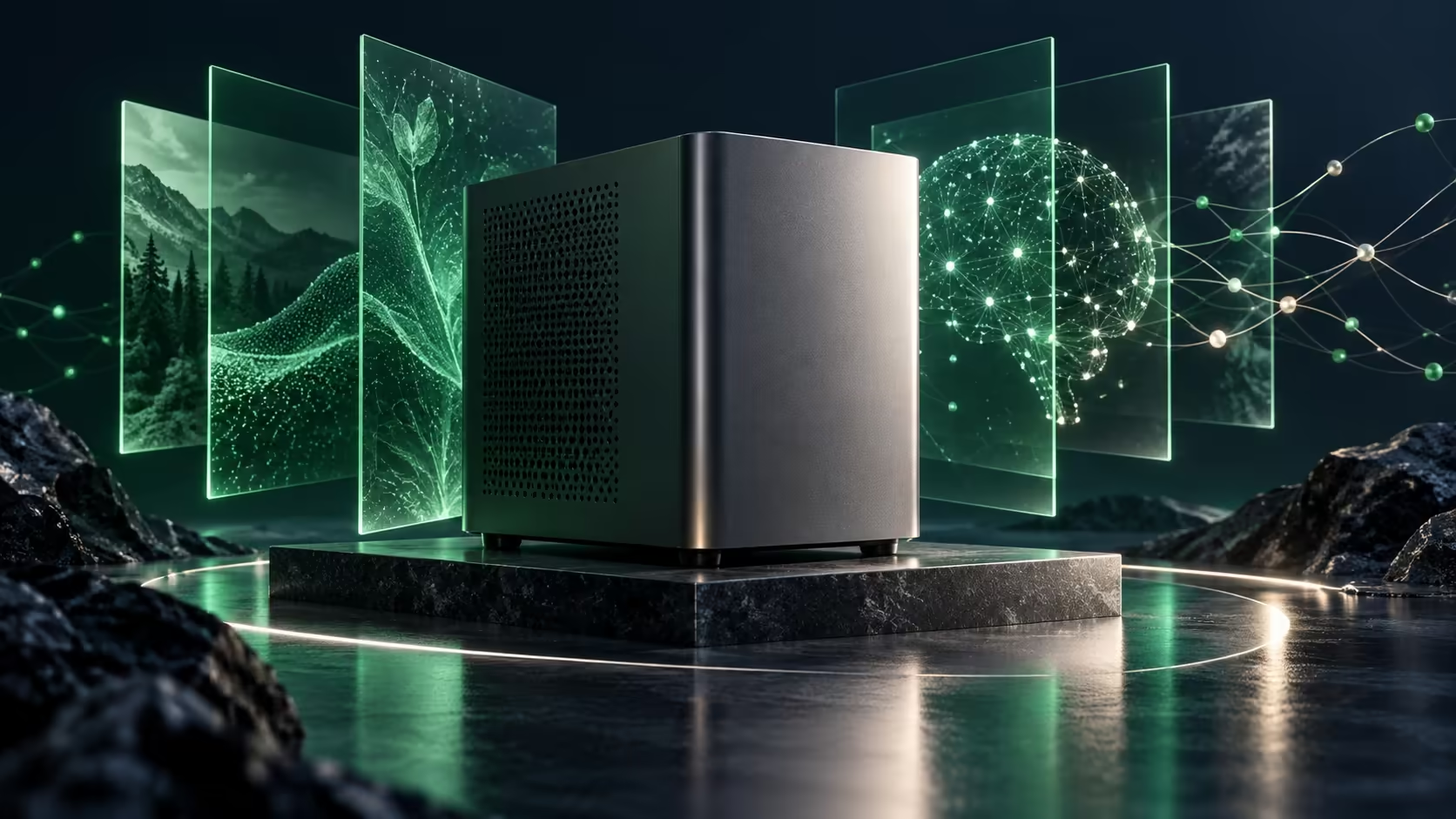
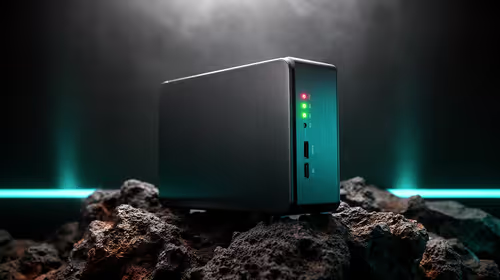
A small case can hide a very specialised purchase. iBUYPOWER AI Halo brings AMD's local AI platform into a compact workstation, but the reason to choose it should be a workload that needs its memory and software environment. A general desktop replacement and a machine intended to hold large models are different shopping lists.
Quick Answer
iBUYPOWER announced its Ryzen AI Max+ PRO 495 mini PC on 8 October, with purchase planned for Q4 2026 from USD 3,999. That is not a South African quote. A Ninkear M7 V2 Ryzen 5 7430U mini PC was R6,999 and in stock on 10 October; it is separate entry-level hardware, not equivalent AI performance.
🧠 Define what must fit in memory
Start with the model and the task rather than the name on the case. Write down the model you intend to run, its chosen precision, expected context and how many sessions must stay active. Those choices affect memory demand. A computer can have enough capacity to load a model yet still deliver a response rate that is wrong for the job. Ask for a demonstration of the intended workload before treating capacity as a performance result.
AMD describes AI Halo as a local development platform with a preconfigured software centre. That can make the starting environment easier to approach, but a platform description does not establish that your exact model, plug-in or framework is supported. Check the current software stack and update path. Browse mini PCs with that workload written beside the ordinary desk requirements: monitor connections, storage, network and physical placement.
🛠️ Compare complete systems rather than processor names
The new system uses Ryzen AI Max+ PRO 495, while the local Ninkear reference uses Ryzen 5 7430U. They are not interchangeable examples of the same capability. The R6,999 machine is useful as a basic desktop price reference, not as evidence that the new workstation is overpriced or that a low-cost mini PC can take over its intended AI tasks. Keep the comparison honest by naming the actual job each machine must do.
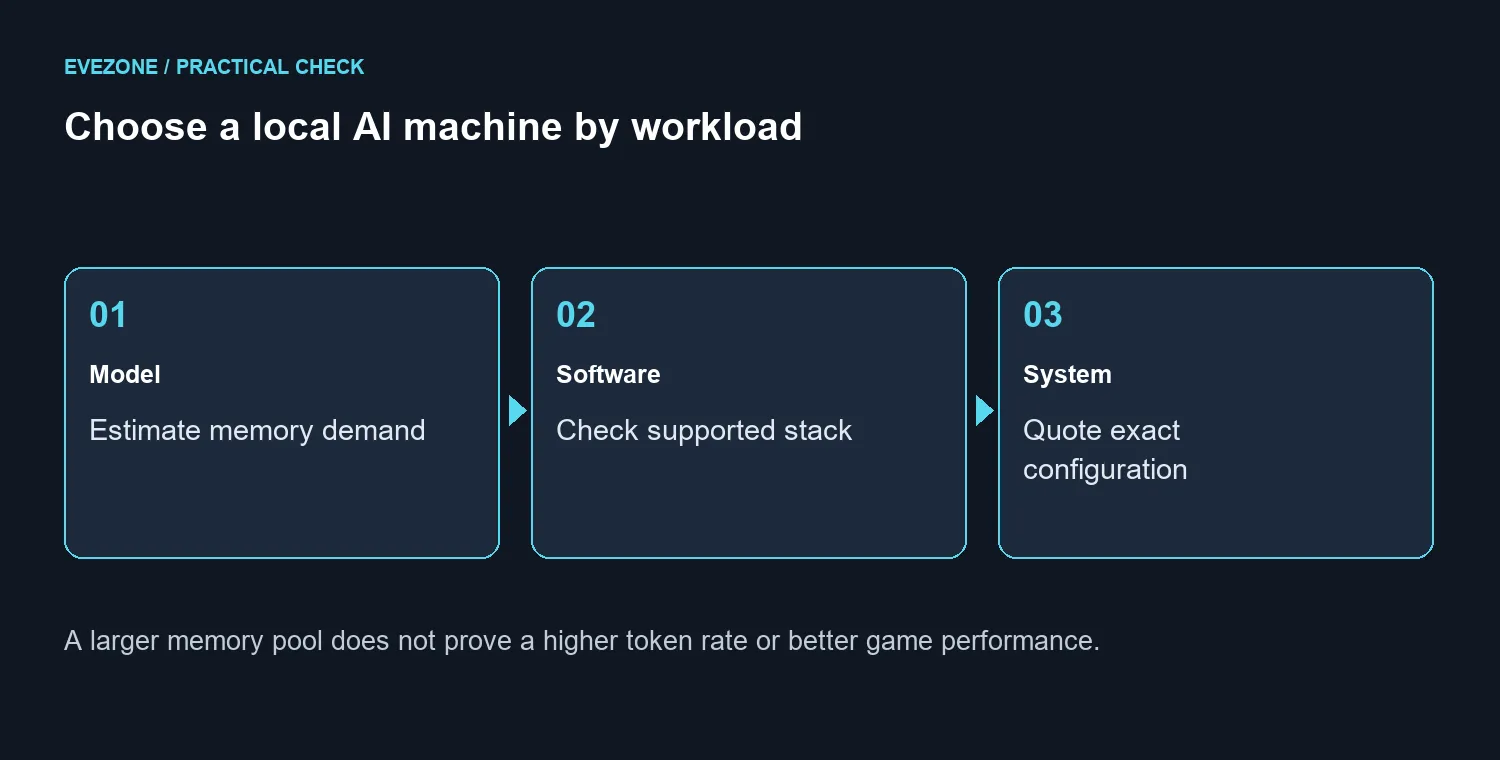
A complete quote should identify installed memory, SSD capacity, operating system, supplied power equipment and support. Think about whether the first model is likely to grow into a second workload. If capacity is fixed in the chosen configuration, buying the minimum that only just loads today's task may be a poor fit. Conversely, paying for a large memory pool that sits idle does not improve ordinary browsing or make every game run faster.
💰 Decide whether waiting serves your own project
Q4 is a window, not a date on which an SA buyer can collect a unit. Neither the US starting price nor the announcement confirms local stock, a distributor or a Rand total. Obtain those details for the exact complete system before delaying a project. If the task is ordinary desktop use, choose a currently suitable computer rather than waiting for a specialist feature you cannot name a use for.
For a gaming-first purchase, inspect current PC deals around the games, resolution and upgrade options you need. Local AI work and gaming can share a desk without sharing the same best hardware choice. Keep a short acceptance test with the quote: load the real model, perform the real task and measure the result. That is a much better basis for spending than assuming a newer processor name settles every question.
Frequently Asked Questions
When is the AI Halo mini PC due?
iBUYPOWER says Q4 2026. That is a launch window, not a confirmed South African delivery date.
Which processor is announced?
The announcement names AMD Ryzen AI Max+ PRO 495. Check the exact complete-system configuration on a quote.
Is its US price a Rand quote?
No. The announced USD 3,999 starting price does not include a verified South African offer or local warranty.
Does more shared memory guarantee speed?
No. Model size, software support and the workload determine whether the capacity is useful.
What is a basic local mini PC reference?
The Ninkear M7 V2 Ryzen 5 7430U listing was R6,999 in stock on 10 October. It is a different class of machine.
Should an ordinary gaming PC wait for it?
Wait only if a defined local AI workload needs this platform. Choose game performance and upgrade options separately.
Choose the next step for your setup
Define your local AI workload before choosing a desktop. Compare complete mini PC configurations and ask for a test of the model you intend to run.