Two laptops with a near-identical family name can feel quite different once their screens and memory configurations are compared. IdeaPad Slim 5 Ultra 14IWC11 is now appearing in international release coverage. The buying question is how the exact configuration fits your bag and daily work, rather than whether its longest advertised battery result beats a different machine's headline.
Quick Answer
Check the precise panel, installed memory and battery-test conditions for the 14IWC11 configuration before ordering. Lenovo's official listing qualifies runtime as dependent on use. A separate ASUS Chromebook CM14 was listed at R6,999 on 10 October; that is local entry-level context, not a South African price for the new IdeaPad.
🖥️ Put the complete panel description on the quote
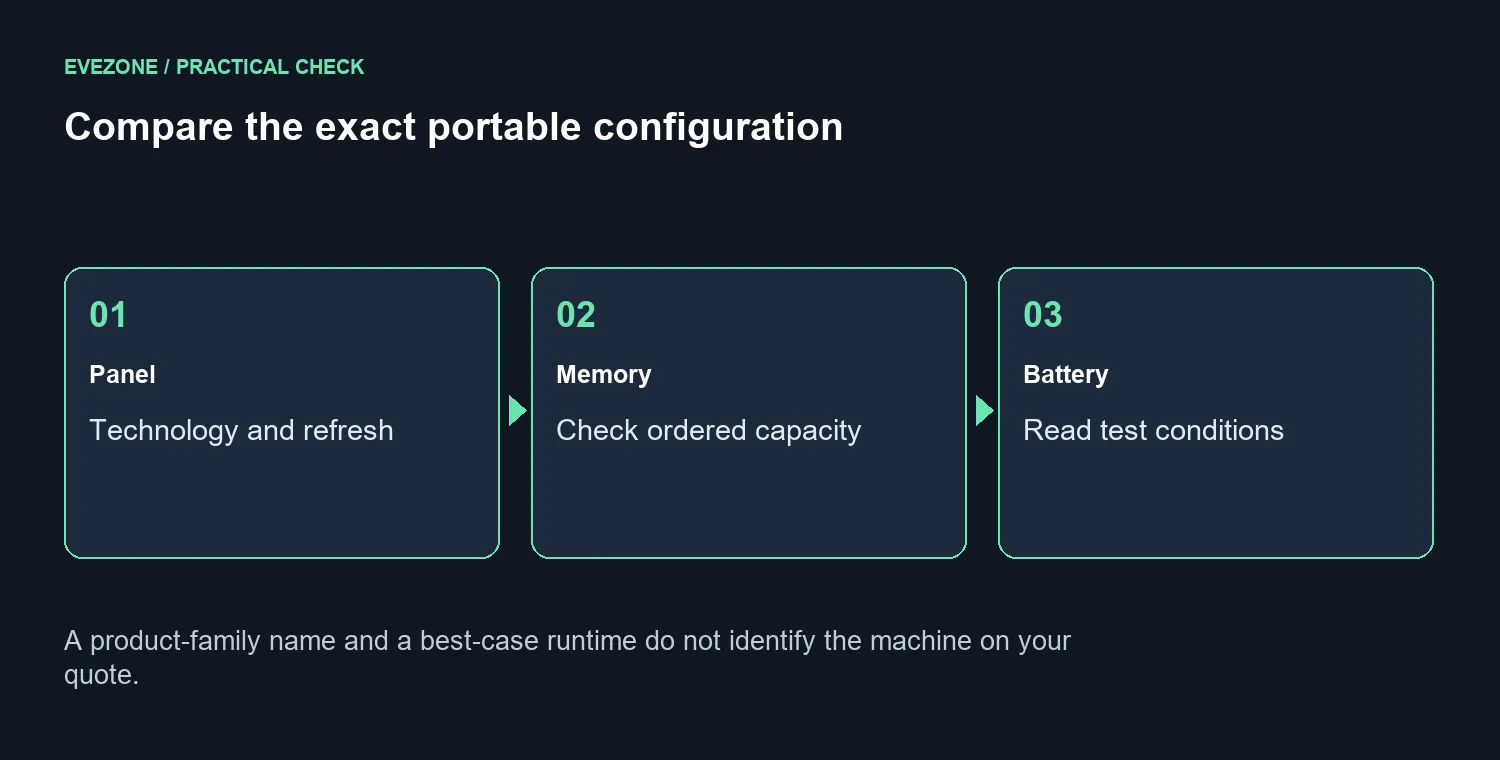
PSREF lists a 1920 by 1200 OLED option at 60Hz and a 2560 by 1600 IPS option at 120Hz. It also lists 8GB or 16GB soldered memory with no memory slots. Refresh rate alone does not identify screen technology. Read panel type, resolution and refresh together, then ask which combination is installed in the quoted unit. A faster refresh option can make motion feel different without telling you how the display handles reflections or how much working space is comfortable at your preferred scaling. Those details matter during a long document session as much as during a short video demonstration.
Try a familiar document and a web page with the text size you actually use. A display that looks impressive with a bright promotional image may be less suitable for the way you arrange ordinary windows. Compare the current laptop selection by exact screen description. Keep the full model identifier visible during that comparison so an older similarly named system does not quietly become the basis of the decision.
🔋 Treat battery tests as a defined task
PSREF lists local 1080p playback at 150 nits at 30.1 hours for OLED and 26.1 hours for IPS; MobileMark 30 at 250 nits gives 18.4 and 18.6 hours respectively. These are Lenovo test claims, not independent measurements. A local-video playback test is not the same workload as a day of browsing, video calls and editing. Brightness, active applications, networking, power settings and battery age all affect the result. Read the stated test conditions before treating a long runtime as a promise. If a seller cannot identify the conditions behind a claim, leave that number out of a direct comparison with your own workday.
Think about where charging happens rather than choosing only by the maximum hour count. A student who changes rooms several times and a home user who works beside a socket may value the same machine differently. List the length of the longest realistic period away from the charger, then ask for evidence from a similar workload. Keep enough margin for a demanding day instead of planning every session around a best-case demonstration.
🧳 Check what international availability actually means
A product being sold in another market does not establish the South African configuration, keyboard layout, stock or warranty. Obtain those details locally. Avoid converting a foreign advertised amount into a supposedly complete Rand price; that shortcut leaves important parts of the actual purchase undefined. The exact local quote should name the memory, storage, display and supplied accessories so you can compare complete systems.
Browse Intel laptops when the software or hardware platform is part of the requirement, but do not let a processor label replace the rest of the checklist. Confirm daily applications, ports and keyboard comfort. The separate R6,999 Chromebook listing is useful only as a lower-cost reference for a different type of computer. Choose the new IdeaPad if the available configuration solves your portable-work needs; its family name and longest battery figure cannot make that decision by themselves.
Frequently Asked Questions
Does the Ultra name identify one screen?
No. Check the exact panel on the configuration. Resolution, refresh rate and panel type belong together.
Is a 120Hz screen automatically OLED?
Do not infer panel technology from refresh rate. Read the full panel description for the actual unit.
Will a video battery claim match my workday?
Not necessarily. Brightness, apps, network use and power settings change runtime.
Is overseas release a South African listing?
No. Verify local configuration, warranty and availability independently before placing an order.
What should I compare besides battery life?
Check memory capacity, display comfort, ports, keyboard layout and the applications you run daily.
Does the Chromebook price set its SA price?
No. R6,999 was a separate ASUS Chromebook listing on 10 October, not a quote for this Lenovo.
Choose the next step for your setup
Find the configuration that fits your working day. Compare screen comfort, installed memory and a realistic charging routine across current laptops.