The Kiwi Ears Marcato has small wired earpieces with voices pushed forward. Before you swap out a gaming headset, decide where your voice goes on a call. The plug can carry audio to your ears even when your game is listening to a different microphone.
Quick Answer
The Kiwi Ears Marcato is a wired in-ear monitor, or IEM, with a 3.5mm plug and detachable cable. Kiwi Ears listed it at $29.99. On 28 November, Evetech listed the wired Logitech H111 at R159 as a local wired option with a documented mic. Compare the connection and mic setup first.
🎧 What the launch brings
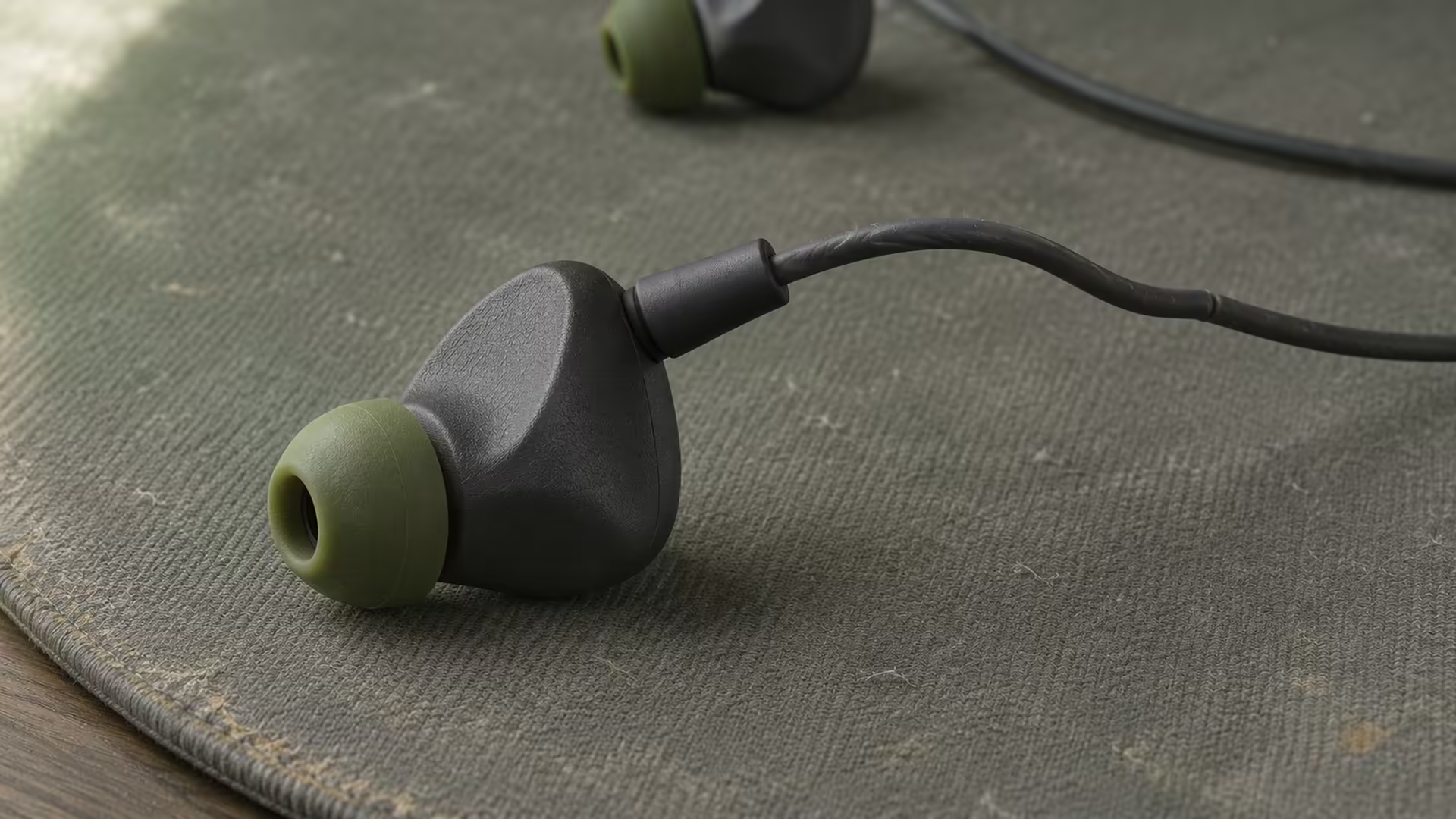
Kiwi Ears announced the Marcato on 27 November. Each side uses a single 10mm dynamic driver with a PET diaphragm. The maker describes the tuning as vocal-forward and uses a satin-finished zinc alloy shell. If you play with subtitles off, try a dialogue-heavy scene where music and effects compete with voices. Spoken dialogue sits among music, effects and chatter, and the sound mix varies by title.
Start with the silicone tip that stays comfortable when you move your jaw. Try the same familiar scene and volume for a few minutes with each size. If one ear sounds thin and the other sounds full, reseat the earpiece and compare the seal before adjusting an equaliser. For longer sessions, pay attention to pressure as well as bass. Browse Headphones if simple wired listening is the main task.
🔌 Follow the plug to the device
The cable detaches from the earpieces at its 0.78mm two-pin connectors and ends in a 3.5mm plug at the device. Those describe two different ends of the cable. If you want a spare lead, check the earpiece connector and the plug your source accepts. A 3.5mm output is easy to use on a compatible device. If the computer or phone has only USB-C, check the requirements of any audio adapter and whether the adapter supports the features you need.
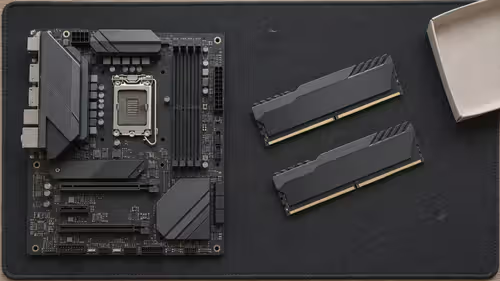
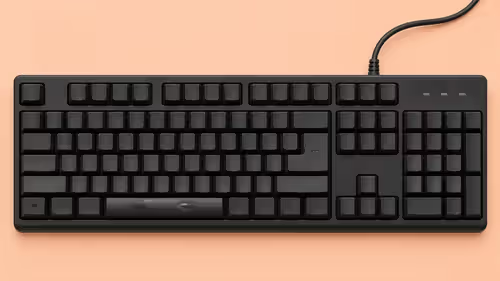
A tower PC can have a socket for headphone output and a separate one for microphone input. A combined headset jack on a different device can handle both with compatible hardware. Read the symbols beside the ports, then check what your computer lists under Input. Keep a short recording as a reference before you move the headset between the front panel and the rear connectors.
🎙️ Decide how you will speak
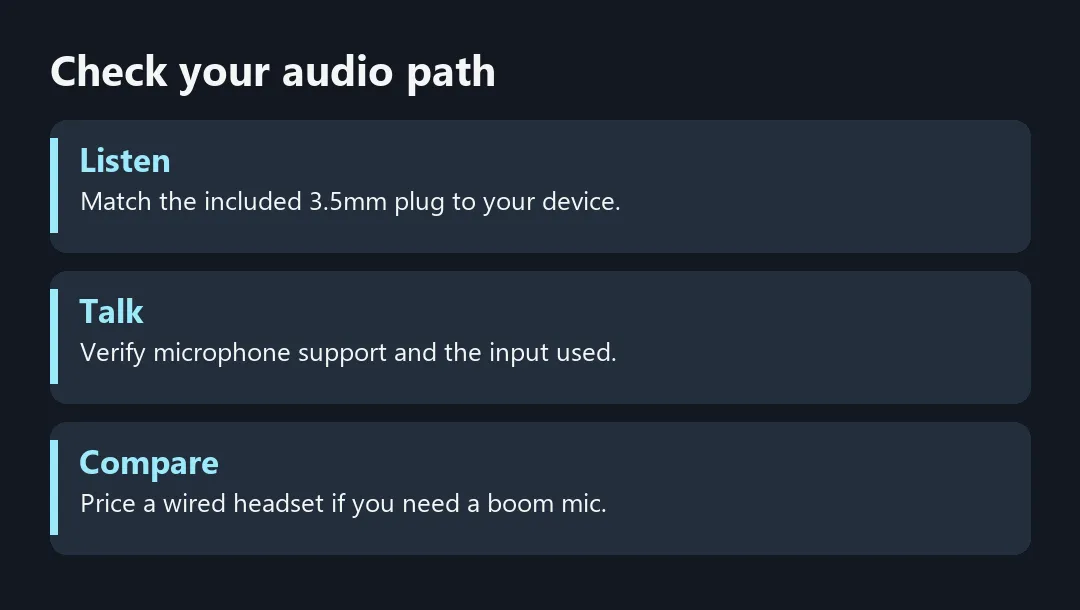
For solo play, the listening path may be all you need. For a regular squad, test the actual microphone and chat app you use before retiring a working headset. Talk at normal volume, move your head and listen back to the clip. A separate desktop mic adds another cable but lets you choose a comfortable pair of earphones without asking their lead to do two jobs.
The Evetech price sample is a comparison point from the wired category. The R159 Logitech H111 has a rotating microphone and an analogue connection. Its over-head fit and design answer a different need from the Marcato. Look at Wired Headset options if you want one device for both audio and chat. Compare comfort, the cable reach from where you sit, and whether the port on your particular device matches the supplied plug. Check local listings for the exact Marcato model before budgeting around its US dollar figure.
Frequently Asked Questions
What driver does the Marcato use?
Each side has one 10mm dynamic driver with a PET diaphragm.
Can you detach the cable?
Yes. The earpieces accept a detachable 0.78mm two-pin cable.
What connection goes to the PC?
The supplied cable terminates in a 3.5mm plug. Check the input and output functions of the socket you plan to use.
Is the local price the same as the dollar price?
The maker's dollar listing does not establish a South African shelf price. Compare currently listed local alternatives.
Will it replace a headset for voice chat?
Confirm the mic and input path first. A headset with a documented boom mic may be simpler if you use team chat every night.
Do tip sizes matter?
Yes. Try the supplied sizes and check that the seal and comfort hold when you talk or move.
Check your audio path
Compare the plug and voice-chat setup before choosing an in-ear monitor. Compare compatible options at Evetech.