The game has closed, but the laptop still sounds as if it is in the middle of a match. Repeat the same workload on a bare desk before paying for a cooling pad.
Quick Answer
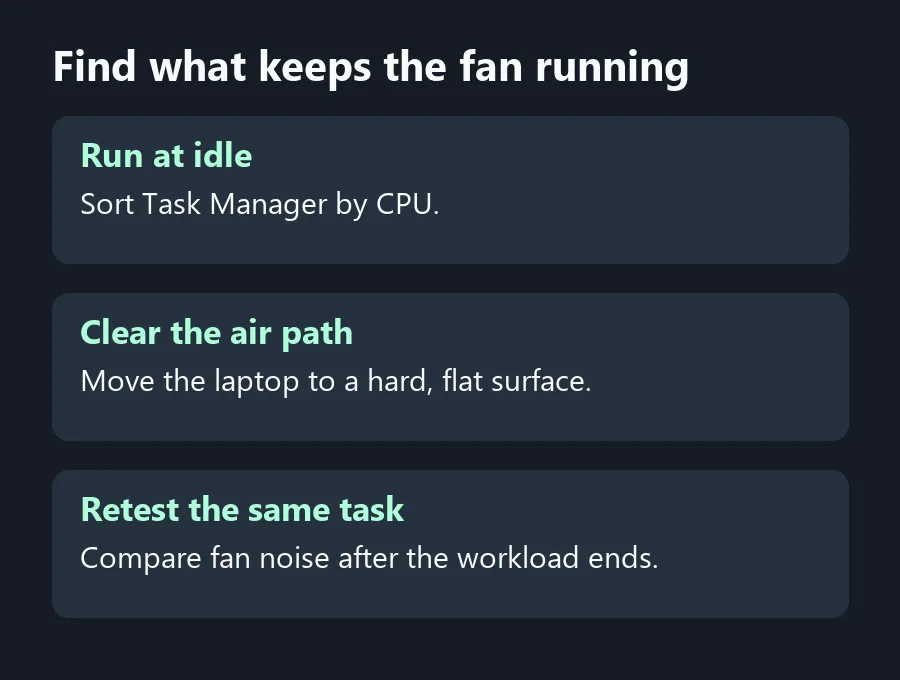
If your laptop fan is always running, open Task Manager and sort by CPU. Move the laptop onto a hard, flat surface so you can check it with the vents clear. Both checks cost R0. If the fan stays loud at idle or makes a grinding sound, use the manufacturer's diagnostics or get the laptop assessed.
🖥️ Check what Windows is doing
Press Ctrl + Shift + Esc, open Processes and click the CPU column to sort it. Check twice over a few minutes. A browser tab, a game launcher or a Windows update can use the processor after you close the app you were working in. If you recognise a busy app and can close it without losing work, close it from its own window. Give the laptop a few minutes to cool, then listen again.
Let Windows finish an update rather than ending its processes in Task Manager. If the fan settles when the load falls, repeat the same activity to see whether you can reproduce it. A steady rush of air under sustained load can be normal. A rattle or scrape deserves its own diagnosis, even if the laptop stays cool.
🌬️ Give the vents room
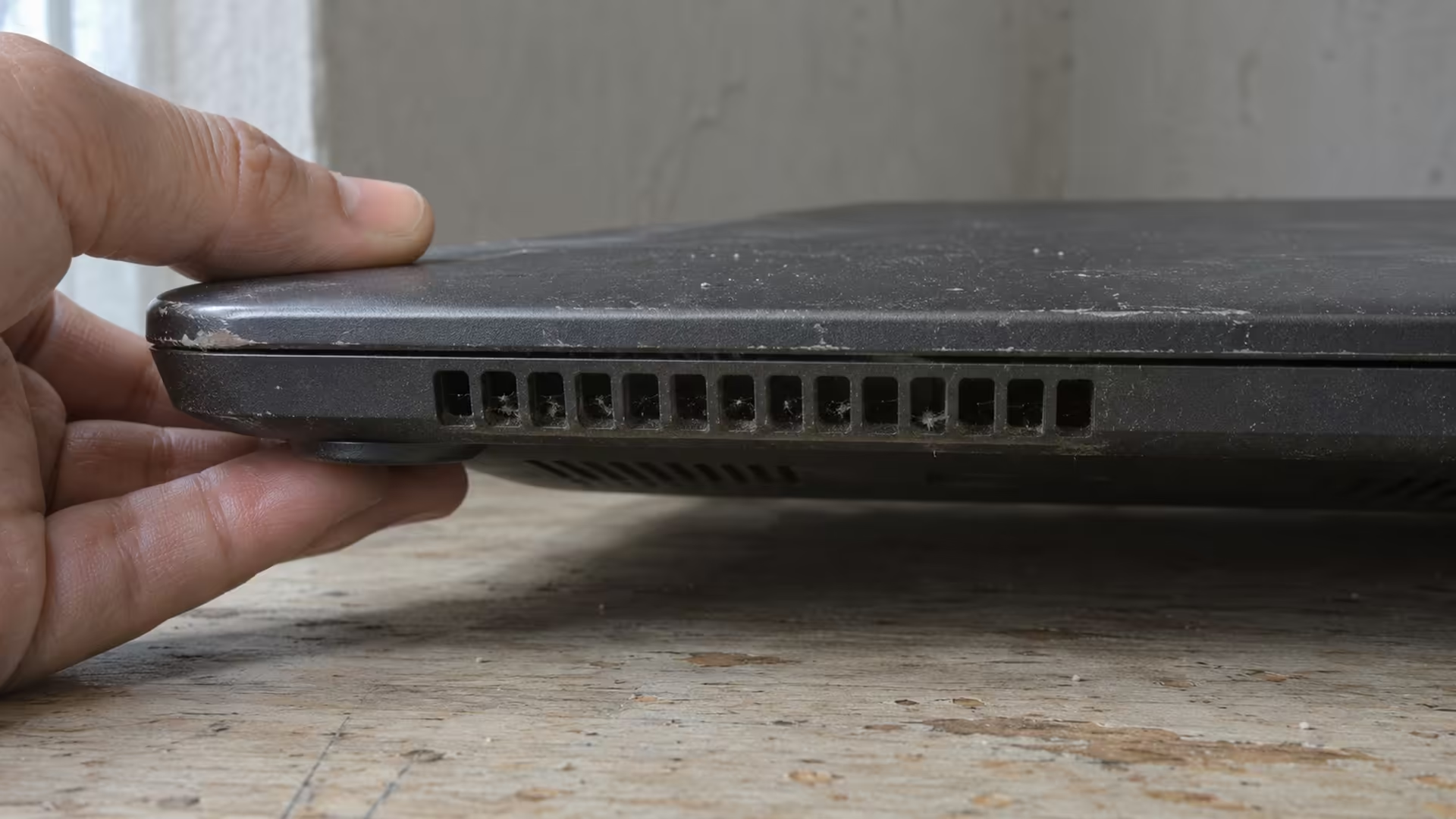
Use the laptop on a bare desk and leave space around the intake and exhaust. A blanket or fabric sleeve can cover vents underneath. Compare the same workload on the desk with the laptop in its usual position. Keep the power connection and power mode the same, so those changes do not muddy the test.
Look for dust around the vents after you shut down and disconnect the charger. Check the instructions for your model before you clean them. Listen again after restarting. If the computer gets unusually hot, slows down or shuts off, save your work and stop testing it under load.
🛠️ Decide what to buy
If the test shows the laptop needs more space underneath, a stand or one of the Cooling Pads may make your desk more practical. Compare where the stand supports the base with where your laptop draws air. Keep the intake clear. If you hear a mechanical noise or the laptop shuts down, budget for an assessment first.
If you do need a replacement, use All Laptops on Special to compare machines for the workload you actually run. Check independent noise measurements for the exact model if it will spend most of the day in a quiet room.
Frequently Asked Questions
Why does my fan run after I close a game?
The laptop may still be cooling down, or another process may be using the CPU. Watch Task Manager and see whether the fan settles.
Should I end every busy process?
Close apps you recognise after saving your work. Let Windows finish updates and leave system processes alone.
Can a blanket make the fan louder?
Yes. Soft fabric can cover the air intake, especially on a laptop with vents underneath.
Will a cooling pad fix a rattling fan?
A pad adds space or airflow. Have a fan that rattles or scrapes assessed.
Can I compare battery and plugged-in runs?
Yes. Keep the workload the same and record which power mode the laptop uses for each test.
What if the laptop shuts off?
Save your work and stop repeating the workload. Run the maker's diagnostics or arrange a service assessment.
Run at idle
Check workload and airflow before buying a cooling pad or replacing the laptop.