You move a drive into an external case and plug it in. The case lights up, yet no disk appears. With an NVMe SSD not detected in enclosure, the LED tells you less than the labels on the drive and case. Read them before you buy anything or try a disk tool.
Quick Answer
Match the enclosure's stated protocol to the NVMe SSD and use a direct USB data connection. If Windows sees the disk but asks to initialise or format it, stop if you need its files. Evetech listed a 1TB Dahua L7 NVMe SSD at R2,699 on 27 November for buyers who actually need a replacement drive.
🧩 Confirm what both parts speak
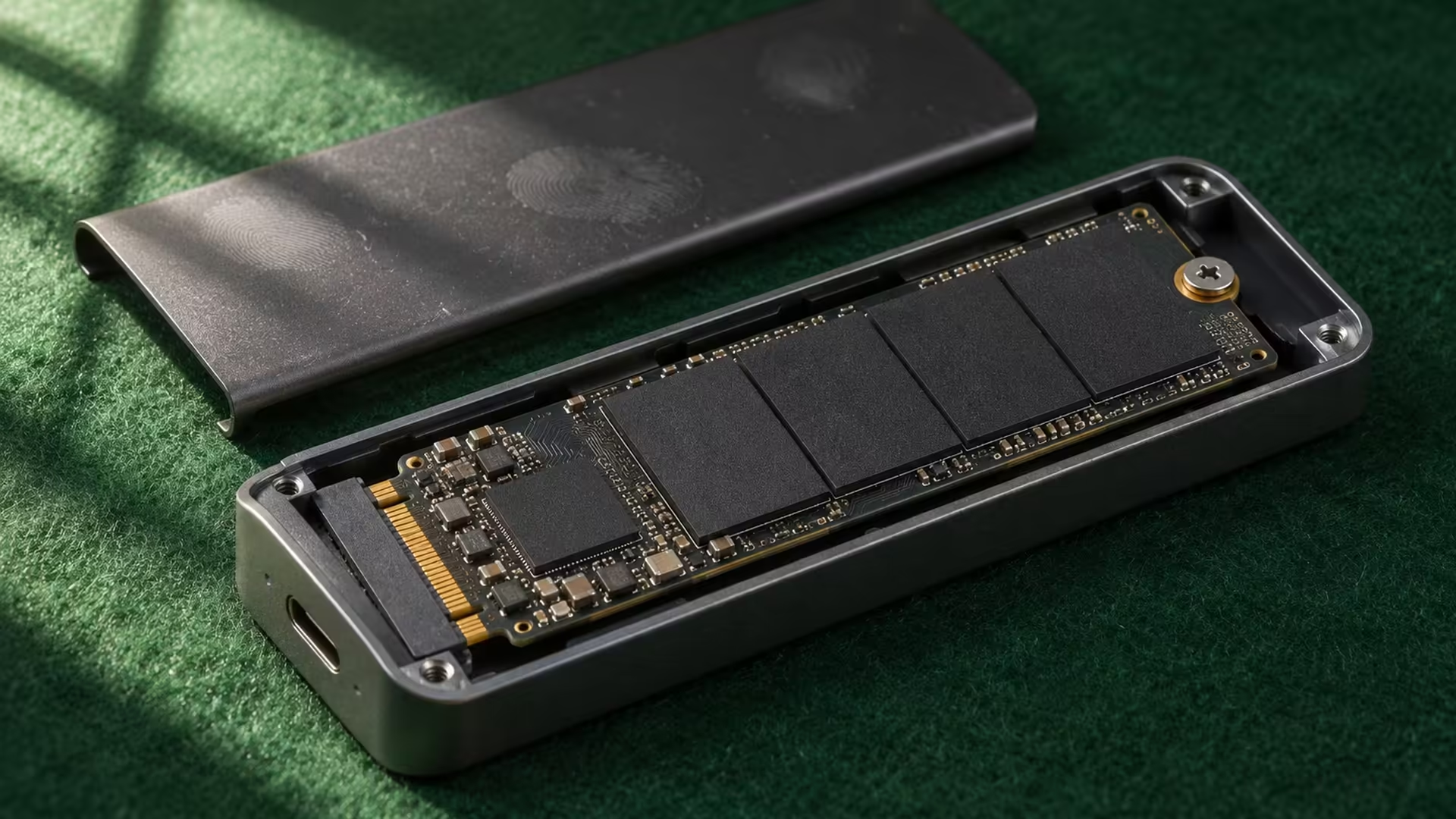
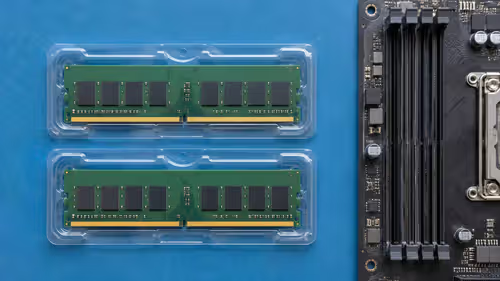
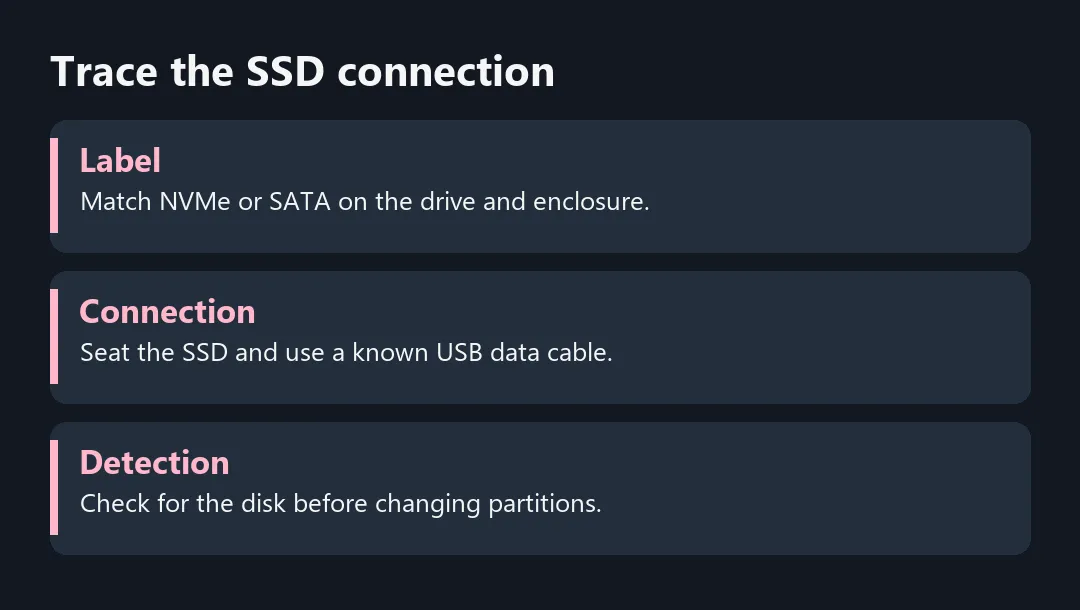
Read the exact model from the drive label and look it up. Note the protocol and length. An enclosure that only supports M.2 SATA won't communicate with a PCIe NVMe drive. A dual-mode case can support both when its specifications say so. Use the model number if both connectors look alike.
Check the space for a heat spreader, too. Some SSDs carry a heatsink that makes them too tall for the lid. Use the enclosure instructions for its thermal pad and retainer. Unplug the external case before reseating the drive. If the lid presses hard against a component, use different hardware instead of forcing it closed.
🔌 Take the hub out of the test
Move the enclosure to a direct USB port with its supplied data cable. If it still fails to appear, try a different cable and port. Look for the disk in Disk Management as well as Explorer. A disk can appear to the operating system without showing up as a drive letter. If the SSD has data, avoid write operations while you work out what the PC can see.
If the drive works in its original computer, narrow your search to the enclosure and its connection first. If it fails there as well, set it aside if the files matter. Keep track of the model and capacity as you compare results so you don't change the wrong disk.
💾 Compare the two replacement routes
Browse NVMe SSDs if your old disk needs replacing and you already own an enclosure that supports NVMe. Look at External SSDs if you'd rather buy the drive and enclosure together. Compare size, cable and connector needs for the computers you use. The R2,699 internal-drive example gives you a local reference. Check the enclosure cost as part of the same budget.
Frequently Asked Questions
Can a SATA-only enclosure read an NVMe SSD?
Choose an enclosure that explicitly supports PCIe NVMe for an NVMe drive.
Does M.2 describe the drive protocol?
M.2 describes a form factor. Check the SSD specifications for PCIe NVMe or SATA.
Should I initialise an old SSD if Windows asks?
Stop if you need files from the disk. Confirm the drive identity and protect its data before making changes.
Can my cable be the problem?
Yes. Test a known USB data cable and connect it straight to a port on the computer.
Will a heatsink fit in the enclosure?
Check the allowed SSD height and the thermal pad arrangement before choosing a model with a heatsink attached.
What does an example 1TB internal drive cost?
Evetech listed a Dahua L7 1TB M.2 NVMe SSD for R2,699 on 27 November. An enclosure is a separate purchase.
Trace the SSD connection
Rule out the enclosure before spending Rand on a new drive. Compare compatible options at Evetech.