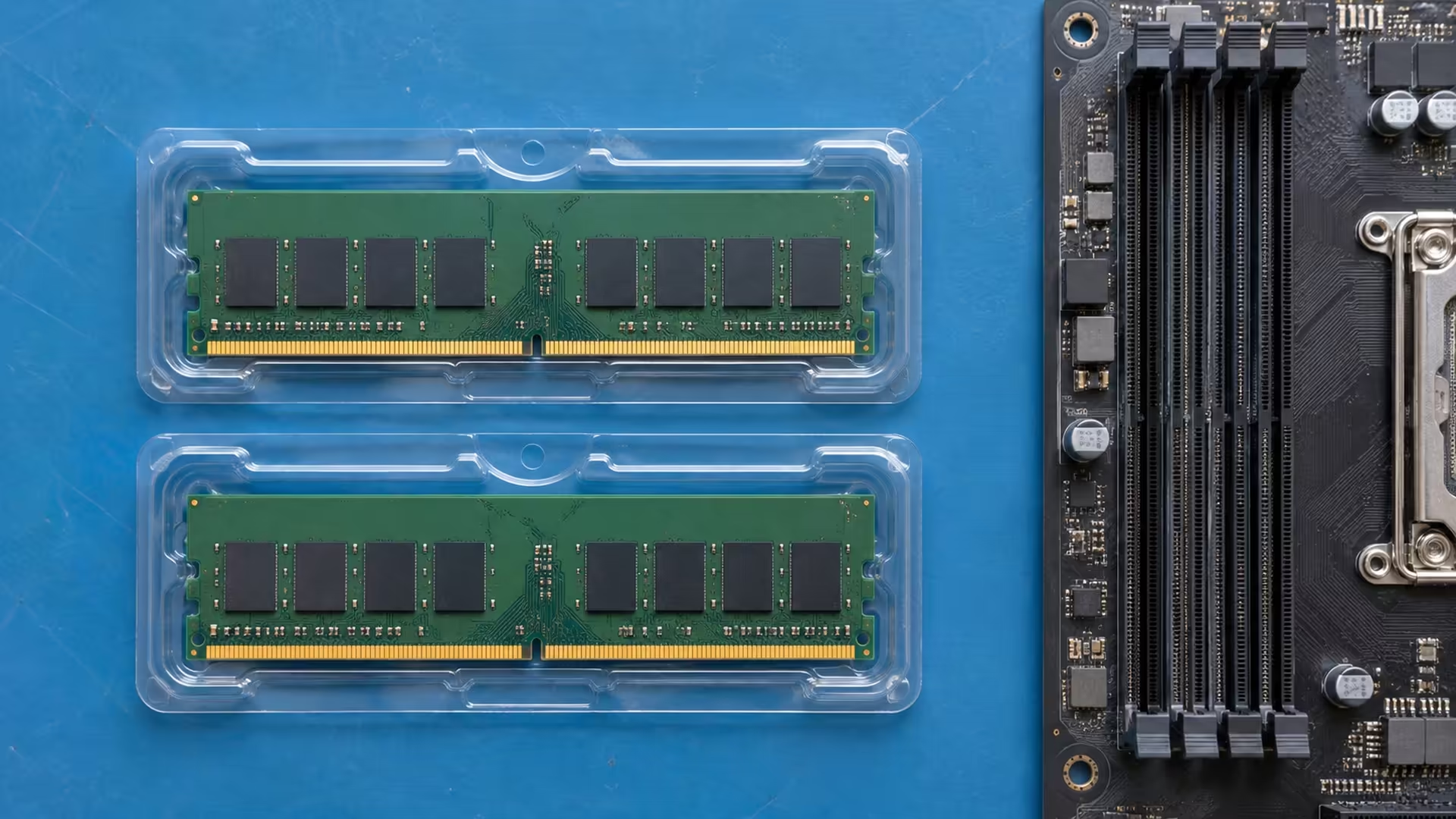
You add two modules and the crashes start that evening. Search DDR5 four sticks unstable and start with the setting that changed. Four populated slots can ask more of the CPU memory controller than the original pair. Test the rated configuration before you assume one of the modules has failed.
Quick Answer
Turn off the memory speed profile and test all four modules at their default settings. Check the processor's supported rate for four modules. Evetech listed a single KLEVV 32GB DDR5-5600 module at R8,999 on 27 November, a capacity price reference while you check your existing hardware.
📋 Read the processor table
Open the CPU specifications and look for the memory row for your module count. AMD lists DDR5-5600 for two modules and DDR5-3600 for four on the Ryzen 7 9800X3D. Read the table for your own processor if you have a different chip. Use the board manual and memory support list to check the slot arrangement and kits tested with it. Browse All Motherboards by the exact board name if you need to work out which version you have.
Write down your current profile and the system's reported capacity and speed. Compare them with the readings after you disable the profile.
🧪 Test one arrangement at a time
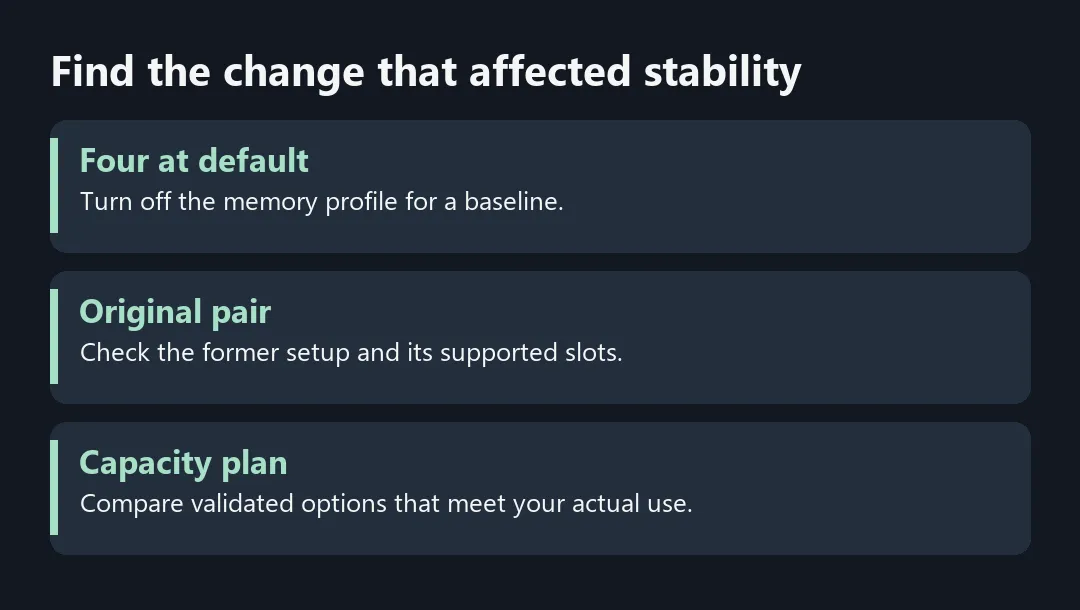
Use the firmware menu to disable the memory speed profile. Once the machine boots, allow it to complete memory training according to your motherboard instructions. Try the workload that used to trigger the crash, and run a memory diagnostic if you can. A brief boot tells you less than a repeat of the failing test.
If it still crashes, switch off and unplug the computer before putting back the original pair in the slots the board manual specifies. Test that pair at default settings as well. Take notes so you can tell whether a specific kit or the change in module count follows the fault.
🛒 Price the capacity you will use
If you bought the second pair for a game or editing job, check how much memory that job actually uses. Consider a matched kit that fits the budget and meets the capacity you need. The R8,999 KLEVV single module is one local capacity reference. Compare complete DDR5 kits and read the compatibility list before ordering. Mixing two sets with the same label can introduce a new variable when you're trying to establish a stable baseline.
Frequently Asked Questions
Do four DDR5 sticks guarantee a faster PC?
Four modules can add capacity, but the CPU may support a lower memory speed with all sockets populated.
Can the same kit label prove two kits work together?
A kit is validated as sold. Check the motherboard list for the exact arrangement you plan to use.
What should I try before replacing memory?
Return the memory to default settings with all four modules fitted, then test your normal workload.
Where can I find the right two slots?
Check your exact motherboard manual for its recommended two-module positions.
What if my PC still crashes at defaults?
Test the former configuration at defaults. Get help if errors persist with a setup that previously worked.
What did a 32GB module cost locally?
Evetech listed the KLEVV 32GB DDR5-5600 desktop module at R8,999 on 27 November. Check compatibility before pricing a kit.
Find the change that affected stability
Check rated speed with four slots populated before replacing memory. Compare compatible options at Evetech.