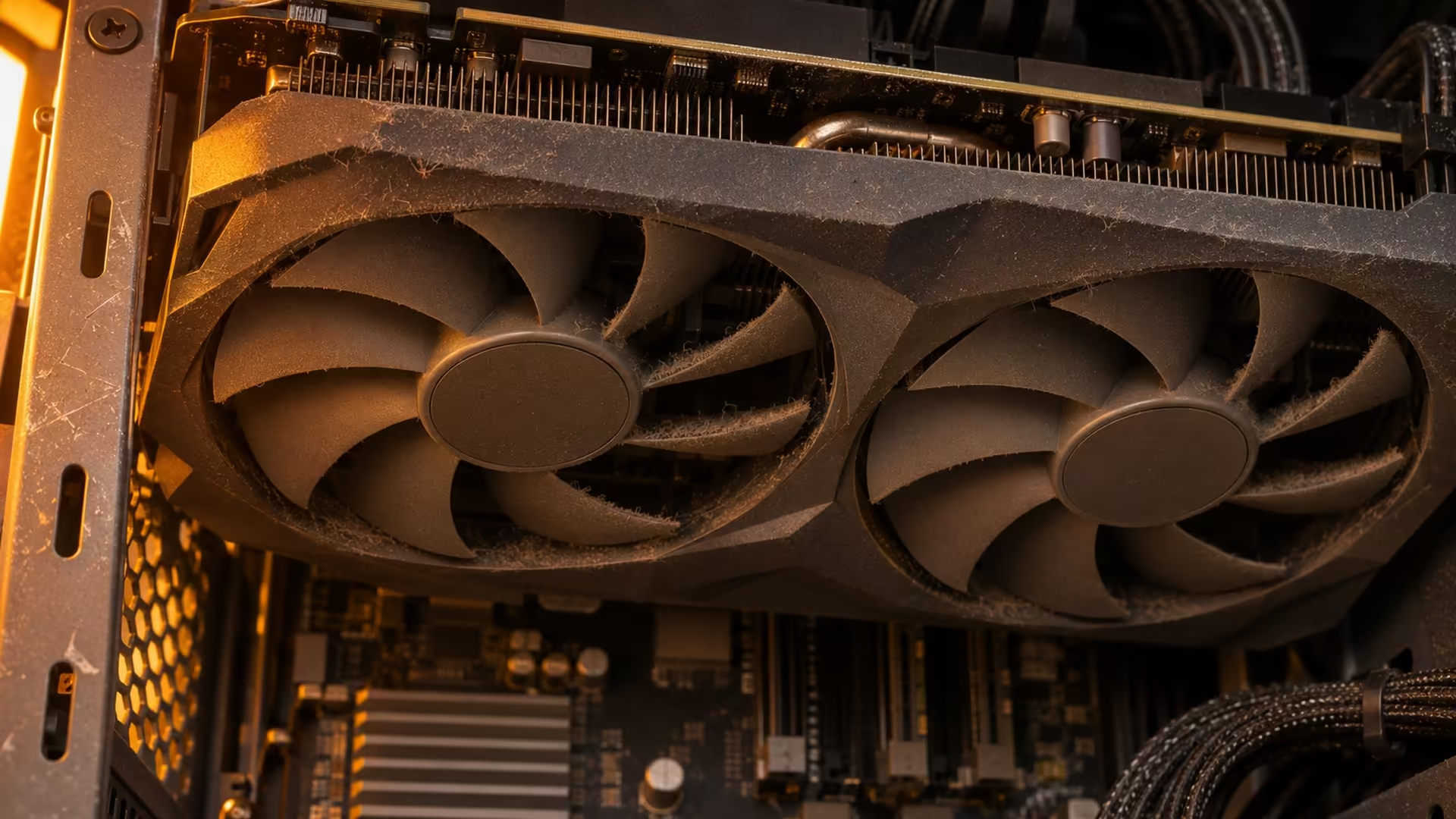
The fan noise rises as the PC starts, then the graphics card falls quiet. If your GPU fans spin at startup then stop, check what the maker says about idle behaviour. A brief spin and a quiet desktop can belong to the same normal sequence. A game gives you a better observation than the startup screen.
Quick Answer
Check whether your card supports fan stop and watch its response while you play a familiar game. Stop the game if temperatures keep rising with no response past the model's start conditions. A Palit RTX 5060 Dual showed R9,999 at Evetech on 27 November, so verify the fault before you shop.
🌡️ Watch the card through a change in load
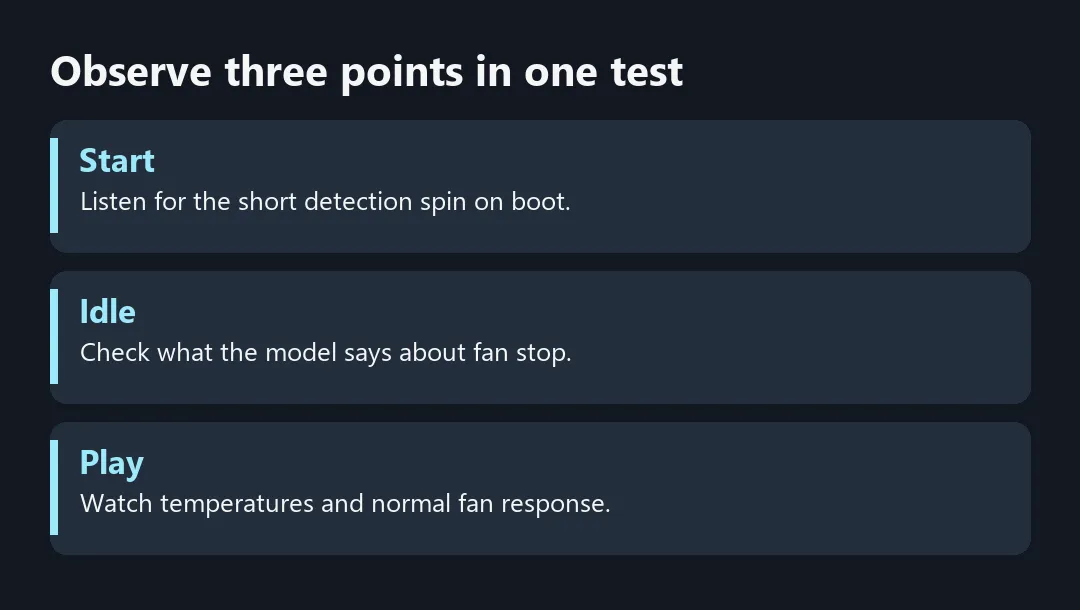
Note the exact model, including any suffix on the card. Find its fan-stop specifications. Some cards pause below their load or temperature threshold, and different cards can make different choices. Keep the machine at the desktop long enough to see what it does after startup. Record the fan and temperature readings using a monitoring tool supported by the maker.
Launch a game that usually warms up the card, and watch those same readings. See whether the fans come on as the card reaches normal running conditions. You can stop the session once you have seen the response. If the card stays hot and the fans fail to start as expected, shut the game down and use the manufacturer's support steps.
🔦 Look with power off
Switch off and unplug the PC before you inspect the assembly. Look for loose cables or debris around the fan opening. If you just rerouted a cable, check whether the cable moved towards the GPU when you closed the side panel. Leave enough room for the blades to turn.
If your case relies on low-speed intake fans, look at their condition too. Case Fans can help you compare suitable frame sizes when an intake has failed. Replacing a case fan does not restore a faulty GPU fan. Keep separate notes on which fan you observed.
💸 Leave the purchase for last
A computer that runs games normally and starts its GPU fans under load gives you a useful reason to keep using it. If a suspected fault persists, have the card inspected before picking a replacement. Use current GPU or All NVIDIA Gaming PCs prices to weigh repair against a new card or system. The R9,999 listing is one comparison point for a card purchase in Rand.
Frequently Asked Questions
Is a short burst at startup normal?
Some cards briefly spin on detection at boot. Look up the intended behaviour for your exact model.
Can the GPU run with the fans stopped?
Fan-stop models may stop at low load. They should respond when their own fan start conditions are met.
Does every card start the fans at 60 degrees?
Thresholds and conditions vary. Use the specifications or support page for your model.
What can I check without touching the fan?
Watch the fan reading and GPU temperature while playing a game you know. Keep fingers and tools out of the running PC.
When should I stop testing?
Stop the game if the temperature continues climbing and a fan remains stopped past the conditions given by the maker.
What is a local replacement reference?
Evetech listed a Palit RTX 5060 Dual at R9,999 on 27 November. Check the fault first.
Observe three points in one test
Check the fan response under normal use before paying for a new graphics card. Compare compatible options at Evetech.