You tap down once and the menu jumps past the item you wanted. With Steam controller double input, Windows or a game may see two routes from the same pad. Run the same menu test after each setting change.
Quick Answer
Test with one controller and close any separate remapper. Relaunch the affected game after changing its Steam Input override and repeat the same button press. Evetech listed a wired HyperX Clutch Tanto Mini at R349 on 27 November, but keep your pad if changing the input path fixes it.
🎮 Start from a quiet setup
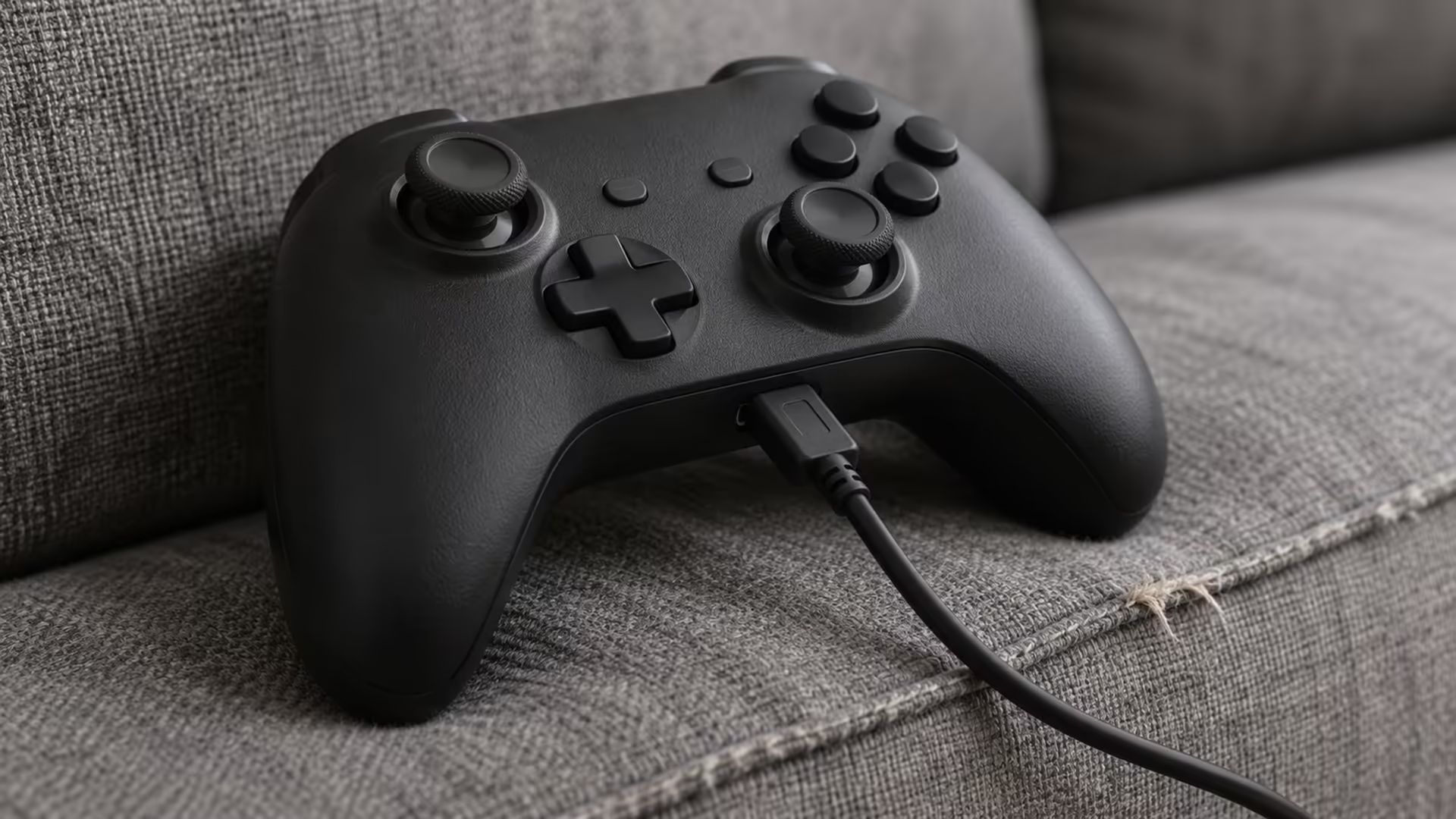
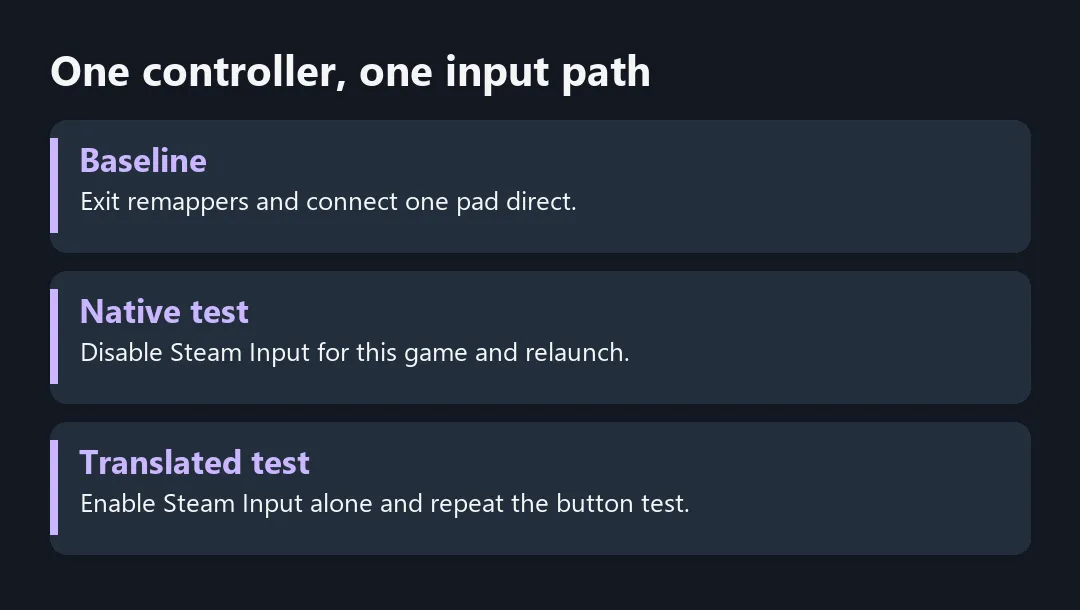
Disconnect the second pad you keep nearby for local play, and close controller tools from the system tray. If you can connect your pad by USB, plug it directly into the computer and disconnect any second connection you were using to it. That keeps the test free of the hub and wireless link. A cable that charges a controller may not carry its input. Look among Cable Solutions for a data-capable replacement if the pad switches off when you unplug its wireless receiver.
Choose a menu where a short press gives a visible one-step result. Press the same direction a few times with a short gap between taps. Record whether the cursor skips an item while both the remapper and other pads are out of the test.
⚙️ Compare the two ways the game reads the pad
Check the game's controller options in Steam. If it supports your model directly, disable Steam Input for that title and restart the game. Try the same menu. If the game ignores your pad in that configuration, enable Steam Input for the title, restart and keep the other tools closed to see what Steam can handle alone.
If you later open a remapper and the issue returns, check whether your game sees both the physical pad and its emulated controller. Use the arrangement that worked as your starting point. Keep the change scoped to the title to avoid breaking a different game's mapping.
🧪 Separate a pad fault from a game setting
Connect the same pad to another game that worked before and test a single press. If it duplicates there too, try a known-good cable and another direct port, then try the pad on another compatible computer. That gives you a reason to browse Gaming Controllers if the symptom follows the device. The R349 wired example is a price reference. Confirm compatibility with your own games and platform before choosing another pad.
Frequently Asked Questions
What does a double input feel like?
One press advances two menu items or performs the same action twice. Test with deliberate short presses.
Should I disable Steam Input everywhere?
Change the override for the affected title. Other titles can keep the settings they already use.
Should I close my controller remapper?
Close it for the first tests. Reintroduce it only if you can identify the input path that needs translation.
What if native input stops working?
Enable Steam Input for that title again. Relaunch with the other remapper closed and repeat the same test.
Can I use a controller cable for testing?
Yes, if the controller supports data over USB. A cable wired only for charging cannot carry controller input.
What did the local price check find?
Evetech listed the wired HyperX Clutch Tanto Mini at R349 on 27 November. Test your existing pad first.
One controller, one input path
Isolate Steam Input and the game's own controller support before replacing a pad. Compare compatible options at Evetech.