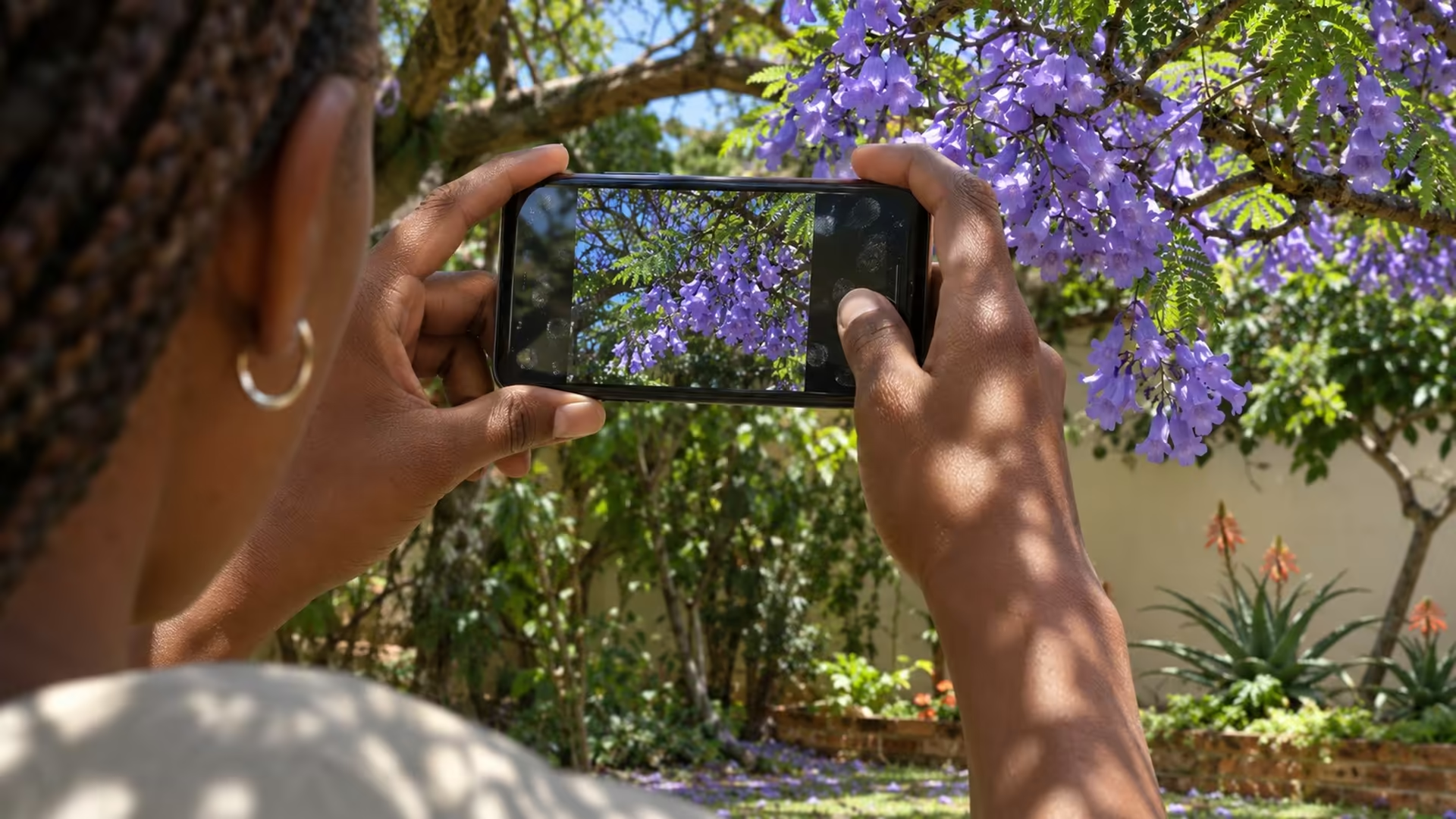
Set the iPhone 17 camera settings for best quality around the photo you want to take. A bright scene with detail across the frame gives you room to use higher resolution. At a concert or a dinner table, first work out whether the subject moves or sits under uneven light. Check a test image before you commit to a setting.
Quick Answer
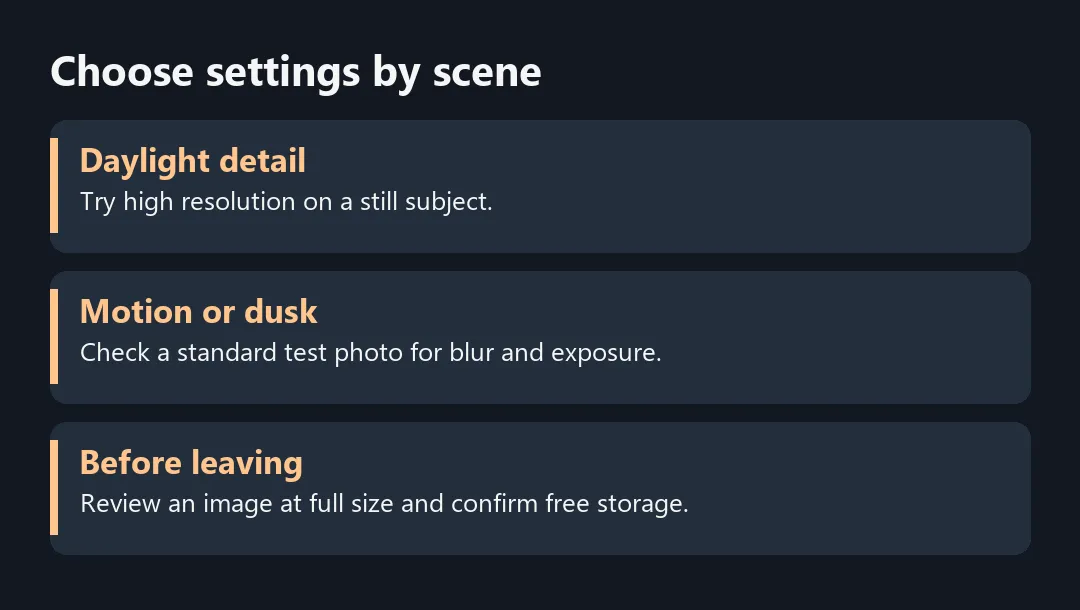
Try a high-resolution shot on the iPhone 17 Main camera for a still subject in good light. Start with the standard setting for everyday photos and check a sample for motion or exposure before taking more. Keep the resolution choice available through Camera settings if you switch between modes a lot.
📷 Choose detail you can use
Apple lists 24MP and 48MP high-resolution Main camera photos for the base iPhone 17. For a landscape, a group that will hold still or a textured building, take two photos in decent light and compare them at the same crop in Photos. That helps you decide when the higher resolution is useful for a print or crop. Use 1x for the Main camera comparison and keep your position fixed.
Try a short series when the light changes. A crisp foreground and a blurred face in the corner can be hard to spot until you open the picture. Clean the lens with a suitable cloth and hold the phone steady before you judge the results.
🌆 Test a real indoor scene
In a room or concert with uneven light, point the camera towards your subject and check a single shot first. Look at faces and bright areas before you decide to keep shooting. If bright lamps fill much of the frame, try moving so they sit outside the picture. Keep an everyday mode ready so you can work quickly when the person moves.
If you use a Photographic Style for the colour you want, check how it changes skin tones before saving it for later. Apple describes Preserve Settings for supported choices. Take another sample after closing and reopening Camera so you know which option you kept.
💾 Keep room for the photos you take
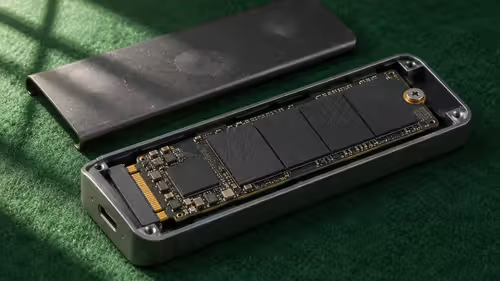
Review available storage before a full day out. When you need to move photos later, use the transfer method that fits your computer and the originals you want to keep. Compare External SSDs and Cable Solutions for your backup setup, and check that the cable supports data. Keep a copy separate from the phone before clearing space. Check video resolution and frame rate on their own, especially if you want a short clip alongside the still photos.
Frequently Asked Questions
Which iPhone 17 camera settings are best for bright daylight photos?
Try the Main camera at high resolution when there is light and the subject is still. Check detail in a sample photo before continuing.
Should I use 48MP for every picture?
Use it selectively when detail matters. A standard setting is a practical starting point for regular photos and storage management.
Do the same settings control video?
No. Review video resolution and frame rate separately in the camera settings.
How do I keep a Photographic Style for later?
Use Camera in Settings and check Preserve Settings for the Photographic Style option on your model.
What should I do at a concert?
Take a test image when the stage lights are active, check faces and motion blur, and adjust framing or exposure from there.
Does this apply to iPhone 17 Pro?
This guide describes the base iPhone 17. Consult the Pro specifications before copying settings that depend on the available cameras or formats.
Choose settings by scene
Choose a camera format for your subject and storage before your next outing. Compare compatible options at Evetech.