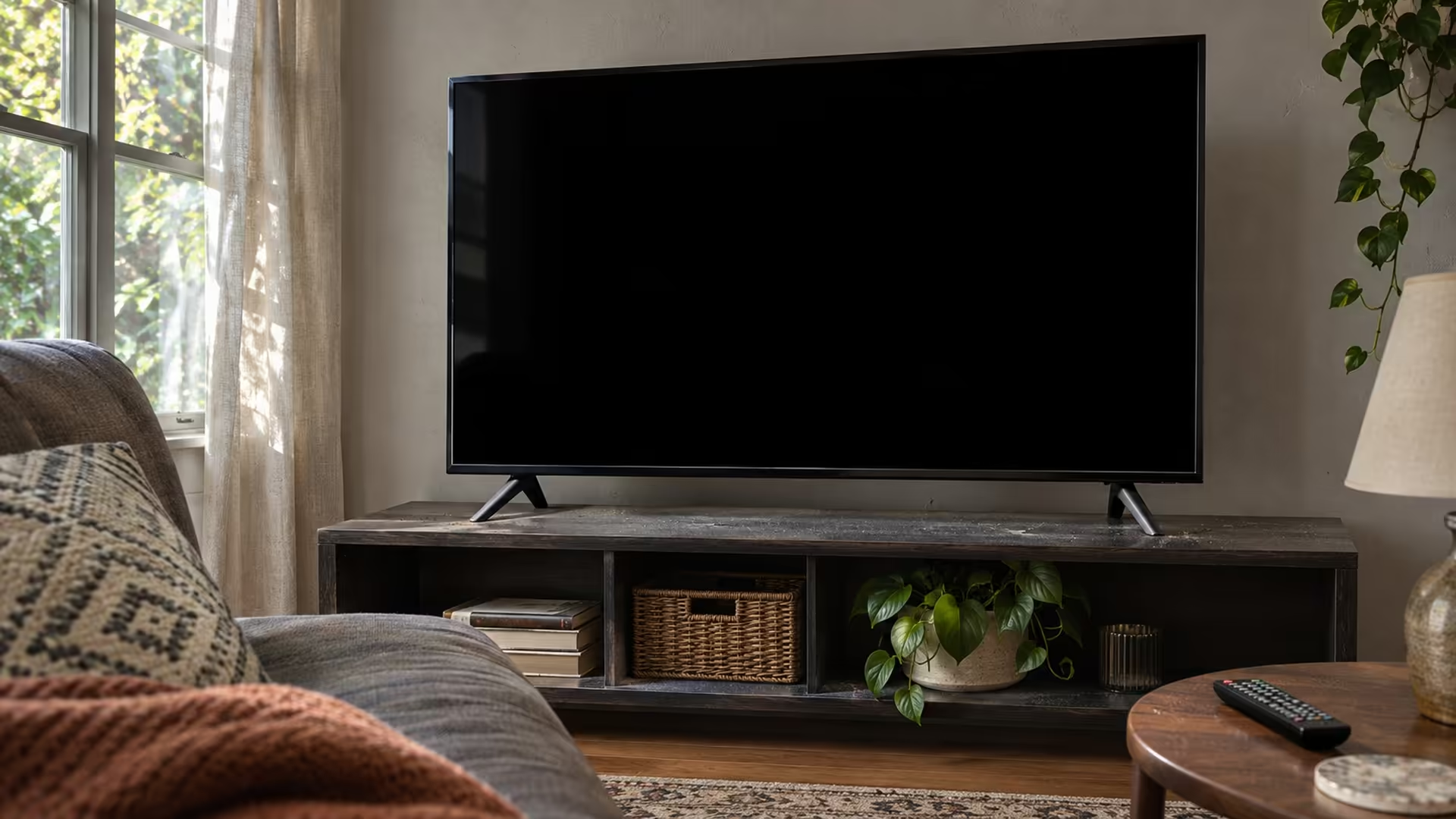
You can hear the match or the menu sounds with no picture to go with them. If you're searching my Hisense TV screen is black but has sound, start with the TV's own menus. If the menu appears, move your checks to the decoder, console or streaming device.
Quick Answer
Press Home or Settings on the TV remote. If you see the television's own menu, check the selected input and try a second HDMI cable or source. If the television shows no menu or picture after a normal restart, note the exact model and arrange a check of the TV itself.
📺 Start with a picture the TV creates
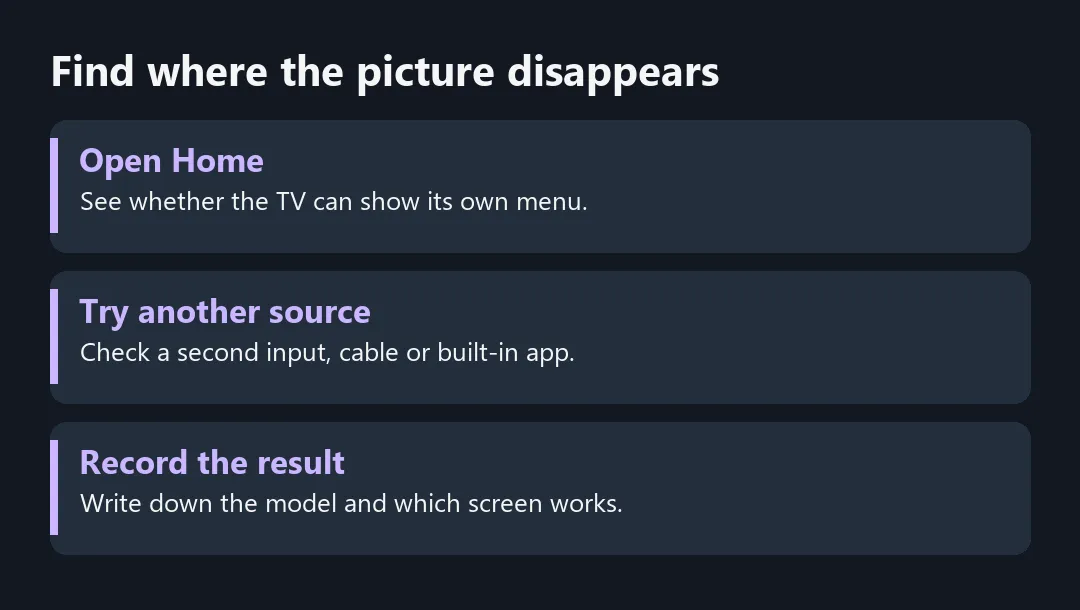
Pick up the remote that came with the Hisense TV. Press Home once and give it time to respond. Try Settings if you know where it is on that model. If you can see a menu, switch to a built-in app you already use. That checks an image source inside the TV. Record whether the menu and app both appear before you change the external equipment.
On a remote with a separate input button, choose the input that matches the number on the port. If you can't see the menu, don't make blind settings changes. Find your model manual to learn which controls are available and how to restart the set.
🔌 Follow the HDMI path
Turn off the source and TV before reseating the cable. Then try a known-good lead in the same port and choose the matching input. Change only one part at a time. If you have a second external device that normally works, try it on the same port. You can also test the original console or decoder on a second display.
Look at Premium Cables if the same cable fails on two compatible setups. Before you replace it, choose the length and connection that fit where your TV and console sit. Keep a working lead handy so you can test a new setup before putting the cables behind furniture.
🧾 Keep the result with the model name
Record which input you tried, whether the Home screen appeared and whether the sound came from the TV or a separate speaker. If the TV's own screen stays black after a normal restart, these details help someone assess the fault without repeating every switch you tried. Avoid opening the case. If you need another screen for a local console test, compare available Monitors for a compatible input. Use a screen you already have if it lets you test the same source with confidence.
Frequently Asked Questions
Why is my Hisense TV screen black but I have sound?
A missing image can start at the input, external device or TV. See whether you can open the television's own Home menu.
What can I do when the screen goes black on one HDMI input?
Check the input name, reconnect the cable with the equipment off, then try a known working cable or source.
My Hisense Roku TV screen is black but has sound. What should I test?
Try the Home screen from the Roku remote. If it appears, compare a built-in app with the HDMI device.
Can I test the console away from the TV?
Yes. Try the console on a compatible monitor or second TV with a cable you know works.
Should I open the back to check the screen?
Keep the case closed. If the TV cannot show its own menus after a normal restart, arrange a model-specific check.
Does sound prove the display is fine?
Sound shows the audio path is working in some form. Test the TV menu and a second video source to narrow down the missing picture.
Find where the picture disappears
Check whether the fault follows the input or persists on the TV's own menu. Compare compatible options at Evetech.