You take your phone off Wi-Fi and find you cannot make a call. Check the message beside the signal indicator before you move the SIM. A phone that says No SIM needs a different check from one that recognises the line but cannot reach the network.
Quick Answer
If your SIM card is not working, restart the phone and check whether it detects the line. For a physical SIM, reseat it and try it in a second compatible phone if you can borrow one. The restart and borrowed-phone test cost R0. If you use an eSIM, ask your network to check the line and profile.
📱 Read the message before removing the card
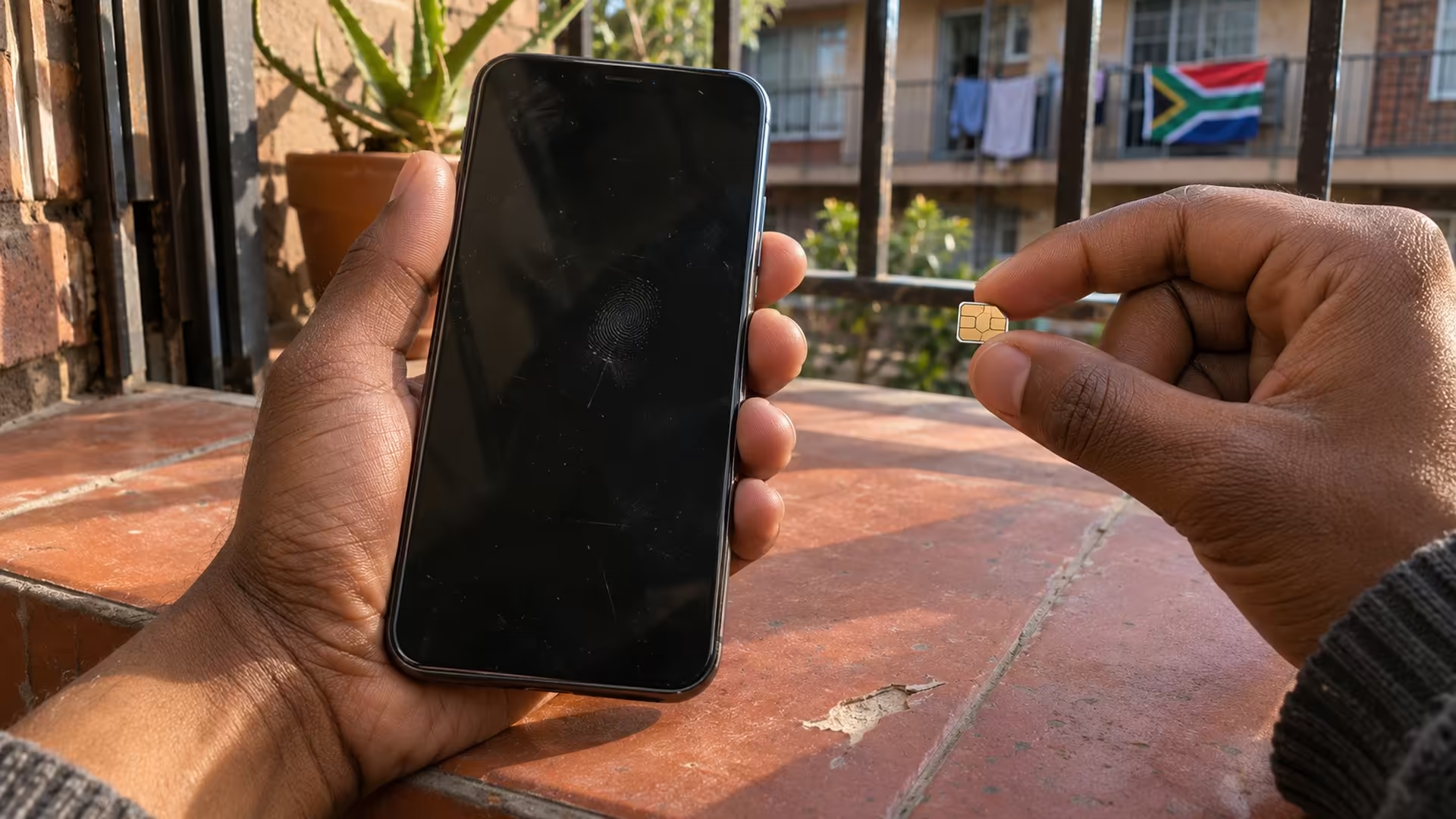
If the phone reports No SIM or Invalid SIM, note the message and restart the device. With a physical SIM, switch the phone off and use the tray instructions for your exact model. Seat the card in the correct orientation. Reinsert the tray so it sits flush. If the tray resists, stop and check the instructions before you push harder.
If the phone recognises the SIM and shows the network name, check whether the problem affects calls, data or both. Check that the plan or prepaid line is active. For an iPhone you can also open Settings, choose General and open About to check for a carrier settings update.
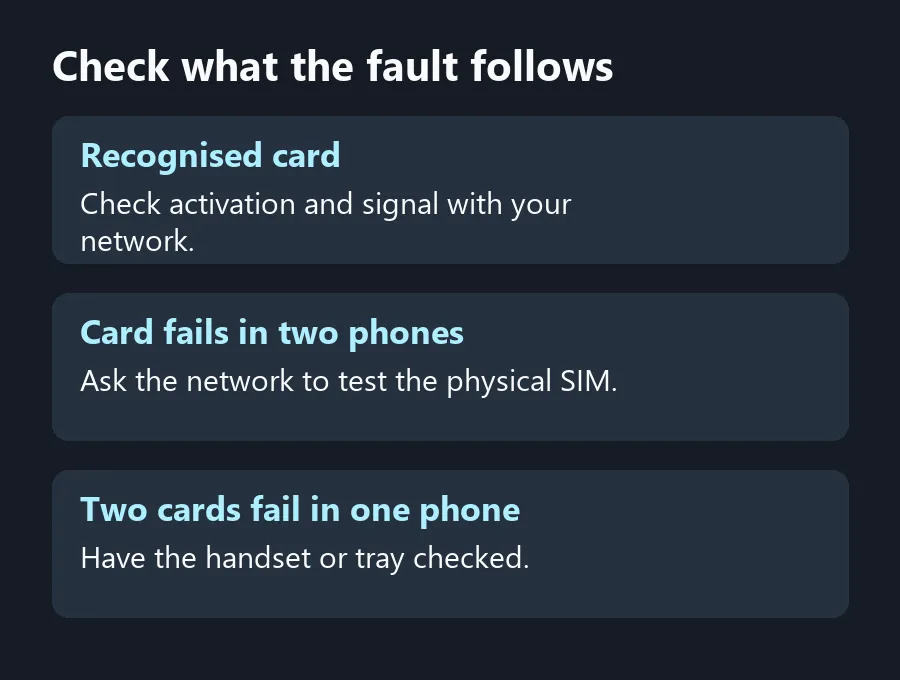
🔍 Find out whether the fault follows the SIM
Try the suspect card in a second compatible handset. Where you can, test a known-working card in your own phone as well. Check that the devices accept the SIM size and can use the network involved. Test in the same place so a move to better coverage does not confuse the result.
If the same SIM fails in two compatible phones, ask your South African network to test the card and activation before you spend money on a phone. If two working SIMs fail in one phone, have the tray or handset checked. Tell the technician what each phone displayed during the test.
📶 Check a separate home internet setup
If the SIM actually belongs to a home LTE router, check its manual and ask the network whether the plan is tied to that device or location before trying the card in a handset. First check whether the router detects the SIM. An ordinary fibre router cannot stand in for a cellular router just because both offer Wi-Fi.
Compare Wireless Routers only if you need a separate mobile internet device. Check the exact model for a physical SIM slot and for support on your network. Use Fibre Routers when shopping for an existing fibre line. Keep your phone SIM test and your router purchase separate until you know what failed.
Frequently Asked Questions
What should I do if the phone says No SIM?
Restart it and reseat a physical SIM using the phone's tray instructions. Try a known-working SIM if you have one.
Should I remove an eSIM to test it?
Ask your network to check the eSIM profile and activation first.
What if the SIM works in another phone?
Try a second working SIM in your phone. The comparison can point to a fault in the handset or tray.
Can the SIM be detected with no mobile data?
Yes. Check the plan, coverage and which line the phone uses for mobile data.
Is an old spare handset good enough?
Use it if it accepts the SIM size, is compatible with the network and can use the line.
Can I move my home LTE SIM to a phone?
Ask your network whether your plan allows the SIM to work in a different device before you rely on that test.
Recognised card
Use a spare compatible phone or ask your South African network to test the card before replacing hardware.