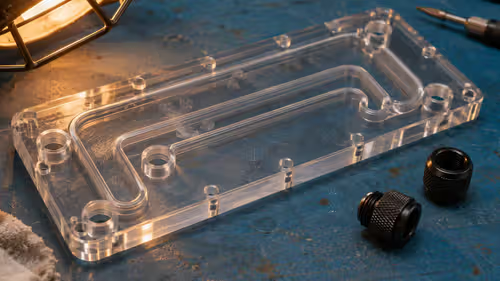
The QNAP TS-hx65U announcement puts SSD storage into the same rackmount purchase as bulk disk space. Before you compare boxes, write down where the NAS will live and which machine has to move the biggest files. A spare shelf and a spare switch port can answer different parts of that plan.
Quick Answer
QNAP's TS-hx65U series combines rackmount ZFS storage with two PCIe Gen 3 NVMe slots and dual 2.5GbE ports. Confirm the exact drive format and model before buying. Evetech listed the diskless UGREEN NASync DH2300 desktop unit at R4,199 on 28 November as a separate local option.
🗄️ Plan the chassis before the drives
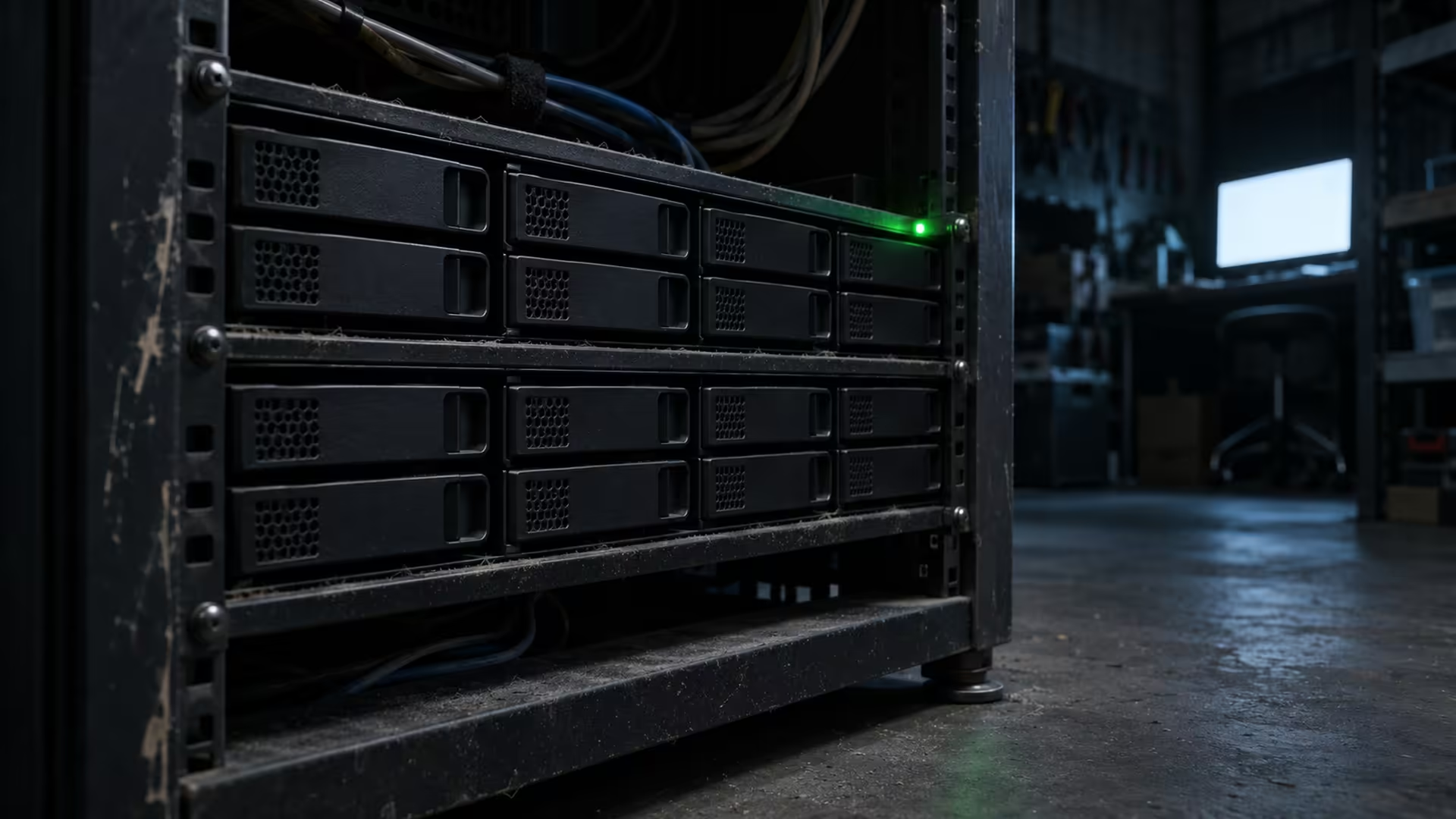
QNAP unveiled three models on 27 November. Its announcement names the TS-h1465U-RP, TS-h665U-RP and TS-h665U. It specifies dual power supplies on the two RP models. Check the dimensions and mounting requirements for the exact model, then measure the usable depth in your own cabinet. Include the space to bend a network cable and access the plugs. Check whether you can open the cabinet door, reach the back and replace a drive without moving the rack.
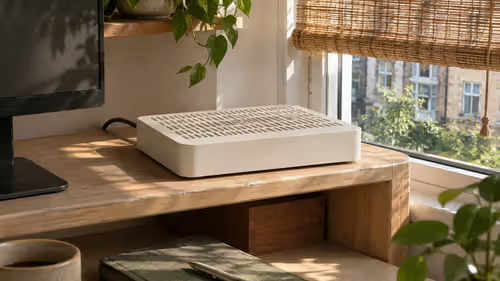
A rackmount system can fit where a network cabinet and appropriate mounting already exist. A small desktop NAS can make more sense when you are sharing data with a few machines at home. Compare the drives you need now, the space to add more and the noise you can tolerate where the unit will stand. Use the local Diskless NAS selection for smaller alternatives if a rack is outside the plan. Include the drive cost because a diskless listing prices the enclosure separately.
💾 Check which slot takes which SSD
The launch describes PCIe Gen 3 E1.S/M.2 NVMe slots for caching or a fast storage pool. Those two uses affect the plan differently. A cache helps with eligible access patterns under the NAS settings. A storage pool has actual data placed on its member drives. List the files that need to sit on fast storage before buying drives for a cache by default. Check the model page and compatibility list for the supported format and any mounting hardware it needs. The term NVMe by itself does not identify a physical format.
If you mainly copy photographs to one backup destination, test your current throughput and where it drops off. A different drive will have limited impact if the client connection is the slow part. If you share a working folder with several machines, note the busiest time before you plan how much fast storage they need. Keep a separate copy of the files and confirm that you can restore one from it.
🔗 Check the network you already have
QNAP lists two 2.5GbE ports and an upgrade option for 10GbE. Check the network connection from the PC through the switch to the NAS, especially where an older switch sits between two capable devices. Browse Network Switches with the port speed in mind. Treat any adapter or switch you need as part of the storage budget.
The catalogue sample showed two different desktop starting points. The UGREEN NASync DH2300 was R4,199. The ORICO MetaBox Pro HS200 was R6,299 and the listing specifies dual 2.5GbE, SATA bays and M.2 NVMe support. Neither figure prices the new QNAP launch. Use current local options to price your actual capacity, ports and drives. Revisit the rack models if you have a suitable cabinet and a storage workload that needs this mix of bays and networking.
Frequently Asked Questions
What is the QNAP TS-hx65U?
It is a rackmount NAS series running QNAP QuTS hero.
Can it take NVMe drives?
QNAP lists two PCIe Gen 3 NVMe slots for the series. Check drive format and compatibility for your exact model.
Is 10GbE included?
QNAP lists two 2.5GbE ports and a 10GbE upgrade option. Check the exact adapter and model requirements.
Does every model have two power supplies?
QNAP identifies dual power supplies on the TS-h1465U-RP and TS-h665U-RP.
How much is a local desktop alternative?
Evetech listed the diskless UGREEN NASync DH2300 at R4,199 on 28 November.
Do empty bays cover backup?
Plan a separate backup from the start. Include drives, another copy and a restore test in the budget.
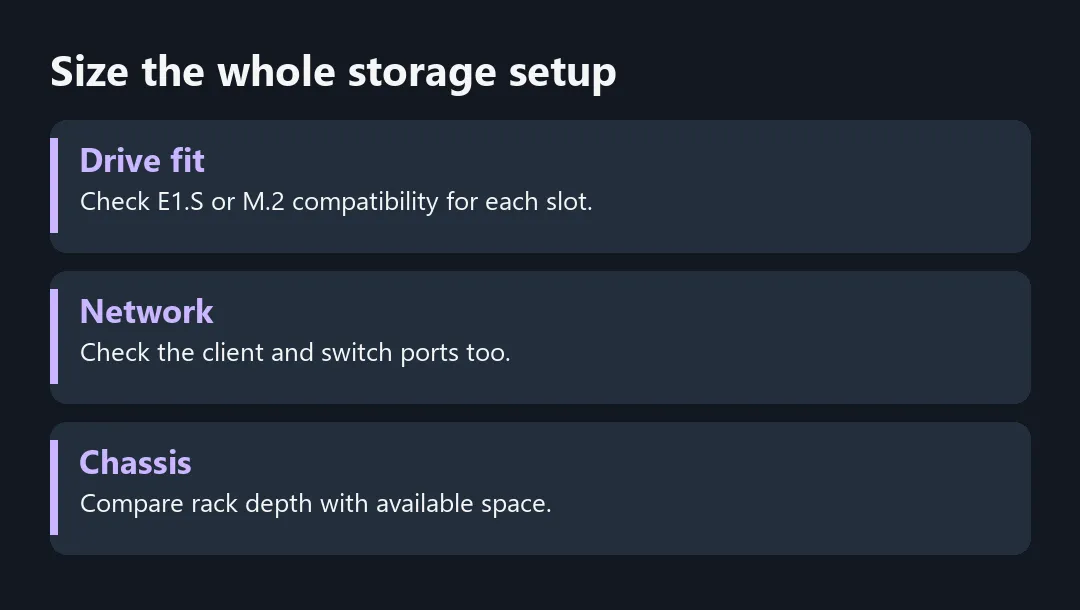
Size the whole storage setup
Size the rack, drive format and network before comparing a rackmount NAS with a desktop unit. Compare compatible options at Evetech.