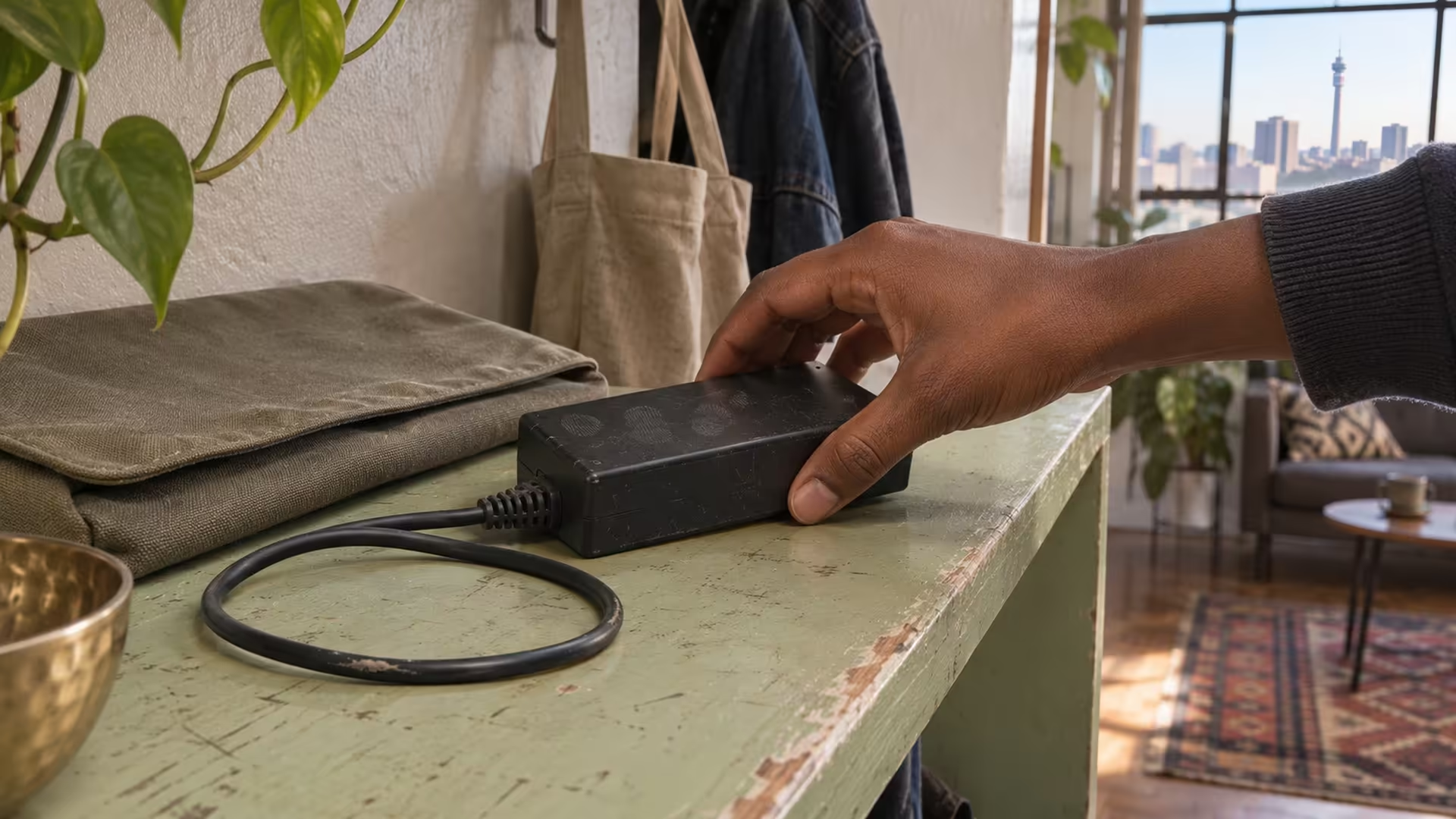
Two chargers can look alike in a listing and still suit different laptops. Before you order a Lenovo replacement, find the machine type on the laptop and put it next to the old adapter's part number. That gives you something more reliable to compare than the shape of the plug in a photo.
Quick Answer
To choose a Lenovo laptop charger, look up the exact machine type in Lenovo Parts Lookup and match the listed adapter, connector and power ratings. The lookup costs R0. For USB-C, read the model guide to check which port accepts charging and whether the approved charger can power the laptop while you use it.
🔎 Start with the laptop's machine type
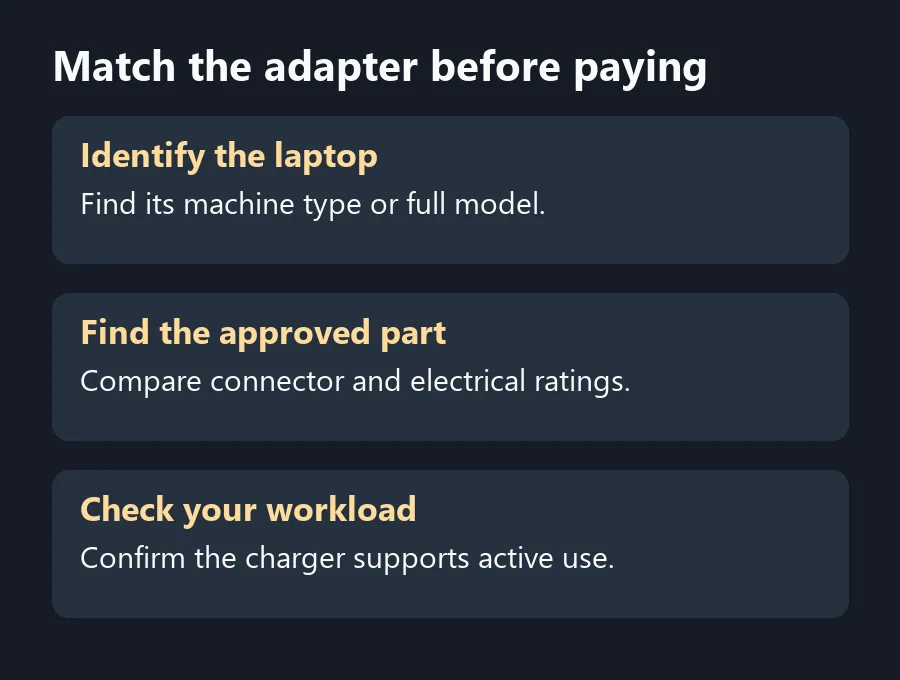
Find the machine type or full model on the laptop's label or original paperwork. Lenovo Parts Lookup accepts a product name, serial number or machine type. Keep the serial number private and use it only where you need it for an official lookup. If you still have the old brick, note its part number and read the output line on the label.
Use both checks before you buy. The wattage is one part of the match. The connector and electrical output matter too. If a listing uses one photo across several variants, ask the seller for the label and connector on the unit you would receive. Compare those details to the approved part.
🔌 Check what the USB-C port can do
Look for charging instructions for the exact model. Check the charging rating for the port you plan to use. One Legion guide describes USB-C charging in sleep or when the computer is off. Use that as a reminder to read the guide for your laptop. Check whether it supports a USB-C charger while working, and which port and power rating it specifies.
If you need the adapter for games or long renders, check the supplied adapter rating and what the manufacturer says about that workload. A secondary travel charger might cover the times when you leave the laptop asleep. Keep the approved full-use adapter for the work that needs it.
🧾 Compare the right listings
Use Charger to compare the options once you have an approved part and know the intended use. Ask about the mains lead if the listing does not show it. A South African buyer needs to know whether the box includes a lead that fits the socket they plan to use, especially when comparing prices for a brick sold on its own.
If you are still comparing models in Lenovo Laptops, save each model's charging details alongside its price. Two configurations that look similar on the shelf can leave you with different options for a spare adapter. Keep the approved adapter part number with your receipt so you can find it again.
Frequently Asked Questions
Where do I find the correct adapter part?
Use Lenovo Parts Lookup with the laptop's full model or machine type. Cross-check the part number on your old brick if you have it.
Does the same wattage guarantee a match?
No. Check the connector, electrical rating and model compatibility against the approved part.
Can I use any USB-C charger that fits?
Check the model's charging instructions for a supported USB-C port and power rating.
Will USB-C charge while I game?
It depends on the model and charger. Use the laptop maker's guidance for active use and high-load work.
Do I need the old brick to find the part?
No. The machine type or full model can identify the approved part through Lenovo's lookup.
Should I check the wall lead?
Yes. Ask what comes in the box and check whether the lead fits the outlet you use.
Identify the laptop
Check the approved part and the intended workload before spending money on a replacement adapter.