Origin Code Vortex Evo DDR5 has two advertised memory presets. For an AM5 build, look at what your own board will run before you plan around the larger number. If you're spending money to fix poor performance in a particular game, check where your existing build falls short.
Quick Answer
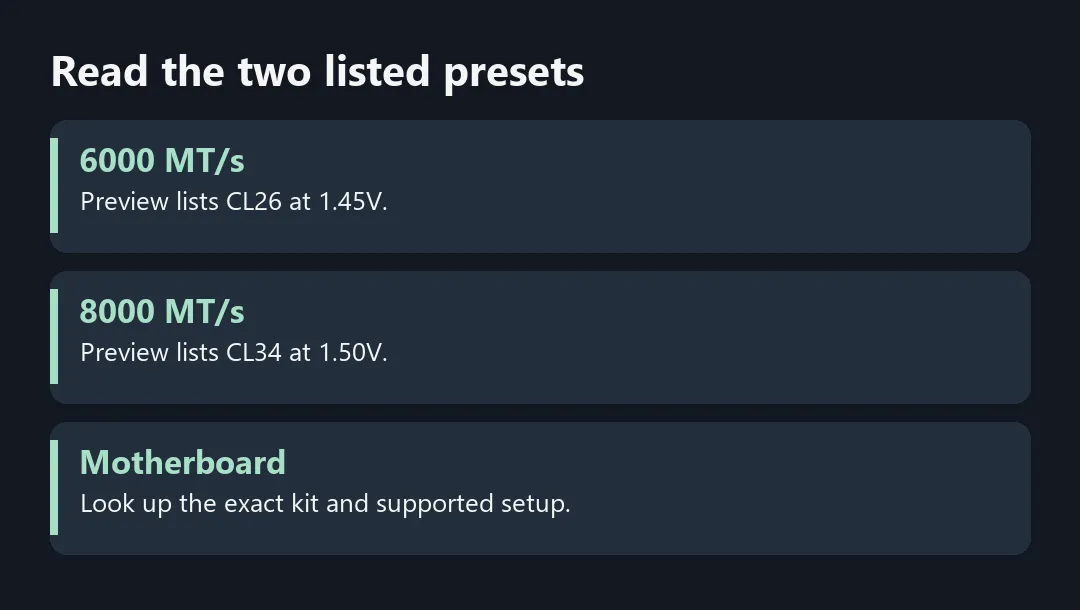
Origin Code previewed Vortex Evo with DDR5-6000 CL26 and DDR5-8000 CL34 EXPO presets. Verify the exact kit with your board and processor first. A KLEVV BOLT V 32GB DDR5-6000 CL30 kit was R9,999 at Evetech on 28 November. That's a price for the KLEVV kit.
🧮 Compare the figures together
The 27 November preview lists the 6000 MT/s preset with CL26 at 1.45V and the 8000 MT/s preset with CL34 at 1.50V. These are advertised profile settings. The transfer rate in MT/s describes transfers each second, while CL expresses a delay in clock cycles. A comparison of the two CL values by themselves leaves out how long a cycle takes. Even with both figures, you still have only a piece of the memory behaviour. Different software can respond differently to memory changes.
Pick one title or workload where you care about performance before you test anything. Capture a baseline in a repeatable scene or job. If you change the memory profile and the result is within the usual variation between runs, keep your current kit while you identify another bottleneck. Capacity is a separate question. Check whether your games, open browser tabs and recording software fit into the kit size you plan to buy.
🧩 Match the part number to the board
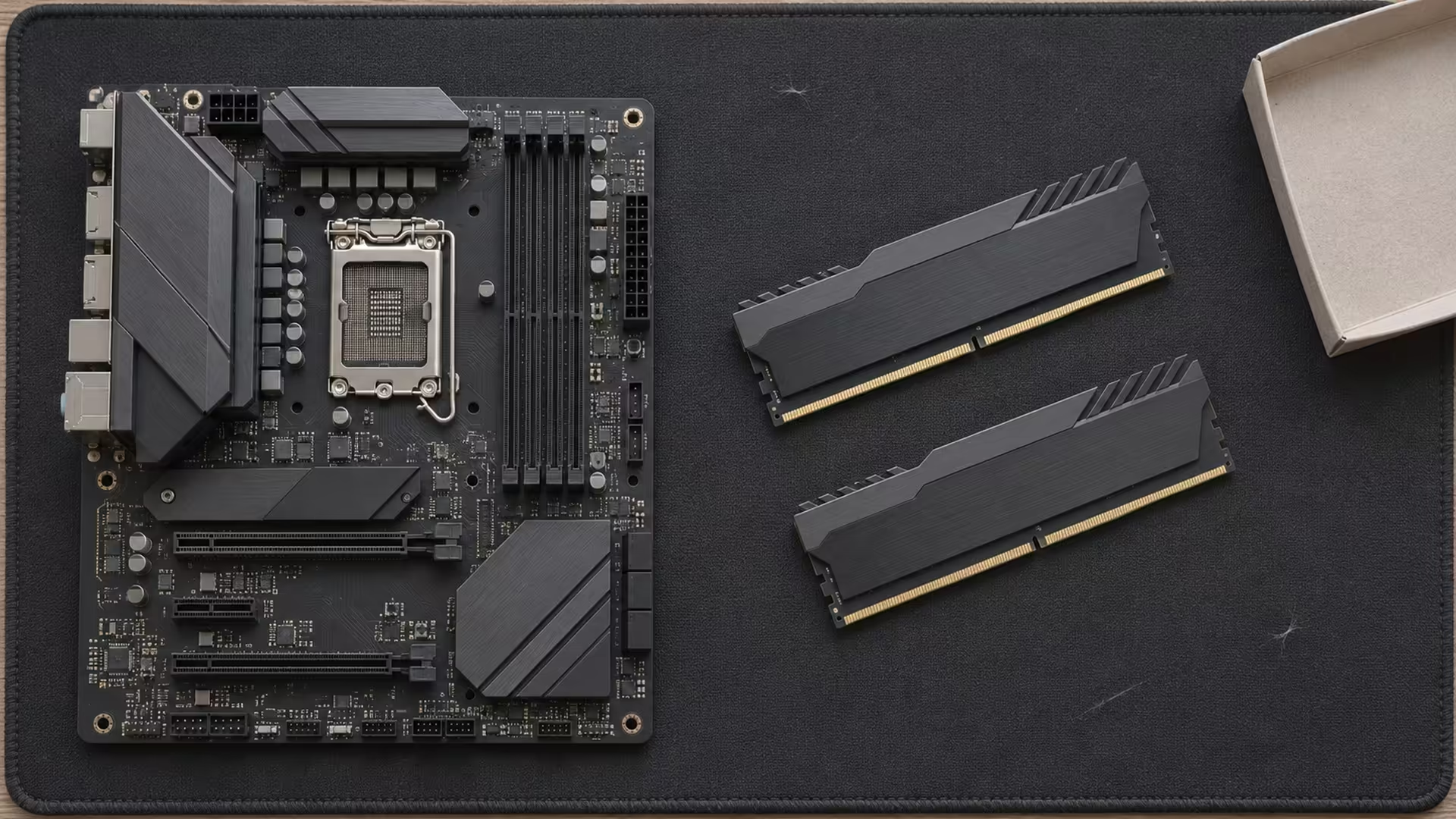
A motherboard product page can list high memory speeds without testing each retail kit in each configuration. Look up the support list for the board model you own, its revision if relevant and the processor family you use. Search the full memory part number once the kit is listed. Take note of the kit capacity and number of modules used in the listing. For a new build, compare B650 Motherboards by their exact model and read the slot population guide before ordering. There is no need to start by chasing an upper spec on the box.
On a working system, record the current profile and learn how the board says to recover from a failed memory setup. Use the default settings to establish a clean baseline before testing a supported profile. Make one change and allow the board to finish training. Test the programs you need as well as a memory check before relying on the new setting for everyday work.
🛒 Price a real kit while you decide
The local sample on 28 November included the 32GB KLEVV BOLT V at R9,999 and the 32GB Teamgroup T-Force DELTA RGB DDR5-6000 at R10,499. These are separate kits in DDR5. Check current listings and fit, including whether a tall heat spreader meets the clearance of your cooler. If you already own enough stable memory, use the profile preview as one data point for a future parts list. A builder starting from scratch can buy a documented compatible kit now and compare Vortex Evo again when the exact part and local price can be checked.
Keep the motherboard, CPU and memory in the same budget comparison. A high-profile kit that needs a different board can change the full cost of the build. Before spending, compare the setup you can verify today against the extra performance you actually need.
Frequently Asked Questions
What profiles are in the preview?
The preview names 6000 MT/s CL26 and 8000 MT/s CL34.
What does AMD EXPO do?
It stores settings for a memory profile you can select on compatible hardware. Check your motherboard instructions.
Does the label guarantee 8000 MT/s?
No. The achievable setting depends on the CPU, motherboard, BIOS and memory configuration.
Can I work out performance from CL alone?
Compare CL alongside the transfer rate. Games also depend on the rest of the PC and its settings.
What price did Evetech confirm?
The local KLEVV BOLT V 32GB DDR5-6000 CL30 example was R9,999 on 28 November.
What should I do before choosing a profile?
Check the exact memory part number and the board support list, then establish a stable baseline.
Read the two listed presets
Check the exact memory kit and board profile before paying for a faster DDR5 mode. Compare compatible options at Evetech.