


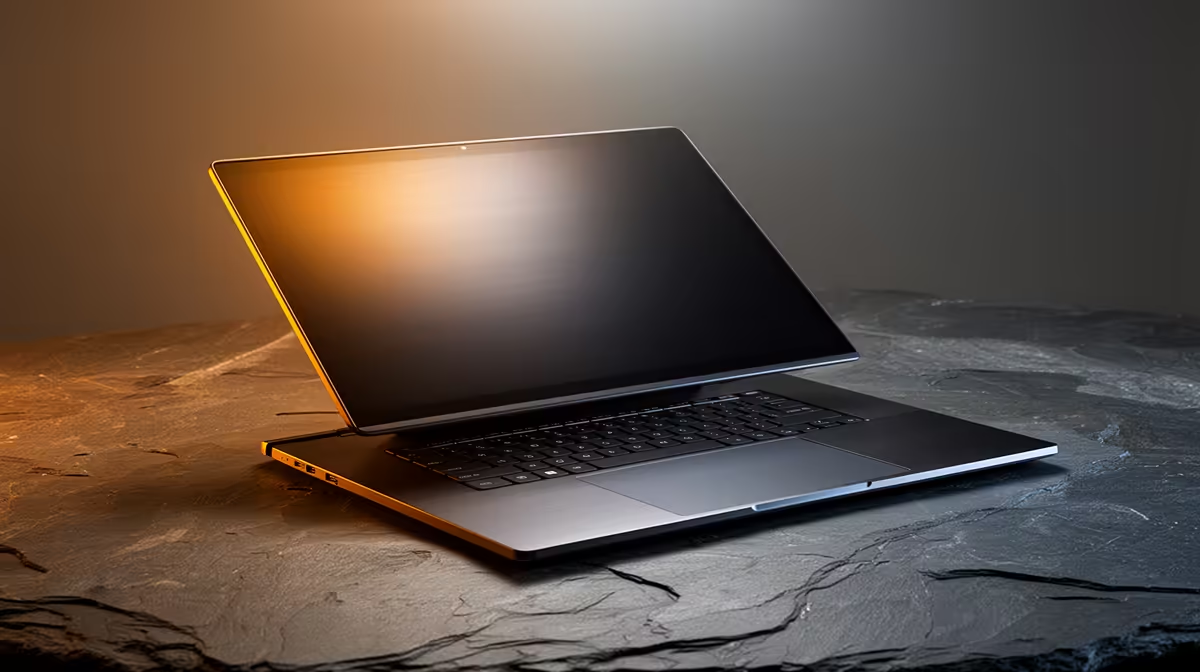
Thunderbolt 5 is here to change that. This next-gen connection standard promises mind-blowing speeds and single-cable simplicity for your entire setup. But with great power comes great confusion. How do you choose the perfect Thunderbolt 5 laptop without getting lost in the specs? Let's break it down, Mzansi-style, and find the right beast for your desk. 🚀
What Exactly is a Thunderbolt 5 Laptop?
At its core, a Thunderbolt 5 laptop is a machine equipped with a port that delivers a staggering 80 Gigabits per second (Gbps) of bandwidth. That's double the speed of its predecessor, Thunderbolt 4. But what does that mean for you?
Imagine this: you can connect multiple 8K displays, transfer massive 100GB game files in seconds, and power your entire workstation… all through a single, reversible USB-C cable. Thanks to a feature called Bandwidth Boost, it can even push up to 120 Gbps for ultra-demanding display setups. It’s the ultimate one-port-to-rule-them-all solution, turning your laptop into a true desktop replacement. These powerful new machines are often built around Intel's latest processors, making the current Intel laptops on special the first place to look for this new tech.
How to Choose the Perfect Thunderbolt 5 Laptop for You
Not every user needs the same level of performance. The perfect Thunderbolt 5 laptop for a gamer is different from one for a video editor. Let’s match the machine to your mission.
For the Hardcore Gamer & Streamer 🎮
For you, it's all about zero lag and maximum immersion. Thunderbolt 5's massive bandwidth means you can hook up a 4K 240Hz external monitor without breaking a sweat, ensuring every frame is delivered instantly. Your high-speed mouse, keyboard, and headset can all run through a single dock with zero latency issues. To power this setup, you'll need a CPU that won't bottleneck your GPU. Look for top-tier processors found in many Intel Core i9 laptops, which are built for elite gaming performance.
For the Creative Professional 🎨
Video editors, 3D artists, and photographers… your life revolves around massive files. A Thunderbolt 5 laptop lets you offload terabytes of 8K footage from an external SSD in a fraction of the time. You can drive multiple colour-accurate 4K displays to expand your timeline and preview windows, creating the ultimate editing bay. A great balance of power and efficiency for these tasks can be found in the latest Intel Core Ultra 7 laptops, which feature built-in AI acceleration for creative apps.
Cable Check! ⚡
Not all USB-C cables are created equal. To get the full 80-120 Gbps speed of Thunderbolt 5, you need a certified Thunderbolt 5 cable. Using an older or lower-spec cable will cap your performance significantly. Always check the specs of your cables and docks to avoid a frustrating bottleneck!
For the Power User & Developer 💻
If your day involves compiling code, running virtual machines, and juggling a dozen apps, a clean and powerful setup is non-negotiable. The beauty of choosing a Thunderbolt 5 laptop is the single-cable docking solution. Arrive at your desk, plug in one cable, and instantly connect to your monitors, keyboard, mouse, external drives, and wired network. For this kind of demanding multi-tasking, a robust processor is key. The performance cores in modern Intel Core i7 laptops provide the raw power needed to keep everything running smoothly.
Key Specs to Look For Beyond the Port
The Thunderbolt 5 port is just one piece of the puzzle. To build a truly balanced system, you need to consider the components working alongside it.
- Processor (CPU): The brain of the operation. Thunderbolt 5 is integrated into Intel's latest platforms, so you'll often find it paired with powerful options. For those wanting the absolute pinnacle of mobile performance, the new range of Intel Core Ultra 9 laptops are designed to handle anything you can throw at them.
- Memory (RAM): Don't skimp here. 16GB is the absolute minimum for a modern power user. For serious gaming, streaming, or video editing, 32GB or more is highly recommended to prevent system slowdowns.
- Storage (SSD): A fast NVMe SSD is essential. With Thunderbolt 5's external transfer speeds, you don't want your internal drive to be the bottleneck. Aim for at least 1TB to store your games and large project files.
Is a Thunderbolt 5 Laptop Worth the ZAR?
Let's be honest, cutting-edge tech often comes with a premium price tag. So, is a Thunderbolt 5 laptop worth the investment right now in South Africa?
For most casual users, it might be overkill. But if you're a professional, a serious creator, or a gamer who demands the best, the answer is a resounding yes. It’s about future-proofing. You're buying into an ecosystem that will become the standard for high-performance peripherals over the next few years. By investing now, you ensure your machine remains a relevant and powerful hub for years to come. You can often find great value by keeping an eye on the latest Intel laptop deals, which may feature the next wave of powerful machines.
Ready to Harness Next-Gen Speed? ⚡ Choosing the perfect Thunderbolt 5 laptop is about matching its incredible power to your unique needs. Whether you're a gamer, creator, or power user, the right machine is waiting. Explore our massive range of laptop specials and find the perfect rig to conquer your world.











