So, you’ve dropped some serious ZAR on a beast of a gaming PC. Your graphics card is humming, and you’re ready to dominate the server. But are you still getting out-peeked in Valorant or losing gunfights in Apex Legends? The culprit might not be your ping… it could be your monitor’s refresh rate. Dialling in your advanced refresh rate settings is one of the quickest ways to get a real competitive edge, turning choppy motion into buttery-smooth visuals.
What is Refresh Rate (Hz), Anyway?
Think of refresh rate, measured in Hertz (Hz), as the number of times your monitor updates the image on screen every second. A standard 60Hz monitor refreshes 60 times per second. A 144Hz gaming monitor? A whopping 144 times. It’s like the difference between a standard flipbook and a high-frame-rate movie. More frames per second mean smoother, clearer motion, which is critical in fast-paced games. This simple upgrade can make a world of difference to your gaming experience, and you can explore a huge variety of PC monitors to see the options available.
Why Optimising Your Refresh Rate is Crucial for Gaming 🚀
For South African gamers, optimising your refresh rate settings isn't just a "nice-to-have"—it's a tactical advantage. When you're playing at 144Hz or higher, you're literally seeing information faster than someone on a 60Hz screen. That split-second advantage means you see an enemy rounding a corner first, allowing you to react faster.
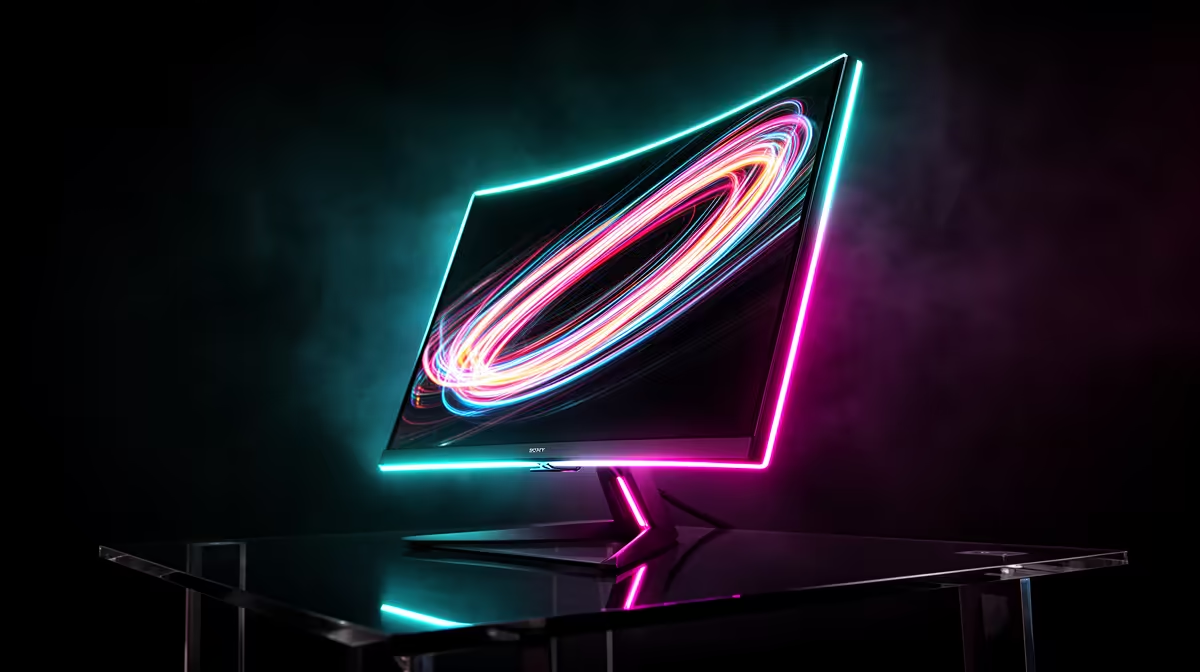
Imagine you're holding an angle on Dust II. With a higher refresh rate, the enemy player model appears more smoothly as they peek, making them easier to track and hit. This reduction in motion blur and screen tearing creates a more responsive feel, connecting your mouse movements directly to the action on screen. For ultimate immersion, many gamers are now pairing high refresh rates with immersive curved monitors to fill their peripheral vision.
How to Check and Change Your Refresh Rate Settings 🔧
It's a surprisingly common mistake: many gamers buy a high-refresh-rate monitor but forget to actually enable the setting in Windows, leaving it running at the default 60Hz. Let's make sure you're getting the performance you paid for.
On Windows 11 / 10
- Right-click on your desktop and select Display settings.
- Scroll down and click on Advanced display.
- Look for the "Choose a refresh rate" dropdown menu.
- Select the highest possible value available. It should match your monitor's advertised spec (e.g., 144Hz, 240Hz).
That's it! Your screen will flicker for a moment, and you'll immediately notice how much smoother your mouse cursor feels. This simple tweak unlocks the full potential of your display, whether it's a competitive 1080p panel or one of the stunning 4K monitors that now offer high refresh rates.
Don't Forget Adaptive Sync! ⚡
setting your refresh rate in Windows, dive into your NVIDIA Control Panel or AMD Software: Adrenalin Edition. Find the display settings and make sure G-Sync or FreeSync is enabled. This technology synchronises your monitor's refresh rate with your GPU's frame rate, eliminating ugly screen tearing and stutter for the smoothest possible gameplay.
Matching Your Hardware for Peak Performance
A high-refresh-rate monitor is only one part of the equation. Your graphics card needs to be powerful enough to produce a frame rate (FPS) that meets or exceeds your monitor's refresh rate (Hz). There's no point in having a 240Hz monitor if your GPU can only push 90 FPS in your favourite game.
When shopping, it's about finding the right balance for your budget and your games. You can find some of the best PC monitor deals that offer a great combination of resolution and speed. From entry-level 144Hz screens perfect for esports to high-end 4K speedsters, there's a perfect fit for every rig. And for those who need performance on the move, there's even a growing market for high-quality portable monitors that let you take your gaming setup anywhere.
Ultimately, taking a few minutes to configure your advanced refresh rate settings ensures you're not leaving performance on the table. It's a free upgrade that can give you a tangible advantage online. ✨
Ready to See the Difference?
Optimising your settings is one thing, but having the right hardware is everything. If your current monitor is holding you back, it's time for an upgrade. Explore our incredible range of all our gaming monitors and find the perfect display to dominate the server.