


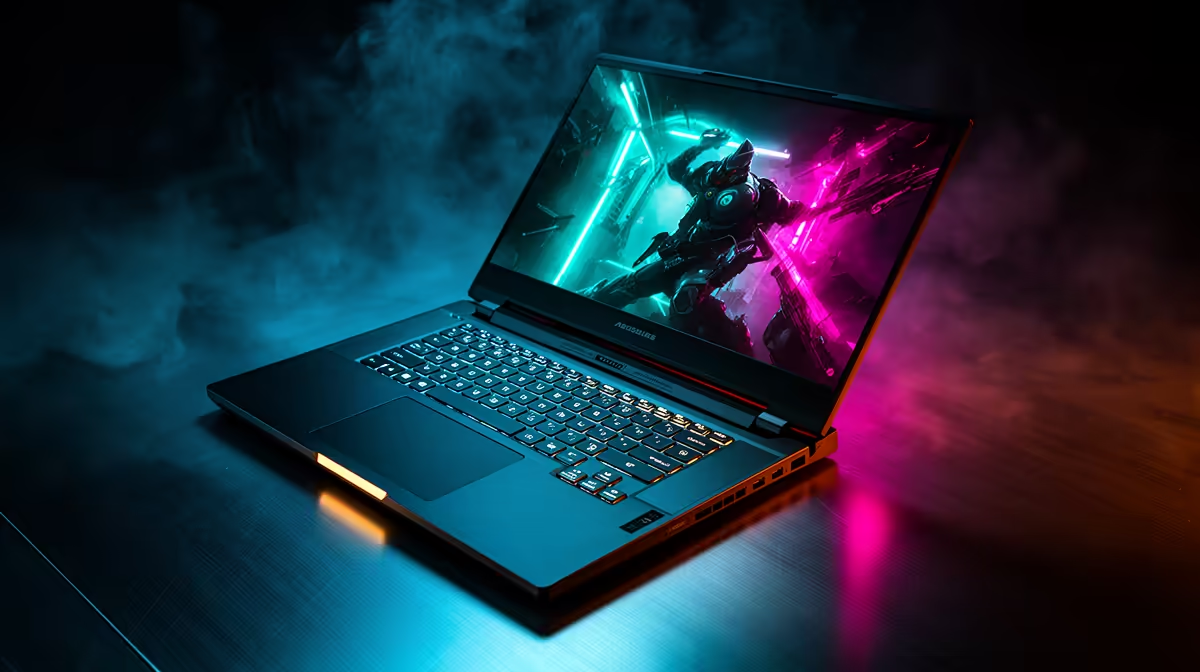
So, you're eyeing an ASUS Vivobook. Sleek, stylish, and often priced just right for the South African market. But there's that nagging question in the back of your mind… can its good looks translate to real power? When your university project or freelance gig demands serious muscle, is the ASUS Vivobook performance truly up to the challenge of heavy workloads, or is it just a pretty face for browsing and emails? Let's dive in.
Deconstructing "Heavy Workloads"
Before we can judge the Vivobook's capabilities, we need to define what a "heavy workload" actually means for most people. It’s not just about opening a dozen Chrome tabs (though that can be demanding enough!). We're talking about tasks that properly test a machine's processor, memory, and storage speed.
Think about:
- Creative Work: Editing 1080p or even 4K video in DaVinci Resolve, layering complex designs in Adobe Photoshop, or producing music in FL Studio.
- Development & Coding: Compiling large codebases, running virtual machines, or working with massive datasets.
- Intense Multitasking: Juggling a video conference, a hefty Excel spreadsheet, multiple design apps, and a sprinkle of Spotify without your laptop grinding to a halt. 💻
The key takeaway is this: the ASUS Vivobook performance isn't a single benchmark. It's a spectrum that depends entirely on the specific model's configuration.
The Engine Room: CPU and Graphics
The heart of any laptop is its processor (CPU). The Vivobook series offers a brilliant variety, giving you options that cater to different needs and budgets. You'll generally find them equipped with either reliable ASUS Intel laptops featuring Core i5 or i7 processors, or powerful ASUS Ryzen laptop deals with Ryzen 5 or 7 chips.
For everyday tasks, a Core i5 or Ryzen 5 is more than enough. But when you're tackling those heavy workloads, pushing for a Core i7/Ryzen 7 is a wise move. These higher-tier CPUs have more cores and faster clock speeds, which directly translates to quicker rendering times and smoother multitasking. Some Vivobook Pro models even come with dedicated NVIDIA GeForce graphics, giving them a serious edge in video editing and light gaming.
Performance Pro Tip ⚡
In Windows 11, go to Settings > System > Power & Battery and set the Power Mode to "Best Performance". This tells your system to prioritise raw power over battery life when plugged in, ensuring your CPU and GPU run at their full potential during demanding tasks. It's a simple switch that can make a noticeable difference.
RAM and Storage: The Unsung Heroes
A fast CPU is useless if it's constantly waiting for data. That's where RAM (memory) and your storage drive (SSD) come in. The ASUS Vivobook for heavy workloads absolutely needs the right combination here.
- RAM: 8GB is the baseline today, but for serious creative work or coding, 16GB should be your minimum. It allows you to keep more applications and large files open simultaneously without the system slowing down.
- Storage: Thankfully, most Vivobooks come with fast NVMe SSDs. This drastically cuts down on loading times for apps and files, making the entire experience feel snappy. A small SSD will fill up quickly with big project files, so aim for at least 512GB.
Often, you can find fantastic ASUS laptops on special that pack 16GB of RAM and a spacious SSD for a great price, giving you performance headroom for years to come.
The Verdict: Can It Handle the Hustle? 🚀
So, can the ASUS Vivobook handle heavy workloads? The answer is a confident yes… if you choose the right one.
A base model Vivobook is a fantastic machine for students and office professionals. But for the power users, developers, and content creators out there, the Vivobook series scales up beautifully. By opting for a model with a Core i7 or Ryzen 7 processor, 16GB of RAM, and a dedicated graphics card (if your work demands it), you get a machine that punches well above its weight.
The beauty of the Vivobook is its versatility. It proves you don't always have to choose between a bulky, heavy workstation and a sleek, portable laptop. With the right specs, you can genuinely get the best of both worlds. You can explore the full range of ASUS Vivobook laptops to see just how varied the performance options are.
Ready to Find Your Perfect Match? The ASUS Vivobook series offers incredible variety, from everyday champs to creative powerhouses. The perfect machine for your workload is waiting. Explore our massive range of laptop specials and find the Vivobook that's built to conquer your world.










