Ever watched your 4K video render slow to a crawl, your CPU hitting a blistering 100°C? That's thermal throttling, the silent killer of creative flow. For video editors, 3D artists, and developers in Mzansi, finding the best CPU cooler South Africa has to offer isn't just about gaming… it's about protecting your performance and meeting your deadlines. A stock cooler just won't cut it when your livelihood depends on raw processing power.
Why Your Stock Cooler is Holding You Back
The free cooler that came with your processor is designed for basic tasks like browsing and email. When you fire up Adobe Premiere Pro, Blender, or Visual Studio to compile code, your CPU works overtime, generating immense heat. A stock cooler quickly gets overwhelmed, forcing your CPU to slow down (throttle) to prevent damage. This means longer render times, a stuttering timeline, and frustrating slowdowns. Upgrading to one of Evetech's effective thermal solutions is the single best way to unlock your processor's true potential.
Choosing Your Cooling Champion: Air vs. Liquid
When you start browsing for a CPU cooler in South Africa, you'll face a big choice: a traditional air cooler or a modern All-In-One (AIO) liquid cooler. Both are excellent, but they serve different needs, especially for a demanding creative workflow.
The Reliable Workhorse: Air Coolers 💨
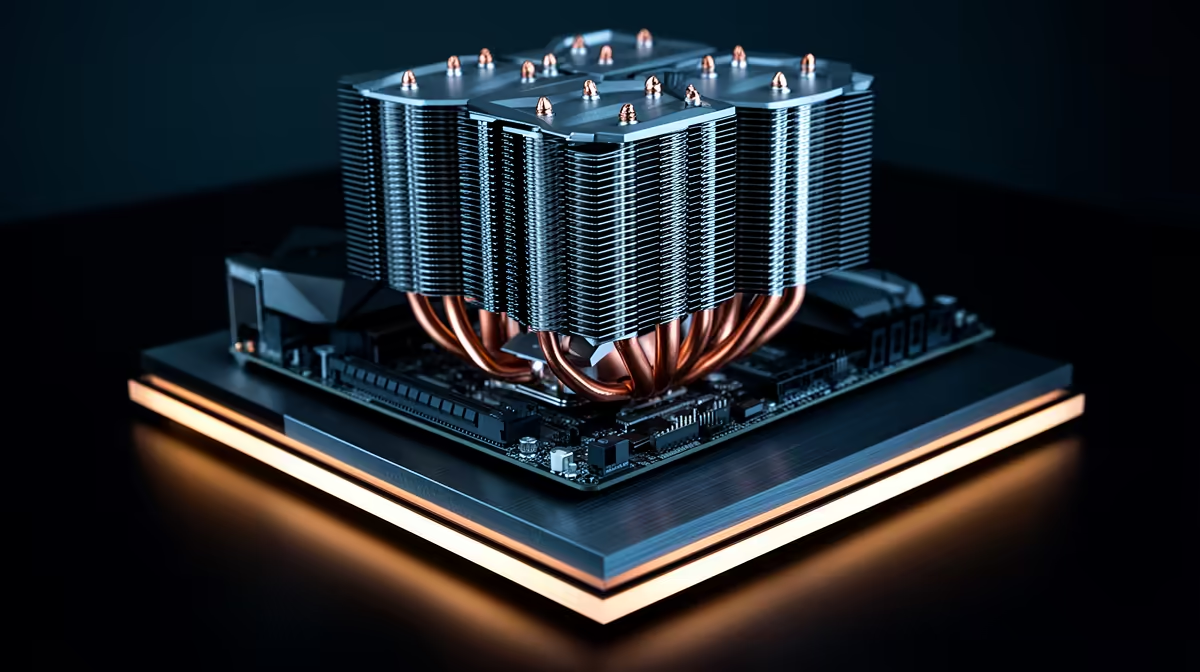
Air coolers use a combination of heat pipes and a large heatsink with a fan to draw heat away from the CPU. They are incredibly reliable, simple to install, and offer fantastic performance for their price. For creators who value a set-and-forget solution that provides consistent cooling for long rendering sessions, modern air coolers from brands like Noctua or be quiet! are a brilliant choice. They've come a long way and can easily compete with many liquid cooling options.
The Silent Performer: AIO Liquid Coolers 💧
An All-In-One (AIO) liquid cooler uses a closed loop to circulate a liquid coolant between a water block on your CPU and a radiator. This method is generally more efficient at transferring large amounts of heat, resulting in lower peak temperatures and quieter operation under heavy load. If your workflow involves sustained, multi-hour exports or simulations, an AIO liquid cooler can keep your system whisper-quiet and frosty, letting you focus on your work without a noisy fan in the background.
Creative Workflow Pro Tip 🔧
Most motherboard BIOS settings allow you to create custom fan curves. Instead of letting your fans run at 100% all the time, set a curve that ramps up aggressively only when CPU temps exceed 75-80°C. This keeps your PC nearly silent during lighter tasks like editing, but provides maximum cooling power automatically when you hit 'Render'.
Finding the Right Fit for Your Rig
Choosing the best CPU cooler for your creative build involves more than just performance. You need to consider a few key things:
- Socket Compatibility: Ensure the cooler supports your CPU socket (e.g., AM5 for AMD Ryzen 7000 series or LGA 1700 for Intel 12th/13th/14th Gen).
- Case Clearance: Check the cooler's height (for air coolers) or radiator size (for AIOs) to make sure it physically fits inside your PC case.
- RAM Clearance: Tall air coolers can sometimes overhang RAM slots, so check compatibility if you're using memory with large heat spreaders.
Taking a moment to check these specs will save you a headache later. Our wide range of CPU coolers lists all these specifications clearly, making it easy to find a perfect match.
Ultimately, investing in a top-tier CPU cooler is an investment in your own productivity. It ensures your hardware delivers the speed you paid for, day in and day out. Ready to stop throttling and start creating? Check out the latest great CPU cooler deals and give your PC the cooling it deserves. ✨
Ready to Unleash Your PC's Full Potential?
Don't let thermal throttling kill your creativity. A powerful CPU needs a powerful cooler to match. Explore our massive range of CPU Coolers and find the perfect thermal solution for your build today.