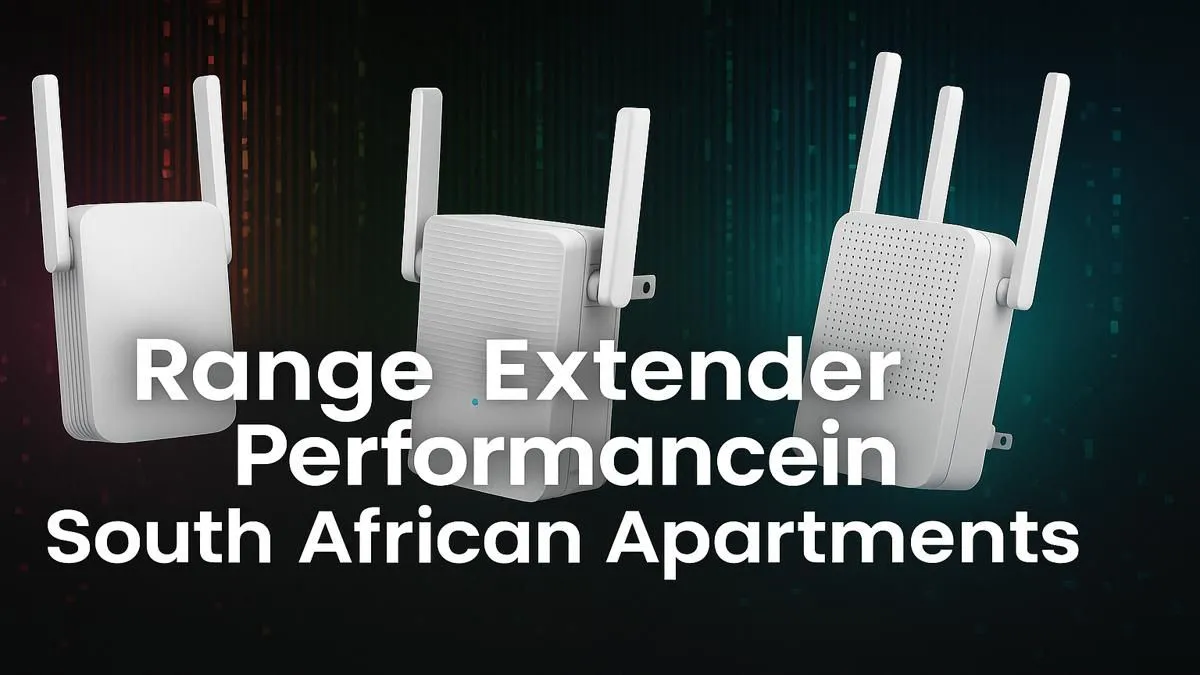
Is your fibre connection fast at the router but drops to a crawl in your bedroom? You’re not alone. In South Africa, apartment living often means battling thick concrete walls and a dozen competing WiFi signals from your neighbours. This frustrating signal drop is the number one enemy of smooth streaming and lag-free gaming. Finding the best WiFi extender for your apartment in South Africa is the key to unlocking the internet speeds you actually pay for, everywhere.
Why Apartment WiFi Can Be So Tricky
Living in a block of flats presents unique challenges for your wireless signal. Unlike a freestanding house, your signal has to fight its way through dense materials and a crowded airspace.
The Main Culprits of Bad Signal
- Thick Walls: Concrete and steel rebar are notorious for blocking WiFi signals. That wall between your lounge and your home office could be the reason your Teams calls keep dropping.
- Neighbour Interference: Every router in your building is broadcasting on similar channels. This digital traffic jam can slow your connection down, especially during peak hours when everyone is streaming or gaming.
- Appliance Interference: Believe it or not, your microwave oven and even some Bluetooth devices can interfere with your WiFi signal, causing unexpected drops.
Solving these issues often requires more than just your standard ISP-provided router. You need a strategy, and that starts with exploring the right complete wireless networking solutions for your specific space.
Finding the Best WiFi Extender for an Apartment in South Africa
A WiFi extender, also known as a range booster, is a simple and cost-effective device that can solve most apartment signal problems. It works by capturing the existing signal from your main router and rebroadcasting it, extending its reach into those frustrating dead zones. 🚀
When looking for the best WiFi extender for an apartment, consider these features:
- Dual-Band Support: A good extender should operate on both 2.4GHz (for better range) and 5GHz (for faster speeds) bands. This allows you to connect devices smartly for optimal performance.
- WiFi Standard: Look for at least WiFi 5 (802.11ac). If you have a newer router and devices, a WiFi 6 (802.11ax) extender will offer even better speeds and efficiency in crowded environments.
- Easy Setup: Most modern extenders use a simple WPS button setup or a user-friendly app, getting you connected in minutes.
For most flats and small apartments, a plug-in model is the perfect, no-fuss solution. You can browse a fantastic selection of wireless range extenders to find one that fits your budget and needs.
Placement is Everything! 🔧
For the best results, don't place your WiFi extender in the dead zone itself. Instead, place it roughly halfway between your main router and the area with the weak signal. It needs to receive a reasonably strong signal to be able to extend it effectively. Use a smartphone app like Wi-Fi Analyzer to find the sweet spot.
Are There Other Options to Boost Your Signal?
While a WiFi extender is often the perfect fix, it's not the only tool available. Sometimes, the problem lies elsewhere.
If your router is several years old, it might be the bottleneck. Upgrading to one of the latest powerful new wireless routers can provide a much stronger, more stable signal that might cover your entire apartment without any help. ✨
For a gaming PC that's too far from the router for an Ethernet cable, a high-quality USB wireless adapter can also make a huge difference. These devices often have better antennas and technology than the built-in WiFi on your motherboard, helping you grab a more stable connection from further away.
Ultimately, the goal is to get a stable, fast connection in every corner of your home. By identifying the problem, you can choose the right piece of gear to finally kill the lag.
Ready to Banish Buffering for Good?
Don't let weak WiFi ruin your gaming or streaming. The right gear makes all the difference. Explore our range of WiFi extenders and reclaim every corner of your apartment for a lag-free experience.