


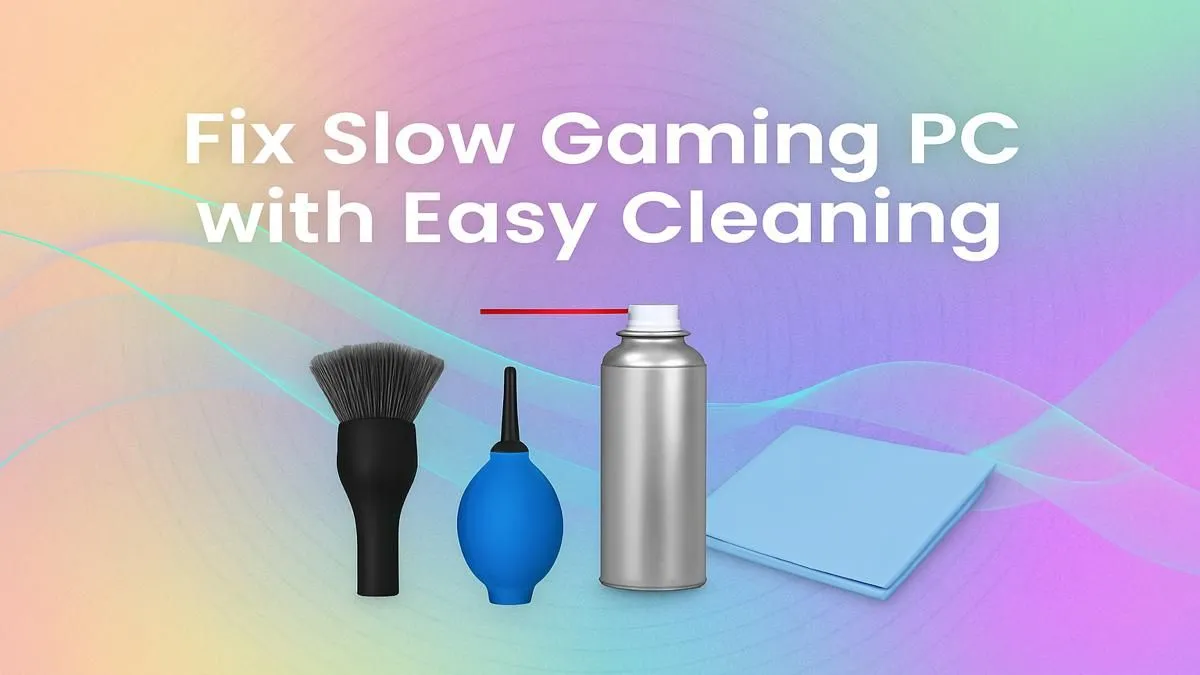
Is your gaming rig feeling a bit sluggish? Stuttering in the middle of a tense firefight or dropping frames when you least expect it? Before you start eyeing that pricey GPU upgrade, the secret to a faster gaming PC might be simpler… and cheaper. A clean PC is a happy PC, and a little maintenance can unlock a surprising amount of performance. Let's dive into how a proper physical and digital clean-up can get your machine running like new again. 🚀
Why a Clean PC is Crucial for Performance
Think of dust as a thick, fuzzy blanket suffocating your precious components. Your CPU, GPU, and RAM generate heat, and the fans in your case are designed to pull in cool air and exhaust the hot air. When dust clogs up your filters, fans, and heatsinks, that heat gets trapped. Your system then "throttles"—it intentionally slows down to prevent overheating. This is often the main culprit behind performance drops. A clean PC for performance isn't just a suggestion; it's the foundation of a stable gaming experience.
Even the most powerful hardware will underperform if it's constantly battling high temperatures. Keeping things dust-free is especially vital for maintaining the longevity and speed of high-performance gaming rigs.
Your Physical Cleaning Toolkit 🔧
You don't need a high-tech lab. Here’s what you’ll need:
- Compressed Air: Your best friend for blasting dust from tricky spots.
- Isopropyl Alcohol (90%+): For cleaning thermal paste or stubborn grime.
- Microfibre Cloths: For wiping down surfaces without leaving lint.
- Soft Brushes: An old toothbrush or small paintbrush works wonders on fan blades.
- Screwdrivers: To open your case.
Step-by-Step: The Physical Dust-Out
- Power Down & Unplug: Safety first! Disconnect all cables from your PC. Move it to a well-ventilated area (your garage is better than your carpeted room).
- Open the Case: Remove the side panels. This is a great time to admire your handiwork… or the dust bunnies that have moved in.
- Blast the Dust: Using short bursts of compressed air, blow dust out of your case, starting from the top and working your way down. Pay special attention to case fans, the CPU cooler, and your GPU's heatsink.
- Wipe & Brush: Use your soft brush to gently dislodge stubborn dust from fan blades. A microfibre cloth can be used to wipe down flat surfaces.
Regular cleaning is a must, whether you're running a top-tier machine or trying to squeeze every last frame out of one of our budget gaming PCs. A little effort goes a long way.
Optimise Your Software for a Faster Gaming PC
A physical clean is only half the battle. Digital clutter can bog down your system just as much as dust. Unnecessary startup programs, old files, and outdated drivers all consume valuable resources, leaving less power for your games. Achieving a truly faster gaming PC requires a digital deep-clean.
Taming Startup Programs & Bloatware
Does your PC take ages to boot up? Too many programs are likely launching themselves at startup.
- Task Manager: Press
Ctrl+Shift+Esc, go to the "Startup" tab, and disable anything you don't need running immediately (e.g., Spotify, Discord). You can always open them manually later. - Uninstall Unused Software: Go to "Apps & features" in your Windows settings and uninstall old games or programs you no longer use. Be ruthless!
This kind of software optimisation is a free performance boost, making it a fantastic strategy for anyone using one of the great value gaming PCs under R20k to maximise their investment.
Driver Update Pro Tip ⚡
While manufacturer software like NVIDIA GeForce Experience is good, consider using Display Driver Uninstaller (DDU) for a truly fresh start. Run it in Safe Mode to completely remove old graphics drivers before installing the latest version. This can solve a host of weird performance issues and graphical glitches.
When Cleaning Isn't Enough…
You’ve dusted every corner and optimised every setting, but your PC still struggles with the latest titles. What now? Sometimes, hardware is simply at its limit. A clean PC for performance can work wonders, but it can’t turn a 5-year-old GPU into a modern powerhouse. If you're still not getting the smooth gameplay you crave, it might be a sign that your core components are due for an upgrade.
Instead of a frustrating DIY upgrade path, many gamers find that one of our professionally assembled pre-built PCs offers a clean slate with perfectly matched components, ready to go right out of the box. ✨
Ready for a Fresh Start? A clean PC can feel brand new, but sometimes, you just need more power. If you've optimised everything and still aren't hitting your desired frames, it might be time for an upgrade. Explore our best gaming PC deals and find the perfect rig to dominate the lobby.









