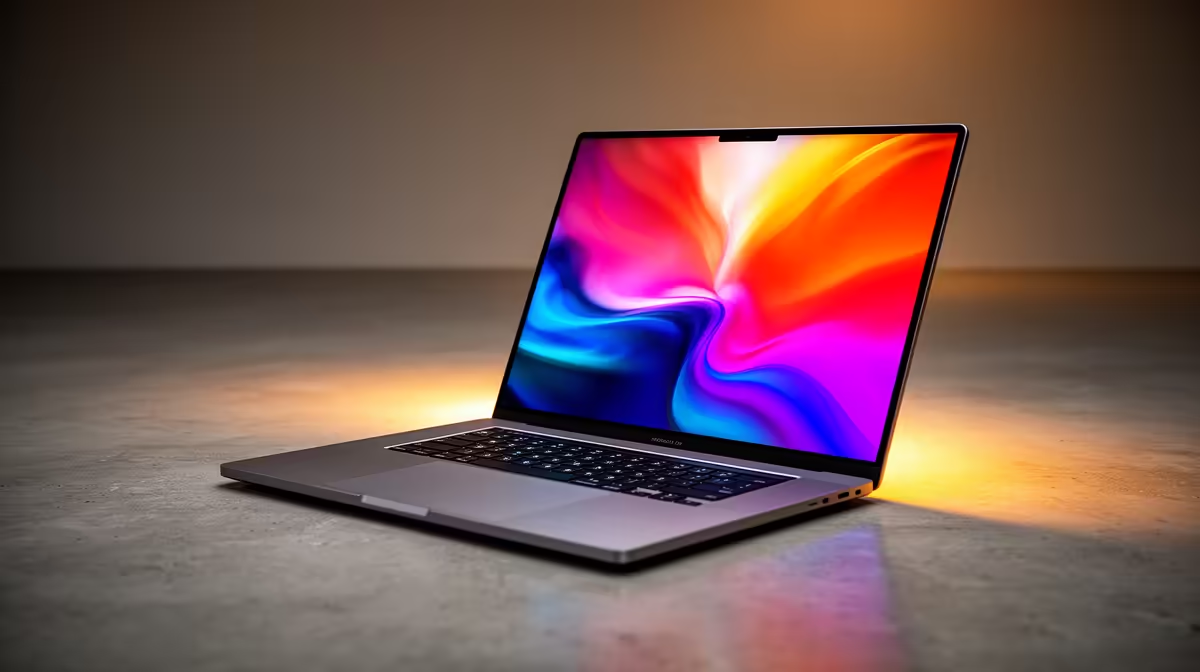
Microsoft's Copilot+ PCs are the talk of the town, promising a new era of AI-powered computing. But with all the hype around NPUs and processing power, a crucial question remains for South African creators and gamers: what about the screen? A powerful brain is useless without a brilliant face. We decided to put them to the test, focusing specifically on the Copilot+ laptop display quality to see if the visuals live up to the intelligent internals.
Beyond the Pixels: What Defines Copilot+ Laptop Display Quality?
Before diving into our results, let's quickly break down what we're looking for. A great display isn't just about resolution. For the creative and productivity tasks these new machines are built for, we need more. We're talking about colour accuracy (sRGB and DCI-P3 coverage), peak brightness (measured in nits) for working in bright environments, and responsiveness for a smooth, lag-free experience. These factors determine if a screen is merely good or truly exceptional for everything from video editing to after-hours gaming. The display is your window to the AI magic, making it a critical component in these next-generation AI laptops.
Our ZA Benchmark: How We Tested
To get real-world results, we put a selection of the first Copilot+ laptops to land in SA through their paces. Our testing environment mimicked typical South African conditions: a sunlit home office in Pretoria during the day and a darker room for media consumption at night. We used industry-standard tools to measure colour gamut, brightness consistency, and response times, providing a clear picture of the Copilot+ laptop display quality you can expect. 💻
The Results Are In: Brightness, Colour, and Clarity
So, how did they fare? The results were impressive, but with important differences between models.
Brightness & Contrast
Most laptops we tested easily surpassed the 300-nit mark, making them perfectly usable indoors. The premium OLED models, however, were the real stars, pushing over 500 nits with near-infinite contrast. This makes them fantastic for working on a covered patio, though direct Highveld sun is still a challenge for any screen.
Colour Accuracy
For photographers and video editors, this is where the magic happens. The top-tier devices offered close to 100% DCI-P3 coverage, delivering vibrant, true-to-life colours that are simply stunning. Even the more budget-friendly IPS panels showed excellent sRGB coverage, making them more than suitable for web design and general content creation. This level of performance is becoming standard across many of the latest AMD laptops as well, which is great news for consumers.
Calibrate for True Colour ✨
Windows 11 has a built-in calibration tool ("Calibrate display color"). While not as precise as a dedicated colorimeter, it's a fantastic starting point to adjust gamma, brightness, and contrast. For creative work, it helps ensure what you see is what you get, a crucial step for nailing the perfect visuals in your projects.
The Verdict: Is Copilot+ Display Quality Worth the Hype?
Absolutely. The baseline for Copilot+ laptop display quality is remarkably high. Manufacturers understand that a premium AI experience demands a premium visual experience to match. While OLED panels offer the best performance for creative professionals, even the standard IPS displays are bright, colour-accurate, and responsive. The key takeaway is to look beyond the CPU and NPU specs; check the nits, colour gamut, and panel type to find the perfect machine for your needs. If you're ready to upgrade, it's always a good idea to check out the latest laptop specials to find a deal that includes a top-tier screen. 🚀
Ready to Experience Next-Gen Visuals?
The future of AI computing is here, and it looks incredible. Don't just settle for a powerful processor; get the stunning display to match. Explore our massive range of laptop specials and find the perfect Copilot+ ready machine for your needs.