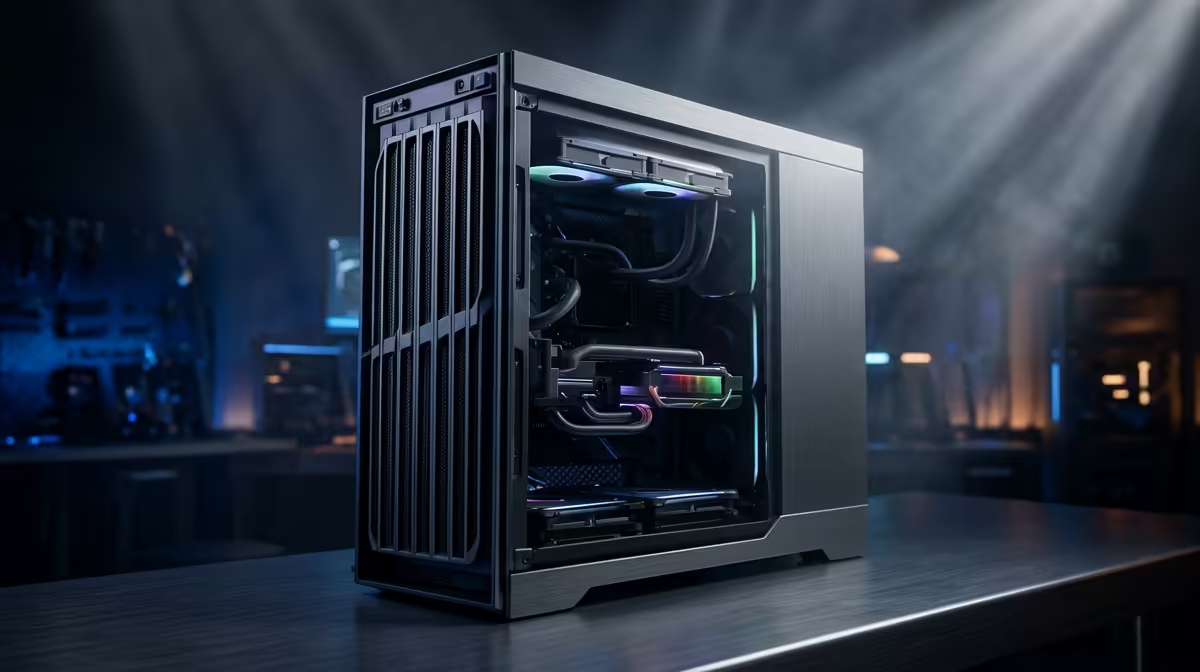
That summer heat is hitting hard, isn't it? You’re deep into a ranked match, the final circle is closing, and suddenly your PC sounds like a jet engine taking off. Frame rates start to stutter. This isn't just bad luck; it's a battle against thermal throttling. Managing CPU temps in South Africa is a non-negotiable part of PC ownership, especially when high ambient temperatures can cook your components. Let's get your rig running cool and quiet. ❄️
Why High CPU Temps are a Big Deal in SA
When your CPU gets too hot, it automatically slows itself down to prevent damage. This is called thermal throttling, and it's the number one enemy of smooth gameplay and peak performance. In a country where a 35°C day is common, your PC is already starting on the back foot. Add dust from our dry seasons and you have a recipe for high CPU temps. South Africa's unique climate demands a proactive approach to all thermal solutions, ensuring your multi-thousand-rand processor actually performs as it should.
The Great Debate: Air vs. Liquid Cooling
When it comes to cooling your processor, you have two main choices: traditional air coolers or All-In-One (AIO) liquid coolers. Neither is outright 'better'; it all depends on your needs and budget.
The Case for Air Cooling
Air coolers use a heatsink and fan to draw heat away from the CPU. They are reliable, often more affordable, and modern designs can handle even high-end processors with ease. For most gamers and creators, a quality tower air cooler is the perfect balance of price and performance. You can find a huge variety of powerful PC components and CPU coolers that will get the job done without fuss.
The Allure of Liquid Cooling 💧
AIOs use liquid to transfer heat from your CPU to a radiator, where fans then dissipate it. They generally offer superior cooling performance, making them ideal for heavily overclocked systems or flagship CPUs. If you're chasing the lowest possible temperatures our climate can throw at you, or just want that clean, high-tech aesthetic, exploring a CPU liquid cooler in South Africa is the way to go.
Simple Fixes to Lower Your CPU Temps Now
Before you spend a cent, there are a few things you can do right now to improve your PC's cooling. These small tweaks can make a surprising difference in managing your CPU temperatures.
Clean Your Rig 🔧
Dust is a thermal blanket. It clogs fans, heatsinks, and filters, trapping heat inside your case. A simple clean-out with a can of compressed air every few months is one of the most effective ways to lower your CPU temperatures. Pay special attention to the CPU cooler's fins and your case's intake filters.
Pro Cooling Tip 🚀
Your motherboard's BIOS UEFI allows you to customise your fan curves. Instead of letting them run on a silent or standard profile, you can set a more aggressive curve that ramps up fan speeds earlier as CPU temps rise. This can keep temperatures in check during intense gaming sessions before they have a chance to skyrocket.
Re-apply Thermal Paste
The thermal paste between your CPU and cooler dries out over time, becoming less effective. If your PC is a few years old and running hotter than it used to, replacing the thermal paste is a cheap and highly effective fix. It's a core part of maintaining any good CPU cooler in South Africa.
Finding the Perfect Cooler for Your Build
If you've tried the tips above and your temperatures are still too high, it's probably time for an upgrade. Choosing the right cooler depends on your processor's Thermal Design Power (TDP), the size of your PC case (clearance is key!), and your budget. You don't need a massive 360mm AIO for a Ryzen 5, but you also shouldn't stick a tiny stock cooler on a Core i7. The goal is to find the sweet spot. Luckily, you can often find some of the best CPU cooler deals in South Africa that deliver premium performance without breaking the bank.
Ready to Beat the Heat?
Don't let high CPU temps in South Africa throttle your performance. A powerful and efficient cooler is the key to unlocking your PC's full potential, ensuring smooth gameplay and stable performance, even on the hottest days. Explore our best CPU cooler deals and find the perfect upgrade for your rig today.