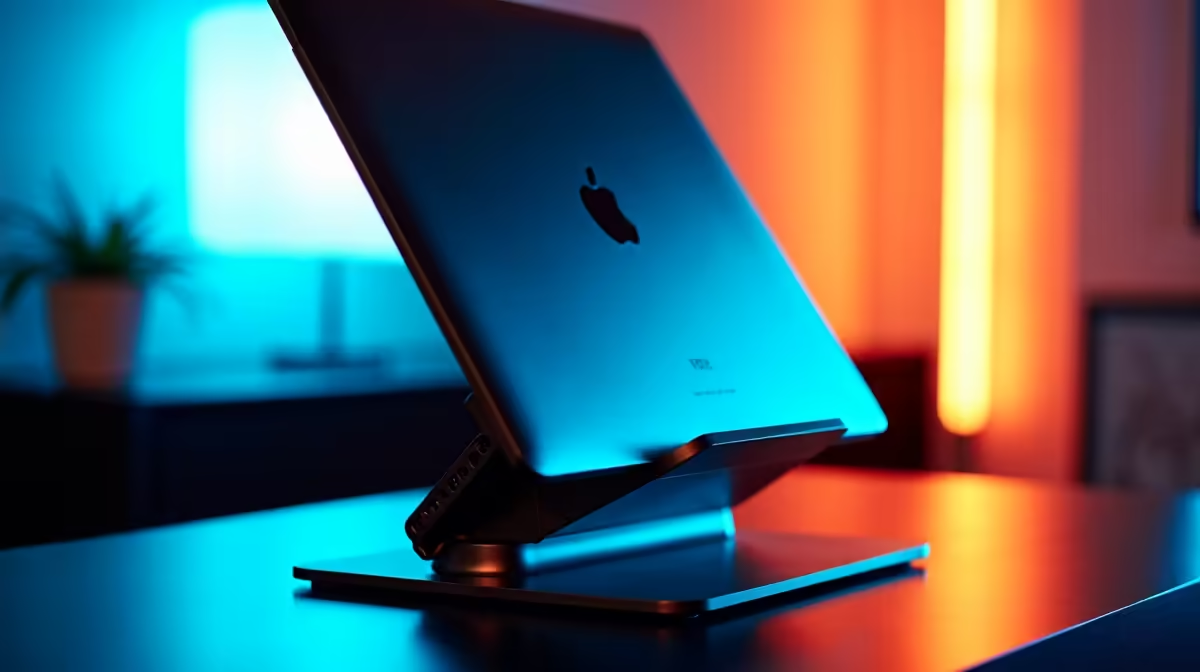
That nagging pain in your neck after a long gaming session isn't a skill issue… it's an ergonomics issue. We often focus on GPUs and refresh rates, but the secret to comfortable, marathon sessions lies in your monitor's position. A quality ergo stand's vertical tilt range is one of the most overlooked features for optimising your setup. It's the difference between leaning in for victory and slouching toward a chiropractor appointment. ⚡
Understanding the Ergo Stand Vertical Tilt Range
So, what are we actually talking about? Vertical tilt is simply the ability to angle your screen up or down. A basic stand might offer a measly 5 degrees of movement, while a premium ergonomic stand can provide a generous 25 degrees or more.
Why is a wider ergo stand vertical tilt range so important?
- Eye-Level Alignment: The top of your screen should be at or slightly below eye level. Tilting helps you achieve this perfect alignment, whether you're tall, short, or using a standing desk.
- Glare Reduction: That annoying reflection from a window or overhead light? A quick tilt can eliminate it instantly, saving you from eye strain and keeping you focused on the action.
- Postural Health: Correctly tilting your monitor prevents you from craning your neck forward or backward, significantly reducing strain on your spine. A comfortable gamer is a better gamer. Finding a screen with the right stand is easy when you check out the best PC monitor deals in South Africa.
Comparing Tilt Capabilities for Different Setups
Not all screens are created equal, and their ergonomic needs differ. The ideal vertical tilt range depends heavily on your specific monitor and how you use it. For serious players, pairing a high-performance screen from our range of all gaming monitors with a flexible stand is non-negotiable.
Curved and Ultrawide Monitors
For the immersive experience of curved monitors, tilt is absolutely critical. An incorrect vertical angle can distort the image at the periphery and ruin the wrap-around effect. You need to be able to fine-tune the tilt to ensure the entire screen is perfectly perpendicular to your line of sight.
High-Resolution Displays
When you’ve invested in the pixel-perfect clarity of today's best 5K and 4K monitors, the last thing you want is a compromised view. A good tilt allows you to position the screen perfectly to appreciate every detail without colour shifting or glare, ensuring your Randelas were well spent. ✨
The 20-20-20 Rule 👓
To fight eye fatigue, look at something 20 feet (about 6 metres) away for 20 seconds, every 20 minutes. A good monitor tilt makes refocusing on your screen afterwards more comfortable and natural.
Beyond Tilt: Building a Complete Ergonomic Battle Station
While the ergo stand vertical tilt range is a massive factor, it’s part of a bigger picture. True ergonomic mastery also involves height adjustment, swivel (side-to-side rotation), and pivot (portrait mode). The goal is to create a setup that adapts to you, not the other way around.
This principle applies to any display, from massive desktop screens to compact portable monitors used for a second screen on the go. Having a full range of motion ensures you can maintain a healthy posture and stay comfortable for hours. If your current monitor is letting you down, exploring the diverse world of modern PC monitors could reveal the perfect upgrade for your needs. 🚀
Ready to Fix Your Neck and Your Aim?
Aches and pains are performance killers. Optimise your battle station with the right gear for an instant ergonomic upgrade. Shop our range of monitor accessories for performance that leaves discomfort in the dust.