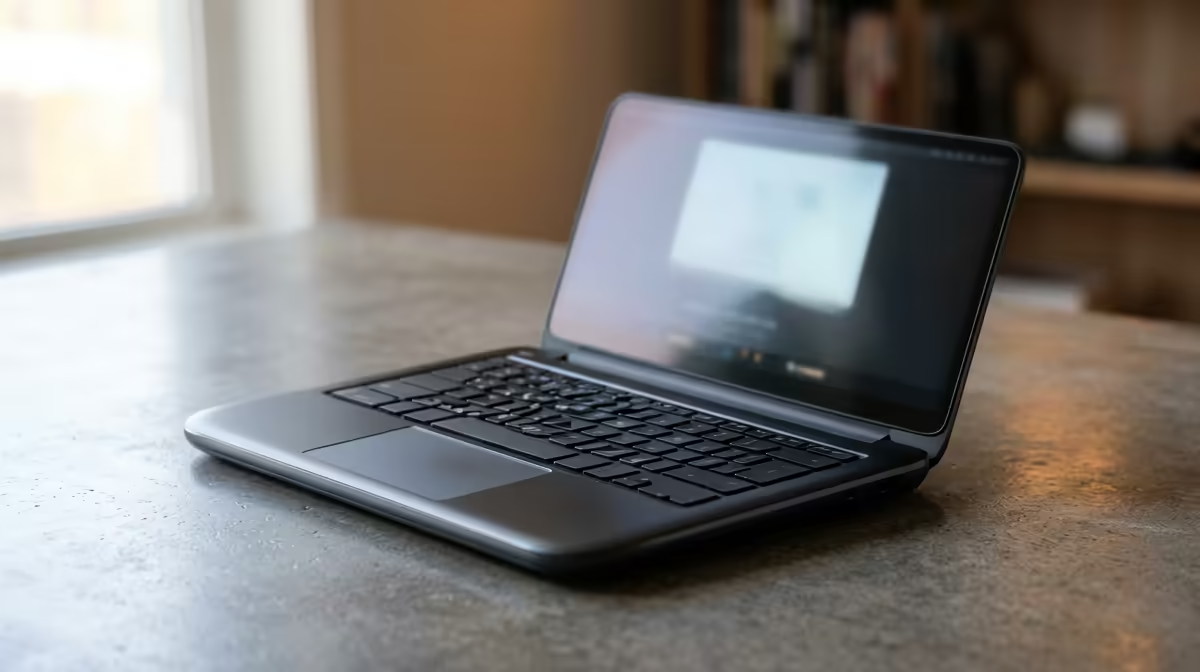
That nagging ache in your neck after a long day? The slight strain in your wrists? We often blame our chairs or long hours, but the real culprit might be right under your fingertips. Your laptop. Choosing an ergonomic corporate laptop isn't just about comfort; it's a strategic investment in your productivity and well-being. It’s about turning long work sessions from a pain into a seamless, productive flow. Let's break down why.
How a Bad Laptop Sabotages Your Workflow
Before we look at the solution, let's diagnose the problem. A standard-issue, non-ergonomic laptop actively works against you. A cramped keyboard with shallow keys can slow your typing speed and lead to repetitive strain. A dim, low-resolution screen forces you to squint, causing eye fatigue and headaches. 😫 Ever felt your machine groan under the weight of a few browser tabs and a spreadsheet? That performance lag is just as much an ergonomic issue, causing mental friction and breaking your focus.
Think of the hours lost to frustration and discomfort. It all adds up. Investing in a better tool isn't a luxury; it's a necessity for anyone serious about their work. The right machine removes these physical and digital roadblocks, letting you focus purely on the task at hand. Upgrading can feel like a breath of fresh air, and many excellent laptop specials for sale in South Africa make it more accessible than ever.
Key Features of a Truly Ergonomic Laptop
So, what should you look for in a productivity-focused ergonomic corporate laptop? It’s more than just a spec sheet. It’s about how the device interacts with you.
A Keyboard You'll Love Typing On
The keyboard is your primary connection to your work. A good one has decent key travel (the distance a key presses down), satisfying feedback, and a logical layout. Backlighting is also crucial for those late-night sessions or dimly lit boardrooms. Whether you're considering the latest powerhouse Intel laptops on special or the incredible efficiency of new AMD laptops on special, always pay attention to the keyboard reviews.
A Screen That Protects Your Eyes
You stare at it all day, so make sure it's a good one. Look for a matte (anti-glare) finish to reduce distracting reflections. A high resolution (Full HD or more) ensures text is crisp and sharp, reducing squinting. Good brightness and colour accuracy also help reduce eye strain, making your work experience far more pleasant. ✨
Quick Ergonomic Win 🔧
Use the "20-20-20" rule to combat digital eye strain. Every 20 minutes, look at something 20 feet (about 6 metres) away for at least 20 seconds. This simple habit allows your eye muscles to relax, significantly reducing fatigue during long workdays. Combine this with your laptop's built-in night light or blue light filter for maximum effect.
The Surprising Link Between Gaming Laptops and Productivity
Here’s a thought: some of the most ergonomic laptops aren't marketed for the office at all. High-performance gaming laptops are built for marathon sessions, demanding comfort and precision. They often feature some of the best keyboards on the market, with deep travel and responsive switches. Their high-refresh-rate screens, designed for smooth gameplay, also make everyday scrolling and window management feel incredibly fluid and responsive. 🚀
For power users, creatives, or anyone who values a premium experience, exploring the best gaming laptop deals can uncover a machine that excels at both work and play, providing top-tier performance and comfort.
Ready to Upgrade Your Workday?
An ergonomic corporate laptop is more than a piece of tech; it's a partner in your professional success. Stop fighting your tools and find a machine that works with you. Explore our massive range of laptop specials and discover the perfect device to boost your comfort and productivity today.