Optimise Your Windows Power Settings for Bluetooth Stability
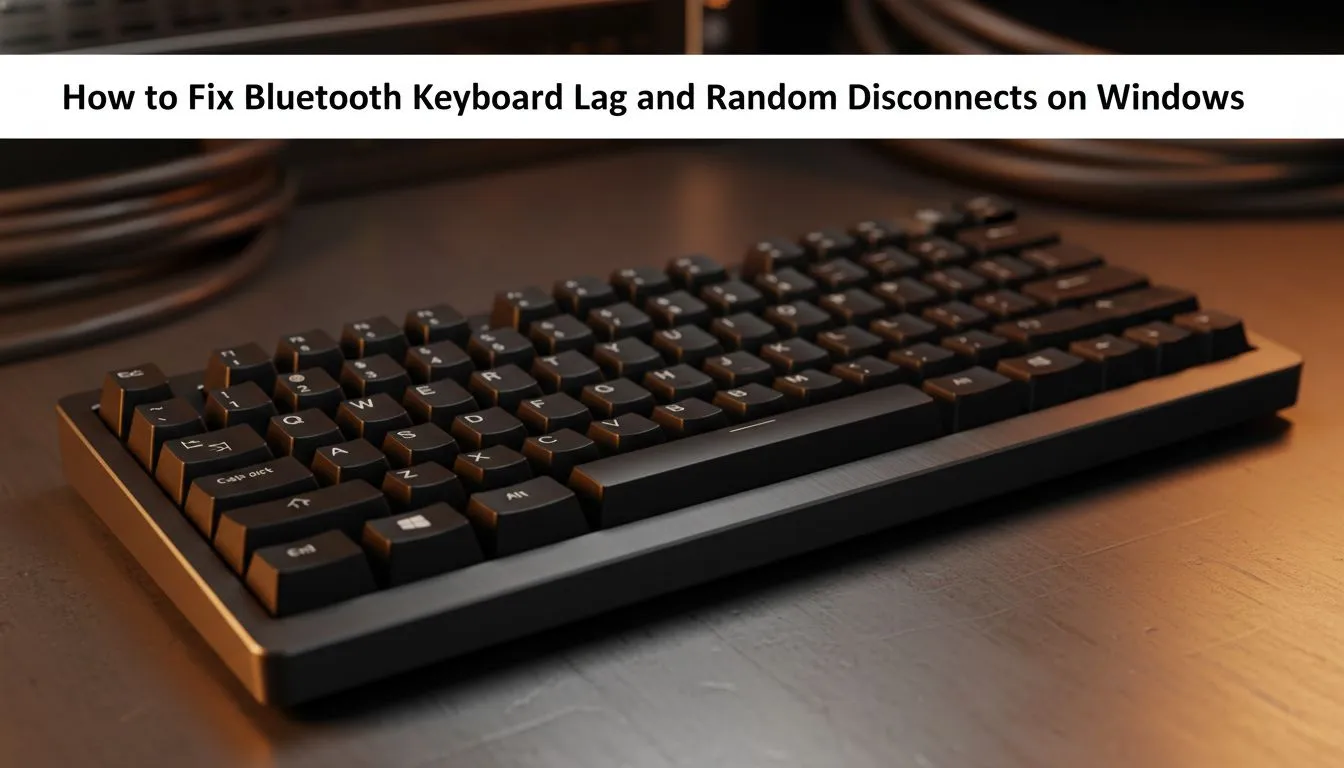
There is nothing worse than lining up a clutch headshot only for your keys to stop responding. If you are trying to fix Bluetooth keyboard lag and random disconnects on Windows, you know the frustration of delayed inputs. Whether you are working or gaming in sunny South Africa, a stable connection is non-negotiable. Let’s get your peripherals back in sync with these proven tech tips. 🔧
Windows often tries to save power by putting your Bluetooth radio to sleep. This is the most common cause of sudden drops. To fix this, open your Device Manager and find your Bluetooth adapter. Right-click it, select Properties, and head to the Power Management tab. Untick the box that says "Allow the computer to turn off this device to save power". If your hardware is simply too old to handle modern Windows updates, you might want to browse the best gaming keyboard deals currently available.
Reduce Signal Interference in Your Gaming Space
Our homes are filled with invisible signals that can disrupt your connection. Microwaves, Wi-Fi routers, and even metal desks can cause significant lag. Are you sitting too far from your PC? Even a few metres can make a difference in a busy room. If you need a fresh start without breaking the bank, you can find the cheapest gaming keyboard in South Africa at Evetech to ensure your hardware is up to date.
Sometimes, the issue is a conflict between multiple wireless devices. Using a high-quality keyboard and mouse combo often helps because both devices frequently share a single, optimised receiver. This reduces the number of active signals cluttering your desk space. ⚡
Connection Stability Tip ⚡
Check your Bluetooth Support Service in Windows. Press Win+R, type 'services.msc', and find 'Bluetooth Support Service'. Ensure the Startup Type is set to 'Automatic'. This prevents Windows from failing to initiate the connection after a reboot or sleep cycle.
Update Drivers and Consider Your Connectivity Options
Outdated drivers are a silent killer of performance. Manufacturers frequently release updates to fix Bluetooth keyboard lag and random disconnects on Windows. Always check the official support page for your specific model.
If you live in a high-interference area, you might need to change how you connect. For those who demand zero latency, reliable wired keyboards remain the gold standard for competitive play. However, if you cannot give up the wireless lifestyle, modern high-performance wireless keyboards use 2.4GHz dongles instead of Bluetooth. These provide a much more stable link for gaming. 🚀
Ready to Find Your Perfect Match?
Dealing with lag can ruin your experience, but the right hardware makes all the difference for maximum power and value in South Africa. Explore our massive range of keyboard specials and find the perfect machine to conquer your world.