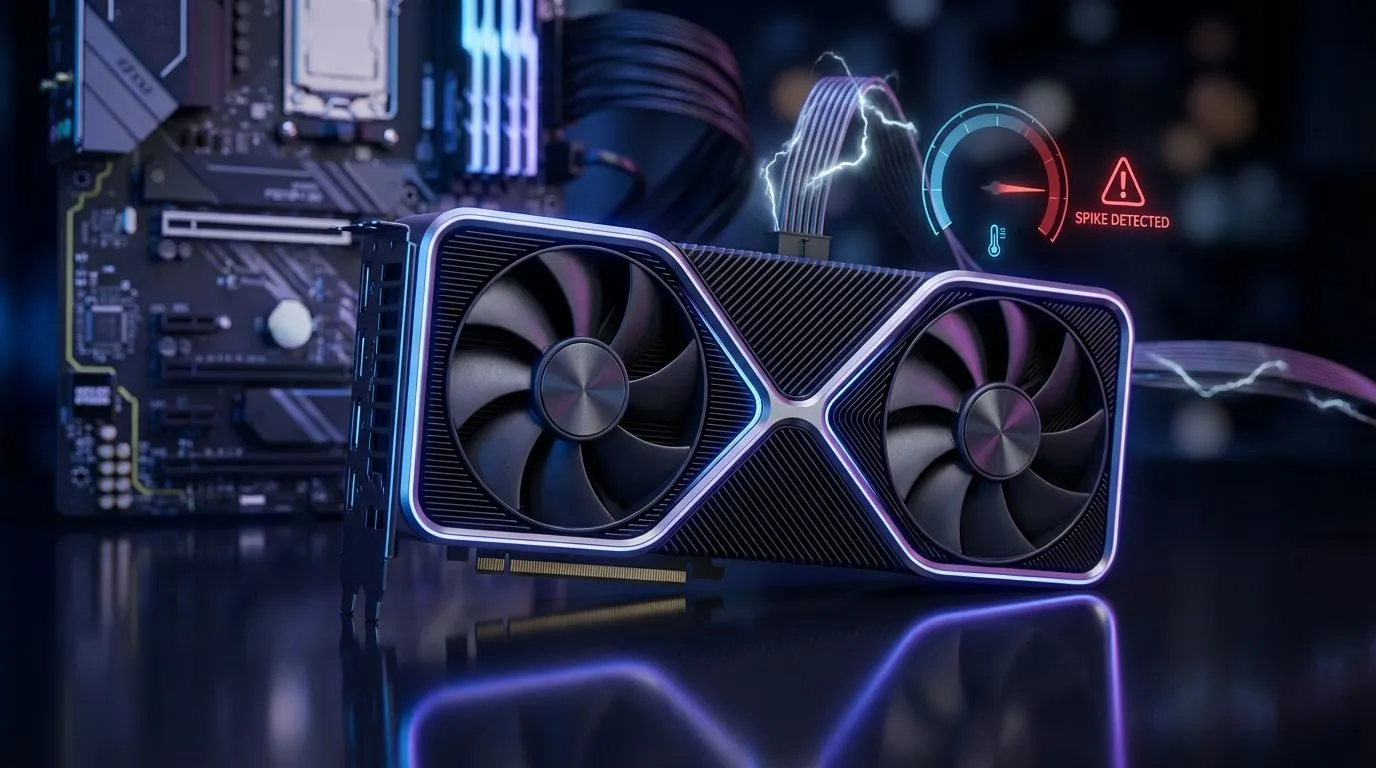
We have all been there. You are mid-raid or finishing a clutch round when the lights suddenly flicker and die. it is a genuine threat to your hardware. Sudden power cuts stop your fans and pumps instantly. This leaves trapped heat on your processor with nowhere to go. Understanding why gaming cooling during an unexpected outage matters is the first step to protecting your rig. ⚡
Why Thermal Consistency Matters for Your Rig
When the power drops, active cooling stops immediately. However, your CPU remains at high temperatures for several crucial seconds. Without active airflow, that heat soaks into the motherboard components. Investing in high-quality cpu coolers ensures your system handles these thermal spikes with better resilience. A beefier heatsink or radiator acts as a thermal buffer... protecting your expensive silicon from rapid temperature fluctuations that can cause long-term fatigue.
The Advantage of Liquid Cooling in South Africa
Many local gamers are moving away from traditional air towers to mitigate heat soak. A Liquid Cooler (AIO) provides a significant advantage because water has a much higher thermal capacity than air. This means it takes longer for the coolant to reach peak temperatures... giving you a safer margin of safety when your inverter kicks in or the power vanishes. It keeps your system stable even when the ambient room temperature climbs during a summer blackout. 🔧
Practical Reliability Tip
Always pair your high-performance cooler with a reputable UPS or Inverter system. This ensures that even when the grid fails, your fans and pumps keep spinning for those extra few minutes. This allows your components to cool down gracefully rather than suffering from a sudden heat soak that can degrade thermal paste over time.
Choosing the Right Radiator Size for Your Case
Size is a vital factor when it comes to efficient heat dissipation. If you are using a standard mid-tower case, a 240mm Radiator is often the perfect balance between performance and fit. For enthusiasts running high-end i9 or Ryzen 9 chips, a 360mm Radiator offers the maximum surface area needed. This extra overhead is essential for keeping temperatures low during those intense afternoon gaming sessions before the Stage 4 schedule hits. 🚀
Top Brands for Reliable Cooling Performance
Reliability is the most important metric when your PC faces frequent power cycles. We recommend looking at industry leaders known for pump durability and high static pressure fans. CORSAIR liquid coolers offer world-class software integration to monitor your vitals in real-time. Alternatively, Deepcool AIO units provide incredible value for money in the South African market... often outperforming much more expensive units in local thermal benchmarks. ✨
Ready to Beat the Heat?
Your PC doesn't have to suffer. Whether you need a massive radiator or a compact air tower, we have the right thermal solution for your build. Explore our massive range of CPU coolers and keep your frame rates high and your temperatures low.