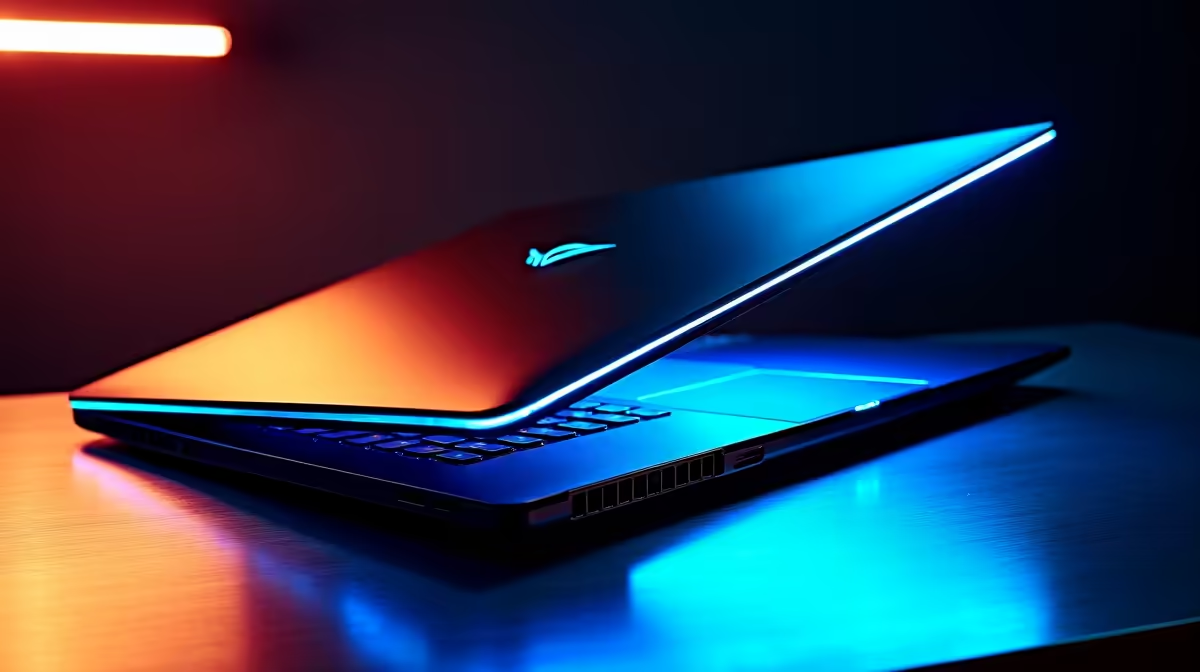
You just dropped a month's salary on a beast of a machine. The fans are whisper-quiet, the RGB is glorious, and you're hitting triple-digit frames in your favourite shooter. But fast-forward six months... is that a jet engine taking off on your desk? Is your laptop hot enough to brew a cup of rooibos? Proper gaming laptop maintenance isn't just a chore; it's the secret to keeping your investment running at peak performance for years.
Keep It Cool: A Core Part of Gaming Laptop Maintenance 💨
Heat is the number one enemy of performance. When your components get too hot, they "throttle"—intentionally slowing down to prevent damage. For a gamer, this means sudden, frustrating frame drops right when you're about to clutch the round. Here’s how to fight back.
The Dust Bunny Battle
Your laptop's fans pull in air to cool the CPU and GPU, but they also pull in dust, lint, and pet hair. Over time, this clogs the heatsinks and suffocates your components.
- The Fix: At least every six months, power down and unplug your laptop. Use short, controlled bursts of compressed air to blow dust out of the vents. Never blow air directly into the fan, as this can cause it to over-spin and break. Proper airflow is crucial, especially for powerful Intel Core i7 gaming laptops that generate significant heat under load.
Your Desk Setup Matters
Gaming on your bed might be comfy, but your duvet is blocking all the air intakes on the bottom of your laptop.
- The Fix: Always use your gaming laptop on a hard, flat surface. A desk is ideal. A laptop stand or cooling pad can also make a massive difference by improving airflow underneath the chassis. This simple step is one of the most effective bits of gaming laptop care you can perform.
Check Your Fan Curves ⚡
Many gaming laptops come with control centre software (like Armoury Crate or OMEN Gaming Hub). Dive into the settings and look for fan profiles. Switching from 'Silent' to 'Performance' or 'Turbo' mode during a gaming session will make the fans louder, but it will dramatically improve cooling and prevent thermal throttling.
Software Tweaks: Optimising Your Digital Engine
Keeping your hardware clean is only half the battle. A cluttered and outdated software environment can cripple your performance just as badly as a dusty fan. This is a vital part of your routine gaming laptop maintenance.
Keep Your Drivers Updated
Your graphics card driver is the crucial link between your hardware and your games. Outdated drivers can lead to bugs, crashes, and poor performance in new titles.
- The Fix: Use NVIDIA GeForce Experience or AMD Software: Adrenalin Edition to check for and install the latest drivers. A clean install every few months can also resolve stubborn issues. This applies whether you're running one of the latest GeForce RTX gaming laptops on special or an older model.
Trim the Fat
Does your laptop take forever to boot? It's likely because dozens of unnecessary programs are launching at startup.
- The Fix: Press
Ctrl + Shift + Esc to open the Task Manager, go to the "Startup" tab, and disable any non-essential apps. You don't need Discord, Spotify, and your printer software all running the second you log into Windows. This simple cleanup benefits all machines, from the most efficient AMD Ryzen gaming laptops to the most powerful Intel rigs.
Physical Care: Protecting Your Investment 🔧
A little physical care goes a long way. After all, you want your machine to look as good as it performs.
- Screen: Use a microfibre cloth and a dedicated screen cleaning solution. Never spray liquid directly onto the screen; spray it onto the cloth first.
- Keyboard & Chassis: A soft brush can dislodge crumbs from between the keys. For greasy fingerprints, a slightly damp microfibre cloth will do the trick. Power down the machine first!
- Battery: Modern laptops have smart charging that prevents overcharging. It's generally fine to leave it plugged in while gaming for maximum performance. Try to let the battery discharge and recharge fully about once a month to keep it calibrated.
Whether you've invested in one of the premium gaming laptops above R20k or found a deal among the great value gaming laptops under R20k, these simple habits will extend its life.
Knowing When to Upgrade Your Rig
Sometimes, no amount of maintenance can make an old GPU run Cyberpunk 2077 with path tracing. If you've cleaned your machine, reinstalled Windows, and updated every driver, but you still can't hit stable frames in modern games, it might be time for an upgrade. Technology moves fast, and what was top-tier five years ago might struggle today. Exploring the full range of Intel gaming laptops can show you just how much performance has improved. ✨
Ready for a Performance Upgrade? 🚀
Proper maintenance is key, but nothing beats the thrill of brand-new hardware. If your current rig is holding you back, it might be time to unleash next-level power. Explore our massive range of laptop specials and find the perfect machine to conquer your world.