


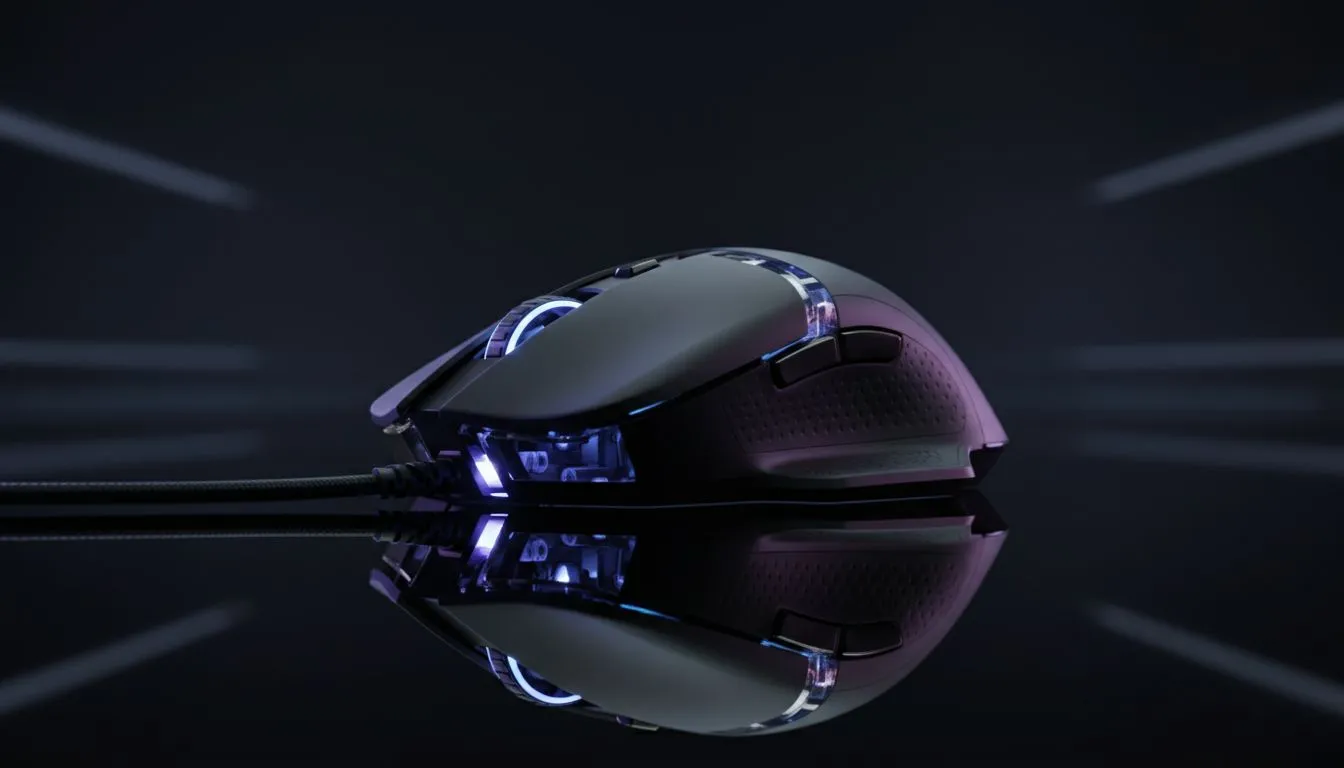
Understanding the Core of Your Aim
You are holding a tight angle in Valorant, your breath hitched, waiting for the slightest pixel of movement. When the enemy finally swings, you flick... but your crosshair stutters, skipping right over their head. In the high-stakes world of South African esports, where local tournaments offer thousands of ZAR in prizes, a faulty sensor is your worst enemy. A high-quality gaming mouse sensor is what ensures every physical movement translates perfectly to the screen without jitter or delay.
Choosing the right hardware from an extensive range of gaming mice is the first step toward consistency. It isn't just about how many buttons you have... it is about how the "eye" of the mouse sees your desk surface.
Why Precision Tracking Defines the Winner
In competitive play, precision is everything. Most modern sensors are optical, using a tiny camera to take thousands of pictures per second. The quality of this sensor determines the "Perfect Control Speed"... the maximum speed you can move your mouse before it loses track. If you are a low-sensitivity player making huge swipes across your pad, you need a sensor that won't spin out.
Many players hunt for the best gaming mouse deals to find top-tier sensors like the PixArt PMW3389 or the newer PAW3395. These sensors offer 1:1 tracking, meaning they don't add artificial smoothing or acceleration. When your hand moves three centimetres, the cursor moves exactly where it should... no more, no less.
Pro Aim Tip ⚡
Always disable 'Enhance Pointer Precision' in your Windows Mouse Settings. This feature adds artificial acceleration that varies your cursor speed based on how fast you move the mouse, which destroys the muscle memory you need for competitive gaming.
Wireless vs Wired: Has the Gap Closed?
The debate between a high-performance wireless mouse and a traditional wired mouse used to be simple. Wireless was seen as laggy and unreliable. However, modern 2.4GHz technology has reduced latency to less than 1ms. For a competitive gamer in South Africa, the freedom from cable drag can actually improve aim consistency, provided the sensor is up to the task.
Wired options remain popular for those who prefer a "set and forget" approach without worrying about battery levels during a long session. Regardless of the connection, the sensor inside remains the most critical component for hitting those headshots.
Lift-Off Distance and Surface Calibration
A factor often overlooked is Lift-Off Distance (LOD). This is the height at which the sensor stops tracking when you pick the mouse up to reposition it. For competitive play, a low LOD is vital. If the sensor keeps tracking while you are mid-air, your crosshair will jump wildly.
To keep your sensor performing at its peak, you should also invest in essential mouse accessories like high-quality mouse pads or replacement skates. A dusty or worn-out surface can confuse even the most advanced sensor, leading to pixel skipping that could cost you the match.
Ready to Find Your Perfect Match? The right sensor is the foundation of every great play in competitive gaming. Whether you need the speed of wireless or the reliability of a wired connection, we have the gear to help you climb the ranks. Explore our massive range of gaming mice and find the perfect tool to dominate the lobby.











