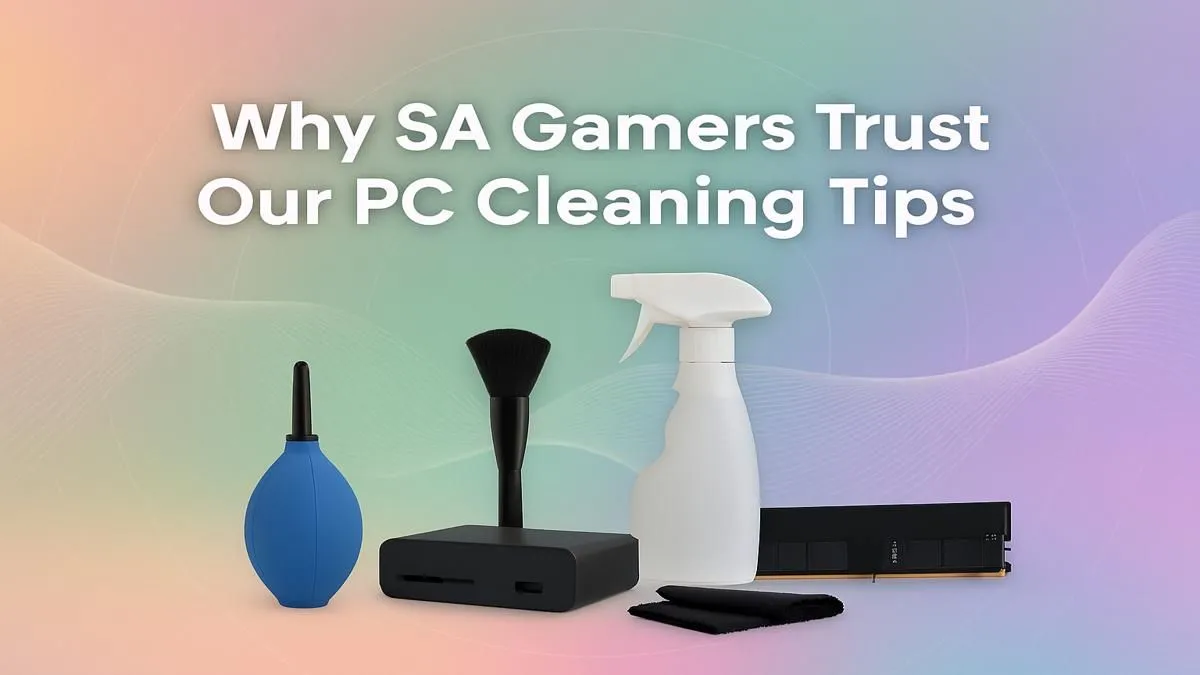
Is your rig sounding more like a jet engine than a high-performance machine? In South Africa, dust and heat are the ultimate villains of PC performance, silently killing your frame rates. Proper gaming PC cleaning isn't just about aesthetics; it's a critical maintenance task that keeps your temps low and your gameplay smooth. Forget complex guides… we're breaking down the simple, trusted steps to get your PC running cool and quiet again. Let's get started. 🔧
Why Gaming PC Cleaning is a Big Deal in SA
Let's be honest, South Africa can be a dusty place. Between the Highveld winds and keeping windows open to catch a breeze, our PC internals can start to look like a forgotten corner of the garage pretty quickly. This isn't just ugly; it's a performance killer.
Dust acts like a blanket, trapping heat around your most important components—the CPU and GPU. When they get too hot, they automatically slow down to protect themselves. This is called thermal throttling, and it's the reason your frame rates might suddenly tank mid-match. A proper clean is the cheapest performance upgrade you can get, ensuring even the most affordable budget gaming PCs run at their full potential.
The Ultimate PC Cleaning Checklist ✨
Ready to restore your PC's performance? Performing a thorough gaming PC cleaning session every few months is crucial. Here’s a simple, safe, and effective process that our tech experts in South Africa swear by.
Step 1: Prep and Safety First
Before you open anything, power down your PC completely. Switch off the power supply unit (PSU) at the back and unplug it from the wall. This is non-negotiable. Move your PC to a well-ventilated area—a garage or balcony is perfect to avoid blowing dust all over your room.
Pro Tip: Canned Air Technique 💨
Never use a vacuum cleaner inside your PC! The static electricity can fry your components. Always use short, controlled bursts of compressed air. Hold the can upright to prevent the freezing liquid propellant from spraying out and damaging your hardware.
Step 2: Conquering Case Dust
Start with the case itself. Most modern PC cases, including many found in our PCs under R20k range, have removable dust filters at the front, top, and bottom. Slide these out, give them a good rinse under a tap, and let them dry completely before putting them back.
Next, remove the side panels. Use your compressed air to blow out the loose dust from the bottom of the case and any empty drive bays. A microfibre cloth can be used to wipe down the flat surfaces inside.
Step 3: Focusing on Fans and Heatsinks
This is where the magic happens. Your CPU cooler, GPU fans, and case fans are magnets for dust.
- Hold the Fan: Gently place a finger on the centre of a fan to stop it from spinning.
- Blast the Dust: Use short bursts of compressed air to blow dust off the blades and out of the heatsink fins. Forcing a fan to spin too fast with compressed air can damage its bearings.
- Repeat: Do this for every fan in your system.
This single step can lower your component temperatures by 5-10°C or more. It's a vital part of maintaining one of our expertly assembled pre-built PC deals to keep it running like the day you unboxed it.
How Often Should You Clean Your Rig?
The ideal PC cleaning frequency for gamers in South Africa depends on your environment:
- Average Home: Every 4-6 months is a good baseline.
- Dusty Area or Homes with Pets: You might need to do a light clean every 2-3 months.
- High-End Rigs: Powerful components generate more heat, making them more sensitive to dust buildup. If you're running one of our top-tier PCs above R20k, a quarterly check-up is a smart move to protect your investment.
A clean PC is a happy PC. It runs cooler, quieter, and lasts longer. Taking 20 minutes every few months to perform these simple steps is the best way to guarantee you're getting every drop of performance you paid for, making it one of the best gaming PC deals you can make for yourself. 🚀
Performance Still Lagging?
A clean PC is a fast PC. But if dust wasn't the only thing holding you back, it might be time for an upgrade. From entry-level rigs to 4K powerhouses, we've got the perfect build for your budget and your favourite games. Explore our full range of custom and pre-built gaming PCs and unleash your true potential.