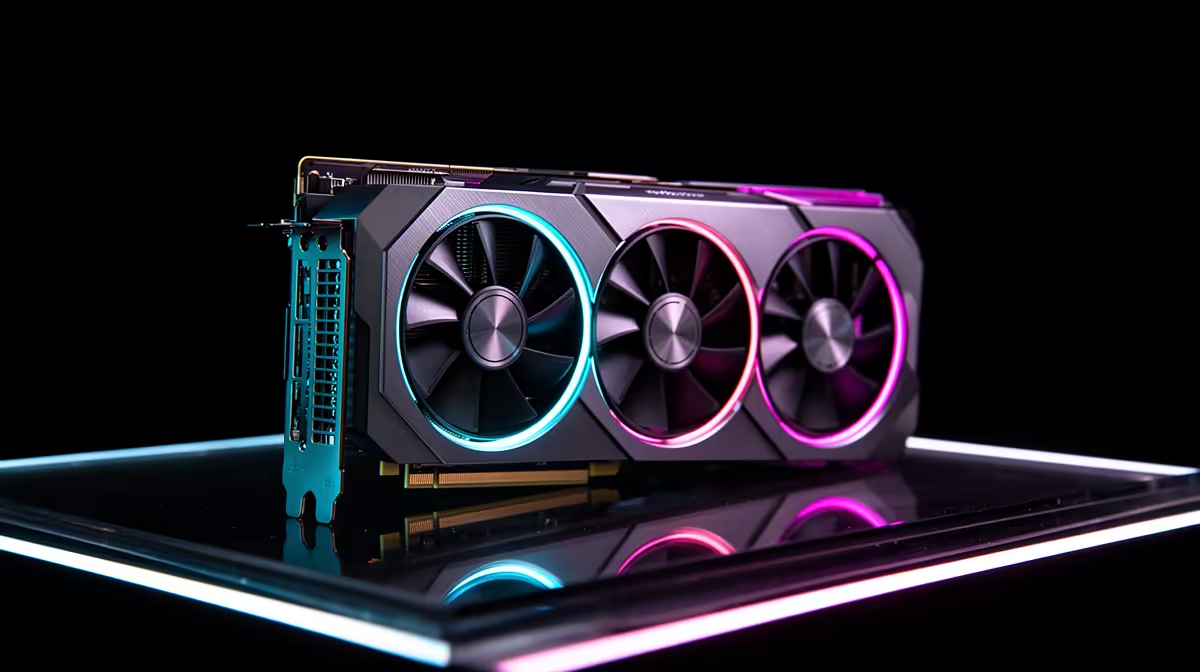
Graphics Card for Lag: How a GPU Stops Game Stutter & Lag
Is your gaming experience in South Africa plagued by frustrating stutter and lag? You’re not alone. That infuriating freeze-frame mid-headshot or choppy movement during a boss battle isn't just annoying – it’s a direct barrier to enjoying your favourite titles. But what if we told you the most common culprit, and your most powerful ally, is often hiding in plain sight? It's time to talk about your graphics card and how upgrading it can fundamentally transform your gameplay. ✨
What Causes Lag & Stutter? (And How a Graphics Card Steps In)
Picture this: you’re diving into a graphically intensive world, but your screen keeps freezing or showing jerky animations. This isn't just "slow internet" as many assume for online games; often, it’s your hardware struggling to keep up. Game stutter and lag primarily occur when your system can't process and display frames fast enough. While many components play a role, your GPU, or graphics card for lag elimination, is the heavy lifter.
Think of your CPU as the brain planning all the game's actions (AI, physics, player input). Your GPU, however, is the tireless artist that takes those plans and paints every single pixel on your screen, hundreds of times per second. When the demands of the game—complex textures, detailed models, dazzling effects—exceed your graphics card’s ability to render them quickly, you experience that frustrating game stutter. A powerful graphics card for lag issues directly addresses this by providing the raw processing power needed for smooth, high-frame-rate visuals.
The Graphics Card for Lag: More Than Just Pretty Pixels
A high-performance GPU isn't just about making games look good; it's about making them feel good. It’s about ensuring your graphics card stops game stutter & lag, delivering that fluid, responsive experience every gamer craves. When you have a capable graphics card, it churns through graphical data with ease, translating into higher frames per second (FPS) and virtually eliminating visual hitches.
Remember when you barely hit 30 FPS in that new AAA title, and every gunfight felt like a slideshow? That’s where a dedicated gaming graphics card shines. These specialized components boast thousands of processing cores, high-speed VRAM (video memory), and advanced architectures designed for one thing: rendering demanding visuals at blistering speeds. For a vast selection of these crucial components, check out Evetech’s extensive range of NVIDIA and AMD graphics cards.
VRAM is Your Friend
More Video RAM (VRAM) on your graphics card means it can store more textures and graphical data directly, reducing the need to pull from slower system RAM. Aim for at least 8GB for modern 1080p gaming, and 12GB+ for 1440p or 4K.
Whether you're after the raw power of an AMD Radeon graphics card for its excellent value or considering a premium option from a renowned manufacturer like MSI, specifically their NVIDIA and AMD offerings, the right GPU makes all the difference. While workstation graphics cards have their place for professional tasks like 3D rendering or video editing, they aren't optimised for the real-time, high-frame-rate demands of gaming. If your goal is to make your graphics card stop game stutter & lag for peak gaming performance, always lean towards gaming-specific GPUs. If you're looking to explore alternatives, Intel Arc graphics cards are also entering the fray, offering competitive options for various budgets.
Choosing the Right GPU to Stop Stutter in SA
Selecting the best graphics card for lag elimination depends on a few key factors, especially here in South Africa where value for money is paramount.
- Your Budget: Graphics cards range from a few thousand ZAR for entry-level 1080p gaming to over R30,000 for top-tier 4K performance. Decide what you’re willing to spend.
- Your Monitor: A 1080p 60Hz monitor won't benefit as much from a GPU that can push 200 FPS as a 1440p 144Hz monitor would. Match your GPU to your display’s capabilities.
- The Games You Play: Are you an esports enthusiast playing CS:GO and Valorant at high refresh rates, or a Witcher 3 fan chasing ultra settings at 4K? More demanding games require more powerful GPUs.
- Future-proofing: While no PC component is truly future-proof, investing in a slightly more powerful GPU than you currently need can keep your system relevant for longer, helping your graphics card stop game stutter & lag in upcoming titles.
Don't forget to consider your Power Supply Unit (PSU). A new, powerful graphics card will draw more power, so ensure your existing PSU can handle the upgrade. A quick check of the GPU's recommended PSU wattage on its product page is crucial. ⚡
Beyond the GPU: Other Lag-Busters
While a new graphics card for lag is often the silver bullet, remember that your PC is a team effort. A weak CPU can bottleneck even the strongest GPU. Insufficient or slow RAM, or still using a traditional hard drive instead of an SSD for your games, can also contribute to stutter. But for pure graphical performance and eliminating visual lag, the GPU reigns supreme. Upgrade your graphics card, and witness the difference a truly smooth gaming experience makes. Your K/D ratio might even thank you! 🚀
Stop Lag, Start Winning!
Ready to banish game stutter and experience buttery-smooth visuals? Unleash your PC's true potential today. Shop now at Evetech for performance that leaves lag in the dust.