


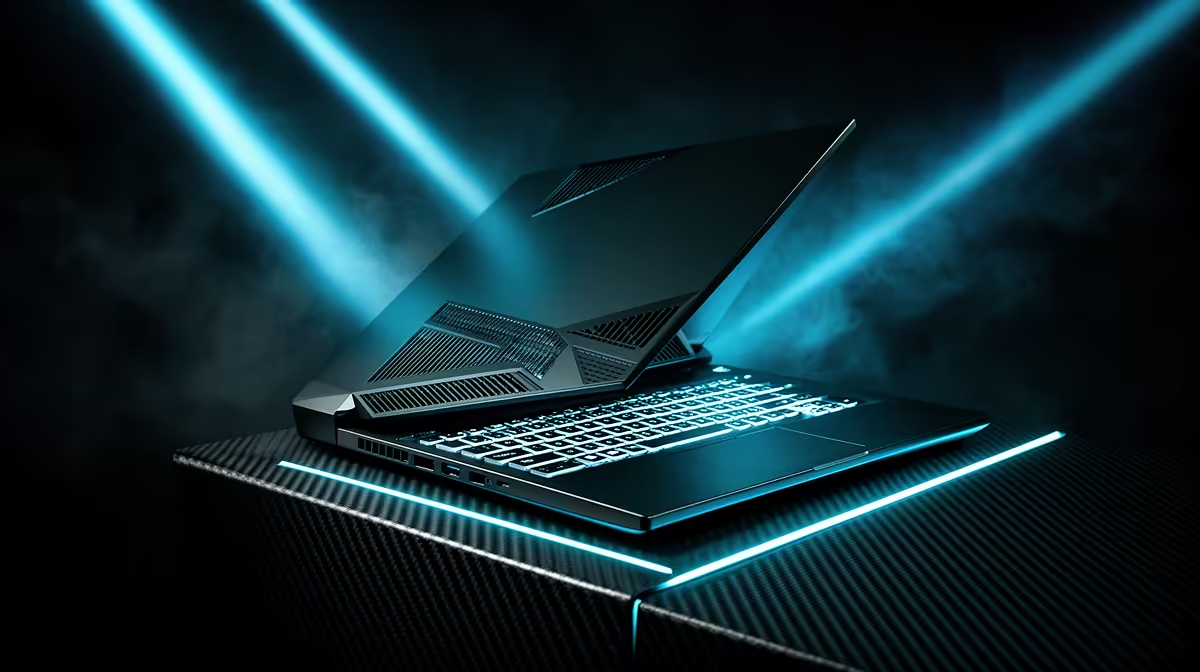
Gaming in South Africa is a unique challenge. You’re not just battling bosses… you’re battling the heat. When your laptop sounds like it’s preparing for takeoff and your frame rate drops mid-firefight, you’ve met the real final boss: thermal throttling. A powerful processor is useless if it can’t stay cool. This is where the engineering behind HP gaming laptop cooling becomes so much more than just a feature on a spec sheet.
The Silent Performance Killer: Understanding Thermal Throttling
Ever feel your buttery-smooth gameplay suddenly turn into a stuttering mess? That’s likely thermal throttling. When your laptop's CPU or GPU gets too hot, it automatically reduces its performance to prevent damage. It’s a safety feature, but for a gamer, it’s a session-ruining disaster.
Effective HP gaming laptop cooling is designed specifically to fight this. By efficiently moving heat away from critical components, the system allows your hardware to run at its peak speed for longer. This means more consistent frame rates, smoother performance in demanding titles like Apex Legends or Cyberpunk 2077, and ultimately, a more competitive and enjoyable experience. Better cooling doesn't just improve performance; it also helps extend the lifespan of your machine. 🚀
How HP's Advanced Cooling Systems Work
HP doesn’t use a one-size-fits-all solution. Their approach to thermal management is tailored to the machine's power level, from mainstream workhorses to elite gaming rigs.
For those pushing the limits of performance, the technology inside high-end HP OMEN gaming laptops is seriously impressive. OMEN Tempest Cooling, for example, often features:
- Three-sided venting and five-way airflow to create a constant cycle of cool air in and hot air out.
- Larger fan blades and more powerful motors to move more air without excessive noise.
- Advanced heat pipe configurations that draw heat away from the CPU and GPU more effectively.
This robust cooling for HP gaming laptops ensures that even during marathon sessions, your hardware delivers the power you expect.
Smart Cooling for Every Gamer
You don't need a top-tier machine to benefit from great thermal design. The popular HP Victus gaming laptops inherit much of this cooling philosophy, offering wide rear vents and upgraded heat pipes that keep performance stable without breaking the bank. It's a smart balance of power and thermal efficiency, perfect for most South African gamers.
More Than Just Hardware: The Software Advantage ✨
HP's commitment to cooling extends beyond the physical hardware. The OMEN Gaming Hub is a powerful software suite that gives you direct control over your laptop's thermal profile.
With just a few clicks, you can switch between modes:
- Quiet Mode: Reduces fan noise for when you’re working or studying.
- Balanced Mode: The default setting for everyday use.
- Performance Mode: Ramps up the fans to maximum speed for the best possible cooling during intense gaming.
This level of control means your laptop adapts to what you’re doing. It’s a key part of the comprehensive cooling system that sets many HP gaming laptops apart from the competition.
Quick Cooling Tip 💨
Your laptop's physical placement matters! Always use it on a hard, flat surface like a desk, never on a bed or couch. Soft surfaces block the air intake vents underneath, trapping heat. For an extra boost, a simple laptop stand can significantly improve airflow and lower temperatures by a few crucial degrees.
Stay Frosty, Stay Winning
Ultimately, a gaming laptop is an investment in your hobby. You want a machine that performs reliably, session after session, for years to come. The advanced thermal engineering in HP's gaming lineup isn't just about winning the spec war… it's about delivering a consistently excellent gaming experience. By tackling heat head-on, HP ensures that the only thing getting throttled is your in-game competition.
Ready to Experience Cool, Consistent Power? A powerful GPU and CPU mean nothing if they're constantly overheating. HP's advanced cooling systems ensure you get the performance you paid for, every single session. Explore our massive range of laptop specials and find the perfect machine to conquer your game.









