


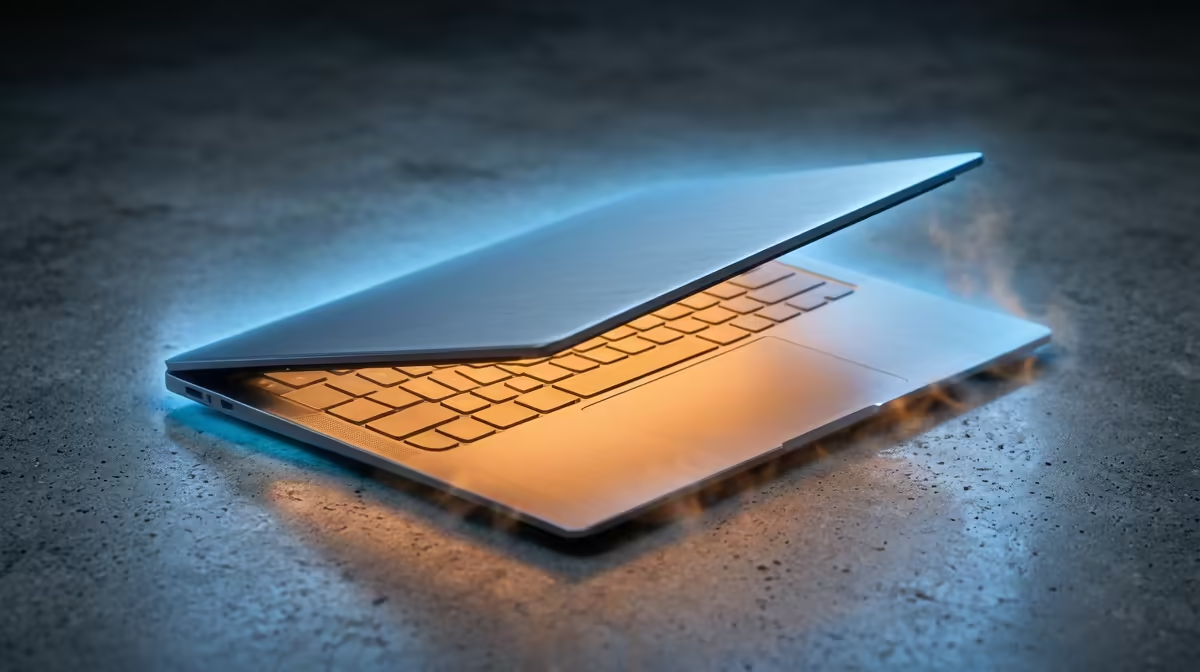
Is your lightweight laptop running hotter than a braai in December? You’re not alone. Those sleek, powerful machines are amazing for work and play on the go, but their compact design can sometimes struggle with the South African heat. Before you start worrying about permanent damage, know this: a simple laptop overheating fix is often all you need to get your temperatures—and your stress levels—back under control. Let’s dive into some practical, local-friendly solutions.
Why Your Laptop is Getting So Hot
Before we get to the fix, let's quickly understand the problem. Lightweight laptops pack immense power into a tiny space. Your CPU and GPU generate a lot of heat when you’re gaming, editing video, or even just juggling dozens of browser tabs. With less room for fans and heatsinks, that heat can build up fast, causing your system to "throttle"—intentionally slowing down to protect itself. This is why a simple laptop overheating fix can dramatically boost your performance.
Quick Fixes for an Overheating Laptop 🔧
You can often solve thermal issues without spending a cent. These are the first steps everyone should take to stop a laptop from overheating.
1. Give it Some Breathing Room
The most common culprit is blocked airflow. Your laptop pulls in cool air and pushes out hot air through vents, usually on the bottom and sides.
- Don't use it on a soft surface: Using your laptop on a bed, couch, or blanket is a sure-fire way to block these vents.
- Elevate it: Place it on a hard, flat surface like a desk. Even better, use a book or a dedicated stand to lift the back slightly, improving airflow underneath.
2. Clean Your Vents & Fans
Dust is the number one enemy of a cool laptop. Over time, it clogs up the fans and heatsinks, trapping heat inside.
- Power Down: Completely shut down your laptop and unplug it.
- Use Compressed Air: Grab a can of compressed air and give the vents short, controlled bursts. This will dislodge the dust bunnies choking your system. Do this every few months for the best results.
Software Pro Tip ⚡
Is a rogue app causing the heat? Press Ctrl + Shift + Esc to open the Windows Task Manager. Click on the "CPU" and "GPU" columns to see which programs are using the most resources. If you see something you're not using gobbling up power, right-click and select "End task". This is a great temporary laptop overheating fix.
3. Optimise Your Power Settings
Windows gives you control over your laptop’s performance. By switching to a more balanced power plan, you can reduce heat generation when you don't need maximum power.
- Go to Settings > System > Power & battery.
- Change the Power mode to "Balanced" or "Best power efficiency". This simple tweak can make a huge difference during everyday tasks.
When It’s Time for an Upgrade 🚀
If you’ve tried every laptop overheating fix and your machine still sounds like it’s about to take off, it might be a sign. Older hardware simply has to work harder to run modern games and applications, generating more heat in the process. A newer laptop isn't just faster; it also comes with a far more advanced and efficient cooling system designed for today's demands.
Sometimes, the best long-term solution is investing in a machine built for the tasks you're throwing at it. If your current device is a few years old and constantly hitting its thermal limits, it might be time to browse the latest laptop specials for sale in South Africa.
Modern processors are not only more powerful but also significantly more power-efficient, meaning they produce less heat for the same performance. Whether you're looking at the latest AMD laptops on special with their incredible multi-core capabilities, you'll find they manage heat much better.
Similarly, the current generation of Intel laptops on special feature sophisticated architectures that balance high performance with thermal efficiency. An upgrade often means you can say goodbye to thermal throttling for good.
Ready for a Cooler, Faster Experience? An effective laptop overheating fix can breathe new life into your machine, but sometimes an upgrade is the smartest move. Explore our massive range of laptop specials and find a powerful, cool-running laptop built for today's demands.










