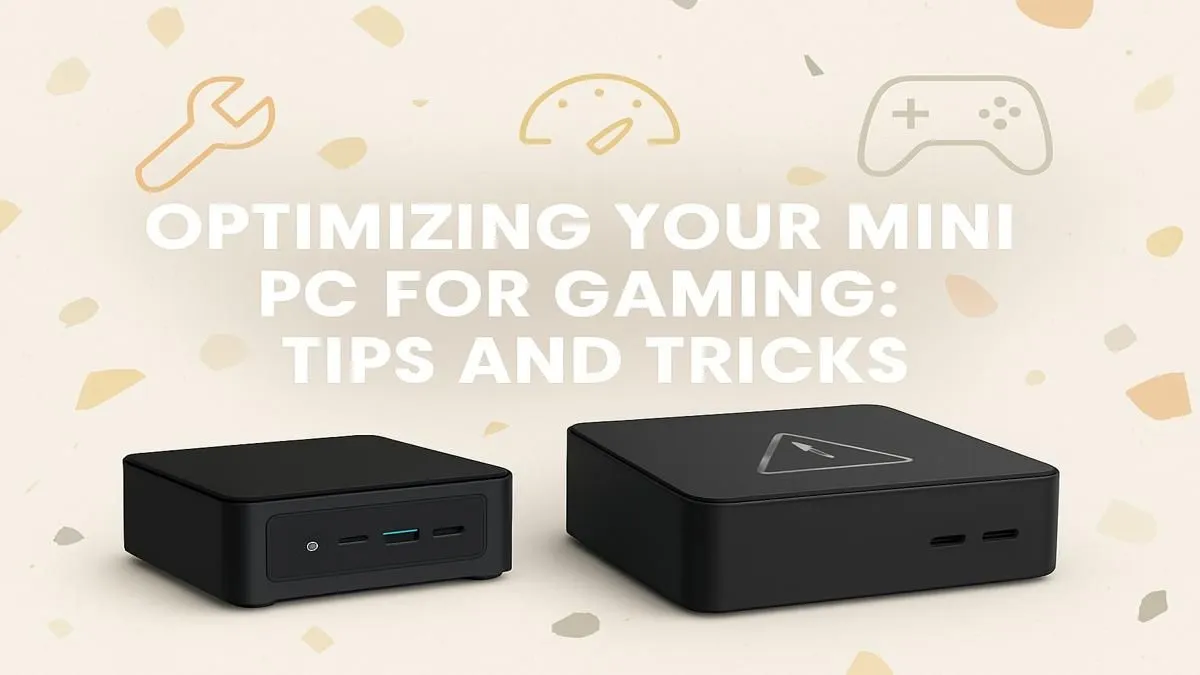
So, you've got your hands on a mini PC. Lekker! These compact beasts pack a surprising punch, saving space without skimping on power. But are you getting every frame you paid for during those intense gaming sessions? Unlocking that full potential is key. This guide provides pro tips and tricks for optimizing your mini PC for gaming, ensuring your small rig delivers a massive experience. Let's dive in and tune up your machine. 🚀
First Steps: Software & System Tweaks
Before you even launch a game, the most crucial part of optimizing your mini PC for gaming happens at the system level. These are the free, foundational boosts that set the stage for smooth performance.
Keep Your Drivers Updated
This is non-negotiable. Outdated graphics drivers are the number one cause of poor gaming performance. Whether your mini PC has an AMD, NVIDIA, or Intel integrated GPU, always download the latest drivers directly from the manufacturer's website. This simple step can unlock new features and significant performance gains in the latest titles. A solid driver foundation is essential for all powerful mini PCs on the market.
Adjust Your Power Plan
By default, Windows uses a "Balanced" power plan to save energy. For gaming, you want maximum power.
- Open the Control Panel.
- Go to
Hardware and Sound>Power Options. - Select "High performance".
This tells your system to run the CPU at full tilt, preventing performance dips during demanding scenes. Just be mindful that this can generate more heat.
Quick Win: Enable Game Mode ⚡
In Windows 11, search for "Game Mode settings" and simply flick the switch to "On". This simple tweak tells Windows to prioritise your game, dedicating more CPU and GPU resources to it while limiting background tasks and notifications. It's a free, one-click performance boost that's essential for gaming on a mini PC.
Hardware & Cooling Considerations
The compact nature of a mini PC is its biggest strength... and its biggest thermal challenge. Heat is the enemy of performance, causing your components to throttle (slow down) to protect themselves.
Give It Room to Breathe
This sounds obvious, but you'd be surprised. Never place your mini PC in a cramped cabinet or block its ventilation ports. Ensure there's at least a few centimetres of clear space around the entire unit for air to circulate freely. For an extra edge, you can even place it on a laptop cooling stand to actively push more air through the system. Better thermals mean better-sustained performance, a key factor in mini PC optimization. Brands like Minisforum are particularly popular for their thoughtful designs; you can explore a range of Minisforum mini PCs to see how they balance size and cooling. ✨
Mastering In-Game Settings
Now for the fun part. This is where the real art of optimizing a mini PC for gaming comes into play. Don't just crank everything to "Ultra" and hope for the best. Be strategic. Whether you're running a budget-friendly box or one of the more premium gaming mini PCs in South Africa, tweaking these settings is your ticket to a smoother experience.
Find Your Performance Sweet Spot
Here’s a quick-start guide to finding a balance between visuals and frames-per-second (FPS):
- Resolution: Stick to 1080p (1920x1080) for the best performance. Pushing 1440p is possible on higher-end models but will be a struggle for most.
- Shadows & Textures: These are performance hogs. Dropping shadows from "Ultra" to "Medium" can give you a massive FPS boost with minimal visual impact.
- Anti-Aliasing: This smooths out jagged edges but is very demanding. Try a lower setting like FXAA or turn it off completely if you need more frames.
- Upscaling Tech: If the game supports AMD FSR (FidelityFX Super Resolution) or NVIDIA DLSS, use it! Setting it to "Performance" or "Balanced" renders the game at a lower resolution and cleverly upscales it, giving you a huge performance lift. 🔧
By making a few smart compromises in the settings menu, you can achieve a stable and enjoyable frame rate without making the game look like a potato.
Ready to Unleash Big Power in a Small Box? The journey of optimizing a mini PC for gaming is rewarding, but it all starts with the right hardware. From compact media centres to surprisingly powerful gaming rigs, there's a mini PC for every need and budget. Explore our massive range of Mini PCs and find the perfect small-form-factor machine to conquer your world.