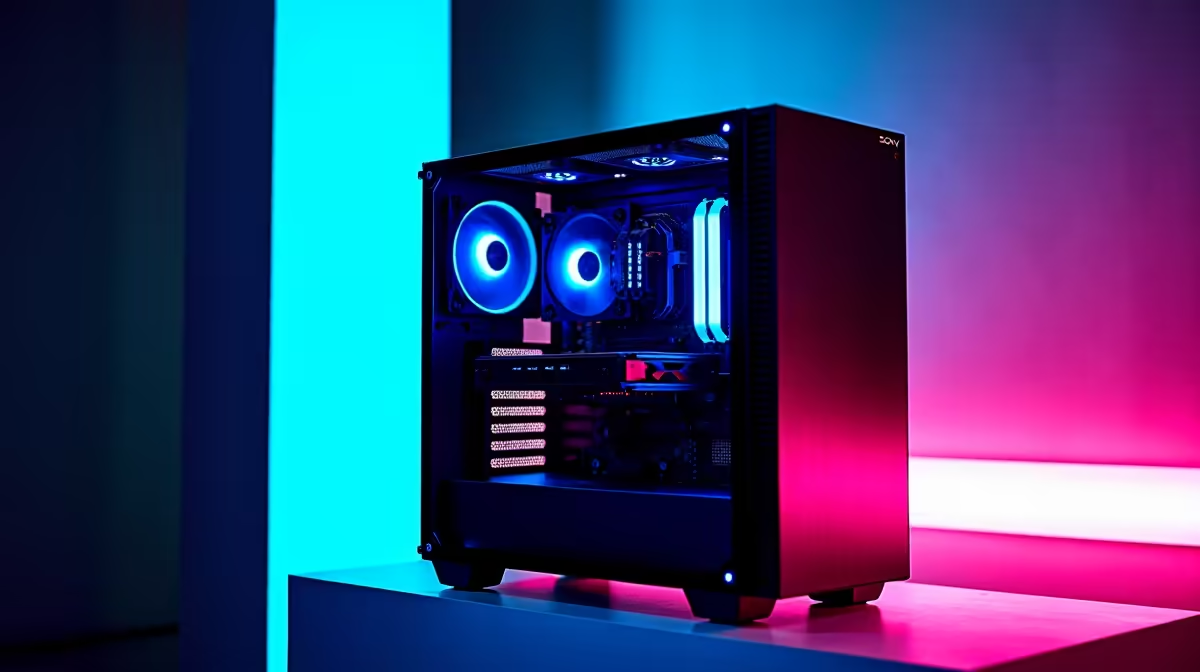
Ever bought a brand new, lekker game, cranked the settings to Ultra, and been hit with stuttering frames? It’s a frustrating moment for any South African gamer. You have the hardware, so what’s the issue? The answer often lies in understanding your gaming PC's performance on a deeper level. This is where a good PC benchmark guide comes in. It’s not just for overclocking wizards; it’s for anyone who wants to squeeze every drop of power from their rig. 🚀
So, What is PC Benchmarking, Really?
Think of it as a fitness test for your computer. A PC benchmark is a standardised test that pushes your components—your CPU, GPU, RAM, and storage—to their limits and spits out a score. This number tells you exactly how well your hardware performs under stress. Why does this matter?
- Finding Bottlenecks: It reveals the weakest link in your setup. Is your shiny new graphics card being held back by an old CPU? Benchmarking will tell you.
- Confirming Stability: It's essential after overclocking to ensure your system is stable and not about to crash mid-heist in GTA.
- Upgrade Decisions: It provides the hard data you need to decide if an upgrade is truly necessary.
For gamers just starting their journey, knowing these basics can help you choose from a range of excellent budget gaming PCs without overspending.
Your Essential PC Benchmark Toolkit 🔧
You don't need a degree in computer science to start benchmarking your PC. A few free, trusted tools are all you need to get a clear picture of your gaming PC's performance.
For Your Processor (CPU)
Cinebench R23: This is the go-to for testing your CPU's raw multi-core and single-core performance. A higher score here means better performance in CPU-heavy tasks like strategy games and video rendering.
For Your Graphics Card (GPU)
3DMark & Unigine Heaven: 3DMark's "Time Spy" (for DirectX 12) and "Fire Strike" (for DirectX 11) are industry standards. They simulate intense gaming scenarios to test your GPU. Unigine Heaven is another great visual benchmark that's fantastic for testing stability.
Get Clean Results ✨
Before running any benchmark, close all background applications. We're talking browsers, Discord, Spotify… everything. This ensures the test is measuring your hardware's maximum potential, not its ability to multitask. A clean run gives you the most accurate data to understand your gaming PC's performance.
For most gamers, a well-balanced machine is key. You can find fantastic rigs that handle these tests with ease in our selection of gaming PCs under R20,000, offering a perfect blend of price and power.
Making Sense of the Numbers
Okay, so you have a score. What now? A number like "15,000 in Time Spy" means nothing on its own. The real value of any PC benchmark guide is teaching you context.
You need to compare your score against two things:
- Reviews of similar hardware: Look up reviews for your specific CPU or GPU model. Do your scores line up? If they're significantly lower, you might have a cooling issue or a driver problem.
- Your own previous scores: Running a benchmark before and after a change (like a driver update or installing a new cooler) is the best way to see if your tweaks made a positive difference.
If your benchmarks reveal a serious performance gap, it might be time to look at a more powerful system. High-end components found in gaming PCs over R20,000 are built to smash these tests and deliver uncompromising frame rates.
From Data to Dominance: Your Next Move
Understanding your gaming PC's performance is the first step; acting on that knowledge is the next. If your scores are consistently lagging behind what they should be, or just aren't cutting it for new titles like Helldivers 2, you have a clear path forward.
Is it your CPU bottlenecking your new GPU? Or is your graphics card simply running out of steam? By pinpointing the weak component, you can make a smart, targeted upgrade instead of replacing your whole rig. Of course, sometimes a fresh start is the best option, and our wide range of pre-built PC deals offers professionally assembled and tested systems ready for battle.
Ultimately, benchmarking your PC empowers you. It replaces guesswork with data, ensuring every rand you spend on your passion delivers the performance you expect. Whether you're fine-tuning a beast or planning your next big upgrade, it's the smartest tool in any gamer's arsenal. When you're ready for that upgrade, check out the best gaming PC deals in South Africa to find your next champion.
Ready to Unleash True Performance?
This PC benchmark guide shows that knowledge is power. Stop guessing and start dominating. If your scores prove it's time for an upgrade, we've got your back. Explore SA's biggest range of Gaming PCs and find the perfect rig to crush your favourite games.