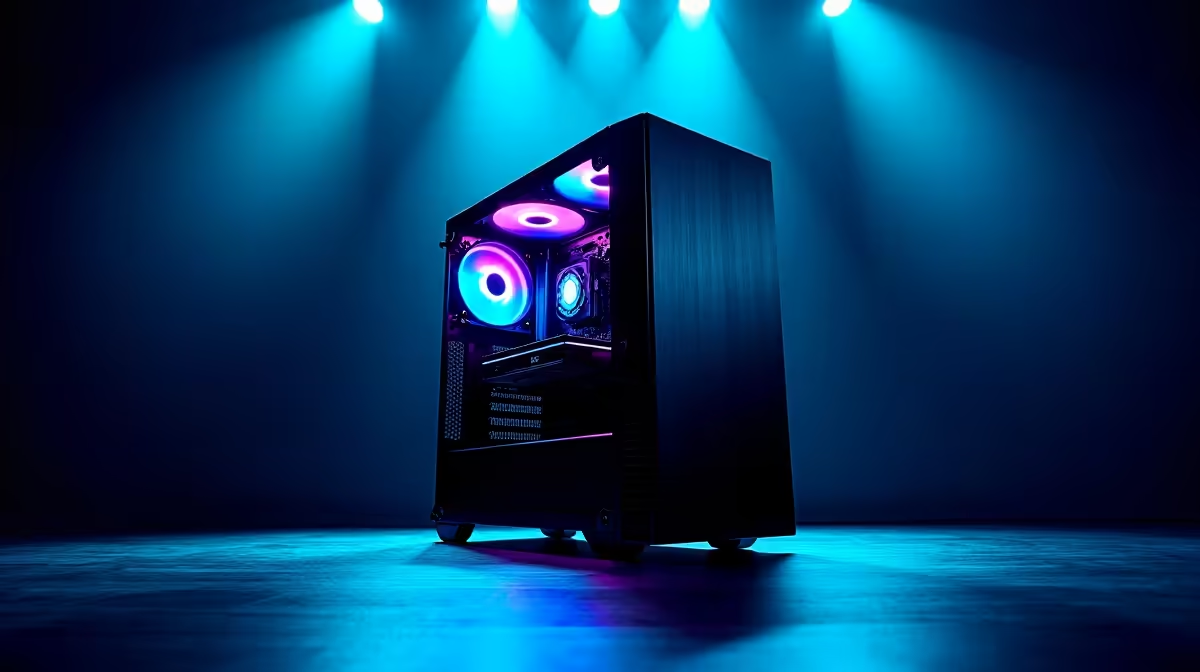
Is your gaming rig feeling a bit… sluggish? That lightning-fast PC that once crushed benchmarks now chugs through loading screens. Here in Mzansi, environmental factors like dust and heat are silent performance killers. But don't despair! A little TLC can bring back that day-one speed. This guide covers the essentials of PC maintenance in South Africa, ensuring your machine stays cool, clean, and ready for battle. 🚀
Why PC Maintenance is Crucial in South Africa
Performing regular PC maintenance isn't just a "nice-to-have"; in South Africa, it's a necessity. Our unique climate poses specific threats to high-performance hardware. Highveld dust can clog fans and heatsinks in weeks, turning your PC into a miniature oven. Coastal humidity can accelerate corrosion on sensitive components. Sudden power cycles can stress your power supply unit (PSU) and corrupt data.
Without proper care, these factors lead to thermal throttling—where your CPU and GPU deliberately slow down to avoid overheating—and a shorter lifespan for your beloved components.
Your Essential PC Maintenance Checklist
A solid routine combines both physical cleaning and digital housekeeping. Dedicate an hour every few months to this checklist, and your PC will thank you with smoother frame rates and faster response times.
Hardware TLC: The Physical Clean-Up 🔧
Before you open your case, unplug your PC from the wall and touch a metal object to ground yourself.
- Conquer the Dust: Dust is the #1 enemy. It insulates components, trapping heat. Use a can of compressed air (in short bursts) to blow dust out of your case fans, CPU cooler, GPU fans, and PSU vents. Pay special attention to heatsink fins.
- Check Your Airflow: Ensure your case fans are all spinning and pointing the right way (usually intake at the front/bottom, exhaust at the back/top). Tidy up internal cables with zip ties to prevent them from obstructing airflow. Good airflow is fundamental for any high-performance rig, from entry-level builds to top-tier NVIDIA GeForce gaming PCs.
- Wipe Down Surfaces: Use a microfibre cloth lightly dampened with isopropyl alcohol to clean fan blades and external surfaces. Never spray liquid directly into the case.
Software Optimisation: The Digital Tune-Up
A clean PC on the inside is just as important. These digital steps for PC maintenance will keep your operating system snappy.
- Update Your Drivers: Outdated graphics drivers are a primary cause of poor gaming performance. Use NVIDIA GeForce Experience or AMD Software: Adrenalin Edition to keep your drivers current. This is non-negotiable whether you're running Team Green or one of the latest AMD Radeon gaming PCs.
- Manage Startup Programs: Too many apps launching at startup can cripple your boot time. Press
Ctrl+Shift+Esc to open Task Manager, go to the "Startup" tab, and disable anything you don't need running immediately. - Clean Your Storage: Run Windows' built-in Disk Cleanup utility to remove temporary files. If you still use a mechanical hard drive (HDD), run the Defragment and Optimise Drives tool monthly.
UPS Sizing Tip
If a UPS is required, size it for a controlled shutdown against the measured load of the complete PC setup.
Knowing When Maintenance Isn't Enough
Sometimes, even the most diligent PC maintenance can't overcome aging hardware. If you've cleaned your PC, optimised your software, and you're still experiencing major slowdowns, it might be a sign.
Are new game releases unplayable even on low settings? Does your PC struggle when you have more than a few browser tabs open? Do creative tasks like video editing or 3D rendering take an eternity? These are classic signs that your hardware is bottlenecking your potential. For professionals, this lost time is lost money, making an upgrade to a dedicated workstation PC a smart investment. ✨
For gamers, it simply means you're not getting the experience you deserve. Keeping your machine in peak condition is step one, but knowing when to upgrade is the final boss of smart PC ownership.
Is Your Rig Beyond a Tune-Up?
Sometimes, even the best maintenance can't beat old hardware. If your PC is still struggling after a deep clean and optimisation, it might be time for an upgrade. Explore our massive range of custom-built Gaming PCs and find the perfect machine to conquer your world.